
How to port a Figma workflow into an OpenDesign plugin
The 0.8.0-preview thread asks contributors to port old design workflows one plugin at a time. Here is the concrete path for a Figma export, token sync, or brand kit.
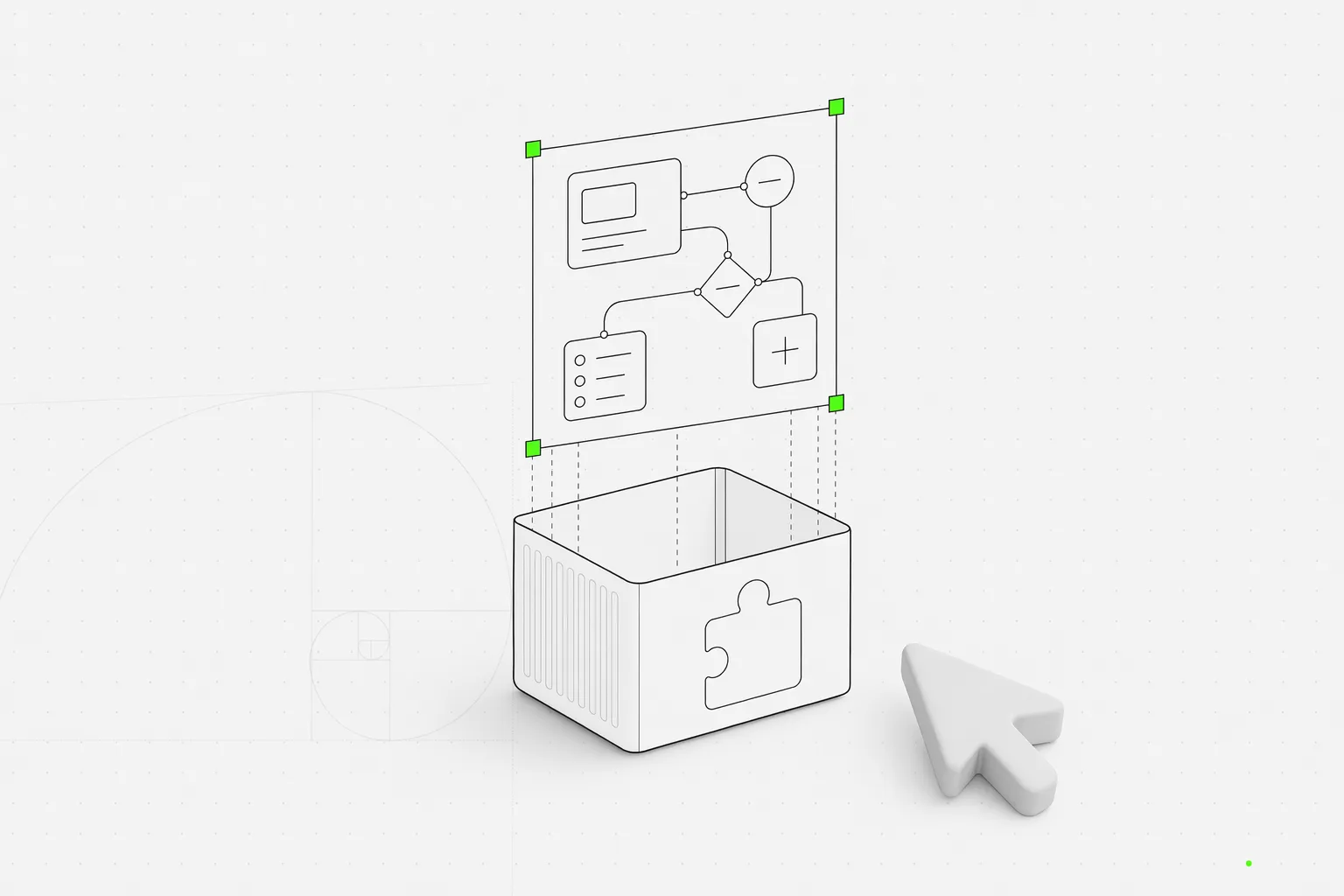
A Figma workflow usually starts as muscle memory: export these frames, sync those tokens, rebuild that deck template, hand the spec to engineering. It is the kind of work that lives in someone’s head and gets re-explained every time a new project starts.
The 0.8.0-preview thread makes a sharper ask: port that muscle memory into a plugin. Not a panel bolted onto a canvas. Not a private script only one team can run. A reusable OpenDesign workflow that an agent can pick up, execute, review, and hand off through the same local-first loop as any other design task.
This is the practical version of the 0.8.0-preview call for plugins. If your team has one repeatable design workflow today, this post shows what it looks like to turn it into a plugin-shaped contribution — what files it needs, how the agent picks it up, and where it lands once it is published.
The workflow worth porting is smaller than you think
Do not start with “replace Figma.” Start with one annoying, repeatable job.
Good first plugin candidates:
| Current workflow | Plugin-shaped version |
|---|---|
| Export a Figma marketing page and rebuild it in code | figma-migration plugin that extracts layout, maps tokens, and generates a web artifact |
| Turn a brand kit into launch slides every month | Deck plugin with a SKILL.md, example assets, and a locked design system |
| Create the same mobile onboarding mockup for every client | Mobile-screen plugin with input fields for audience, tone, feature list, and platform |
| Convert a component spec into Storybook-ready UI | Code-migration plugin that reads the repo, maps components, and writes a reviewable diff |
The unit is not the whole design department. The unit is one workflow someone already repeats twice a week. If you cannot describe it in a single sentence — “turn X into Y, with these constraints” — it is probably two plugins, not one, and you should split it before you write a line of Markdown.
That is why OpenDesign’s skill layer matters here. A plugin is not an opaque runtime extension. It is a folder of files: a SKILL.md contract, optional design systems, optional examples, and an open-design.json sidecar that tells OpenDesign how to display and apply the workflow. There is no binary format between you and the rules, which means anyone can read the plugin, fork it, or fix it later.
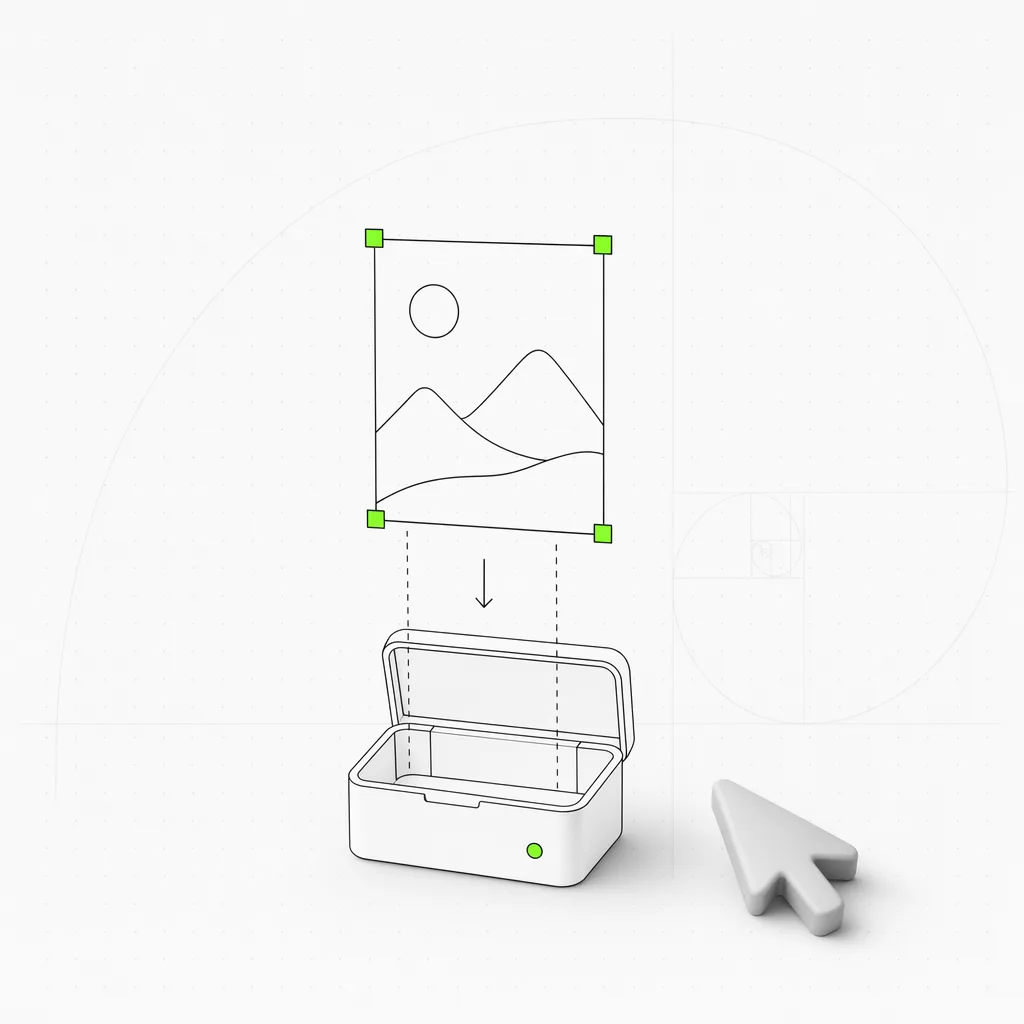
The OpenDesign angle is portability
The plugin spec states the contract plainly: SKILL.md stays the executable agent contract, while open-design.json adds marketplace metadata, input fields, defaults, previews, and context wiring.
That gives one workflow two lives. In OpenDesign, it appears as a plugin with a preview, inputs, provenance, and a one-click “use” path. In Claude Code, Cursor, Codex, Gemini CLI, OpenClaw, or another skill catalog, the same folder still works as a plain agent skill because the core behavior lives in Markdown. You are not writing for a runtime that will deprecate next year; you are writing a file an agent reads the same way two years from now.
The library walkthrough already explains the base primitives: skills, systems, adapters, and the daemon. Plugins add distribution and repeatability around those primitives — they are the unit a team ships, reviews, and reuses, rather than the raw skill an agent happens to discover on disk.
For a Figma-to-code workflow, the surfaces usually look like this:
| Surface | Concrete file |
|---|---|
| Agent behavior | SKILL.md |
| OpenDesign metadata | open-design.json |
| Brand or visual contract | design-systems/{brand}/DESIGN.md |
| Example output | example.html or examples/{plugin-id}/example.html inside the plugin folder |
| Preview media | preview/poster.png or preview/index.html inside the plugin folder |
The result is not a screenshot generator. It is a reusable agent workflow with a visible contract — every rule the agent follows is sitting in the folder where a human can read and edit it.
A concrete porting path
Here is the minimum path for a plugin that ports one Figma landing-page workflow. The whole thing is six steps, and most of them are Markdown.
1. Name the repeatable job
Write down the single sentence that describes the job: “Turn one Figma marketing frame into a responsive Astro page, in the house brand system, ready for review.” If you cannot fit it in a sentence, narrow it until you can. The name becomes your plugin id (figma-workflow) and the title shown in the marketplace.
2. Write the skill contract
SKILL.md is the executable contract the agent reads. Front matter names the skill and its trigger; the body is the brief — input shape, output path, constraints, and a review checklist the agent should self-apply before it hands off.
---
name: figma-workflow
description: Turn one Figma marketing frame into a responsive Astro page in the house brand system.
trigger: When the user provides a Figma frame URL, screenshot, or exported assets for a marketing page.
---

## Input
- A Figma frame URL, a screenshot, or a folder of exported assets.
- The target brand system (defaults to `house`).

## Output
- An Astro page at `src/pages/<slug>.astro`, plus extracted tokens.

## Constraints
- Map Figma styles to the brand system's tokens. Do not invent colors or type.
- Preserve section order and copy. Flag any text that does not fit the grid.
- Mobile-first: every section must reflow at 360px before desktop.

## Review checklist
- [ ] Section IDs match the source frame.
- [ ] No raw hex values — tokens only.
- [ ] Responsive behavior verified at 360 / 768 / 1280.
3. Add the OpenDesign sidecar
open-design.json is what turns a bare skill into a marketplace plugin: title, description, declared inputs, preview, and source repo. This is the metadata that drives the “use” panel and the provenance line.
{
  "id": "figma-workflow",
  "title": "Figma workflow",
  "description": "Port one Figma marketing frame into a responsive Astro page.",
  "inputs": [
    { "key": "figmaSource", "label": "Figma URL or screenshot", "type": "string", "required": true },
    { "key": "brand", "label": "Brand system", "type": "string", "default": "house" }
  ],
  "preview": "preview/poster.png",
  "source": "https://github.com/your-org/your-plugins"
}
4. Attach the design system
If the workflow depends on brand rules, add a DESIGN.md file under design-systems/ instead of burying color and typography in prose. The agent ingests the system as a contract — OKLch palette, type ramp, layout posture — so ten generated screens still feel like one product. Mixing systems mid-project works too, because they are just text.
5. Include one real example
Save a generated artifact under examples/ so reviewers can judge the output, not just the promise. One known-good example.html is worth more than a paragraph of description; it gives the agent something to pattern-match and gives a maintainer something to approve.
Put together, the plugin is a single, readable folder:
plugins/community/figma-workflow/
  SKILL.md              # the agent contract: trigger, output, constraints, review
  open-design.json      # marketplace metadata: title, inputs, preview, source
  design-systems/
    house/
      DESIGN.md         # the brand contract the agent must respect
  examples/
    figma-workflow/
      example.html      # one known-good artifact reviewers can judge
  preview/
    poster.png          # marketplace preview media
6. Validate and pack
Run the plugin commands before opening a PR. The current CLI path uses a lowercase plugin id. Avoid slash-separated registry names at scaffold time; od plugin scaffold creates <out>/<id>/..., so the follow-up commands point at that generated folder:
od plugin scaffold --id figma-workflow --title "Figma workflow" --out ./plugins/community
od plugin validate ./plugins/community/figma-workflow --no-daemon
od plugin pack ./plugins/community/figma-workflow
When the plugin is ready for registry review, authenticate through GitHub with od plugin login and od plugin whoami --json, then follow the publishing docs for the current review path. OpenDesign does not store your GitHub credentials.
What this looks like in a real design team
Imagine a small product team with a Figma frame for a launch page, a house brand system, and a monthly release rhythm.
Before the plugin, the workflow is a handoff chain: designer exports frames, engineer rebuilds layout, PM rewrites copy, someone checks token drift, someone else files bugs. The work is familiar, but the memory lives in people — and it leaks every time someone is out, switches teams, or forgets the one constraint that mattered.
After the plugin, the workflow becomes a runnable artifact:
| Step | Who directs it |
|---|---|
| Choose the plugin | Designer or PM |
| Attach Figma URL / screenshot / local assets | Designer |
| Pick the brand system | Designer or design engineer |
| Generate the web artifact | Claude Code, Cursor, Codex, OpenCode, or another detected agent |
| Review section IDs, copy, density, and responsive behavior | Human in the OpenDesign preview |
| Export or hand off files | The same local project folder |
The team still needs taste — the review step is where it lives, and no plugin replaces it. What the plugin removes is the re-explaining: the constraints, the token map, and the output path stop being tribal knowledge and become a file in the repo.
What to do next
If your team has a Figma export, token sync, brand kit, or deck template that keeps coming back, port the smallest repeatable slice first. Start with a SKILL.md, add open-design.json, attach the brand DESIGN.md, drop in one real example, validate it, and open the PR before the workflow grows into a private tool nobody else can reuse. The screenshot-to-prototype example shows the plugin-shaped version end to end: a portable skill plus an OpenDesign sidecar.
Related reading
- 31 skills, 72 systems: how the OpenDesign library works — the primitives a plugin wraps
- Why we built OpenDesign as a skill layer, not a product — why the workflow is file-shaped instead of account-shaped
- The open-source alternative to Figma — where porting your workflow lands relative to the incumbent
- BYOK design workflow: run Claude, Codex, or Qwen on your own key — how the same plugin can run on the model path your team already trusts