
The AI prototype generator that ships code
Describe the flow and let your agent generate a real, clickable prototype — linked screens, consistent styles, working interactions. Unlike prototype generators that stop at a mockup, OpenDesign carries the same artifact to shipped code, in the agent you already run.
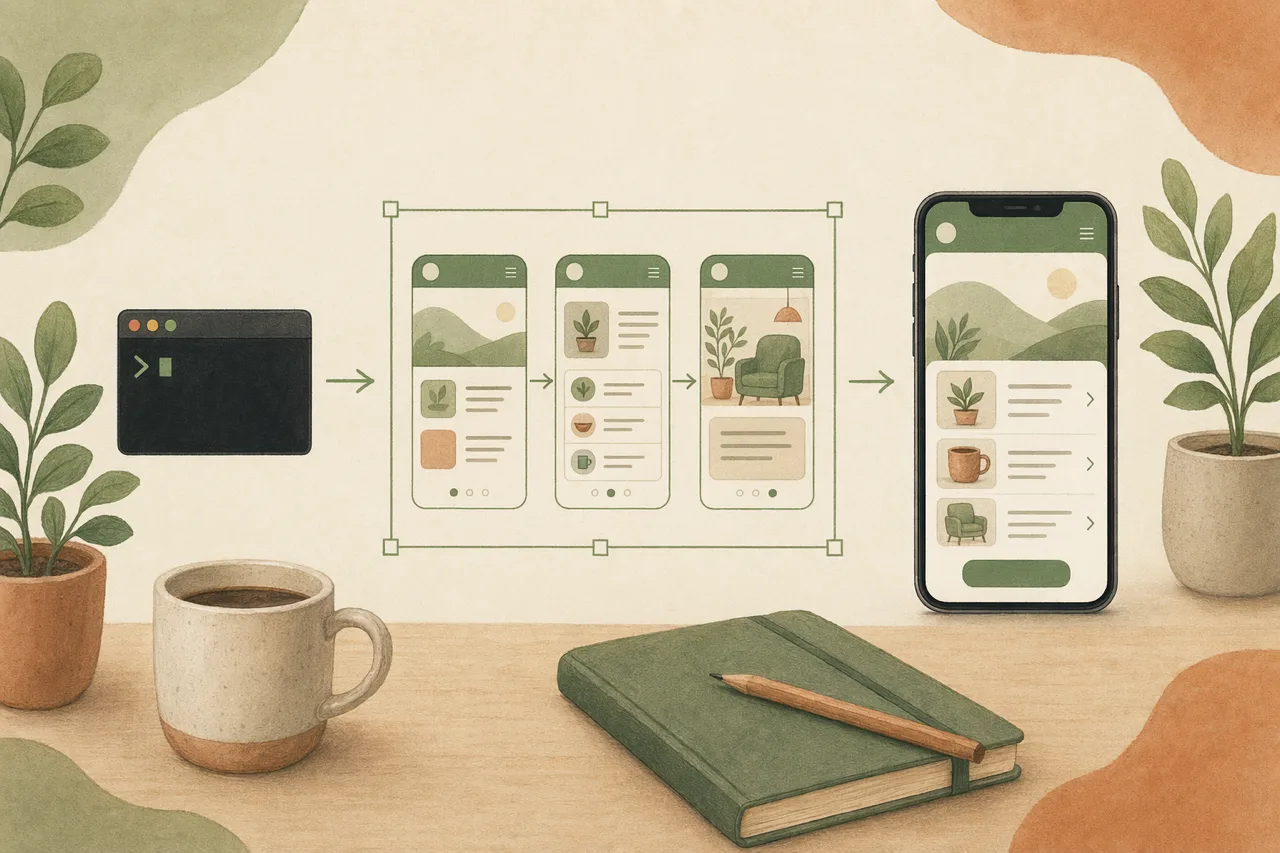
In one line
Most AI prototype generators (Figma, Cursor, Penpot) stop at a clickable mockup you then rebuild. OpenDesign generates the prototype inside your coding agent and carries it from prompt to shipped code — no export step, no handoff gap, no per-seat meter.
How the AI prototype generator works
- 01
Describe the flow
Tell your agent the journey in plain language — "an onboarding flow: sign-up, plan picker, and a dashboard." OpenDesign loads the prototype skill so the agent lays out linked screens, not a single static frame.
- 02
Generate a clickable prototype
The agent assembles linked screens from reusable components and design tokens, with real interactions — navigation, states, transitions. You get a coherent, clickable prototype as a set, not disconnected frames.
- 03
Refine by talking
Adjust flow, states, and styling in conversation — "add an empty state," "link this button to the dashboard," "make it feel snappier." The prototype updates in place instead of being redrawn.
- 04
Ship the code you own
Because the prototype lives in your project, it and the eventual code share one source of truth. The output is HTML/code you own and can ship — no vendor lock-in, no redraw between prototype and build.
What you can prototype
-
App flows
Onboarding, settings, and multi-screen journeys generated as a clickable set.
-
Web app prototypes
Dashboards and tools with real navigation and states, then taken to code.
-
SaaS & landing flows
Marketing-to-signup flows you can prototype, style, and ship.
-
Onboarding & forms
Multi-step onboarding and form flows with clear hierarchy and states.
-
Interactive concepts
Pitch a clickable concept fast, then keep the same artifact to production.
-
Any visual taste
Editorial, soft, or bold — carry one coherent style across every screen.
OpenDesign vs. typical AI prototype generators
| What you need | With OpenDesign | Figma / Cursor / Penpot prototype generators |
|---|---|---|
| Generate from a prompt | One prompt in the agent you already have open | Generate inside their app or a separate web tool |
| Clickable, multi-screen | Linked screens with real interactions, as a set | Clickable, but often trapped in their editor |
| Prototype to code | Same artifact becomes shipped code — no redraw | Prototype is a dead end; rebuild for production |
| Own the output | Plain files and code in your repo, fully yours | Editable only inside their app; export-limited |
| Cost & lock-in | Open source, bring your own keys, runs locally | Per-seat or per-credit subscription, vendor-hosted |
Every one started as a prompt and rendered to a clickable, editable artifact. Pick a template close to your idea, describe your variation, and the agent adapts it — from prototype to shipped code.
AI prototype generator FAQ
-
01 Is the AI prototype generator free?
Yes. OpenDesign is open source and runs inside the coding agent you already use with your own provider keys — there is no per-seat or per-credit meter on the prototype generator itself.
-
02 How is it different from Figma, Cursor, or Penpot prototype generators?
Those stop at a clickable mockup inside their app. OpenDesign generates the prototype in your coding agent and carries the same artifact all the way to shipped code you own — no export, no rebuild for production.
-
03 Are the prototypes clickable and multi-screen?
Yes. The agent generates linked screens with real interactions — navigation, states, transitions — as a coherent set, then you refine them by talking.
-
04 Which agents does it work with?
OpenDesign works with Claude Code, Codex, Cursor Agent, Gemini CLI, and a dozen more first-party adapters. You bring your own provider keys; nothing is hosted for you.
Generate your first prototype tonight
Star the repo, install OpenDesign, and turn your next flow into a clickable prototype — and then into shipped code — in the agent you already use.