
Restyle Without Rebuilding — Explore Visual Identities in OpenDesign
A design-exploration workflow for OpenDesign — build a page or dashboard once, then transform its entire visual identity (dark neon → luxury editorial) while keeping the same content and structure. Try radically different looks in seconds instead of rebuilding. Based on AI Fire Academy's demo.
Picking a visual direction usually means rebuilding when you change your mind. This guide shows OpenDesign’s best trick for exploration: build once, then restyle the whole thing — same content and structure, a completely different look — in seconds. It follows the demo AI Fire Academy runs in their video, rewritten and brought up to date with the current release. Watch the video above, or read on for the written version.
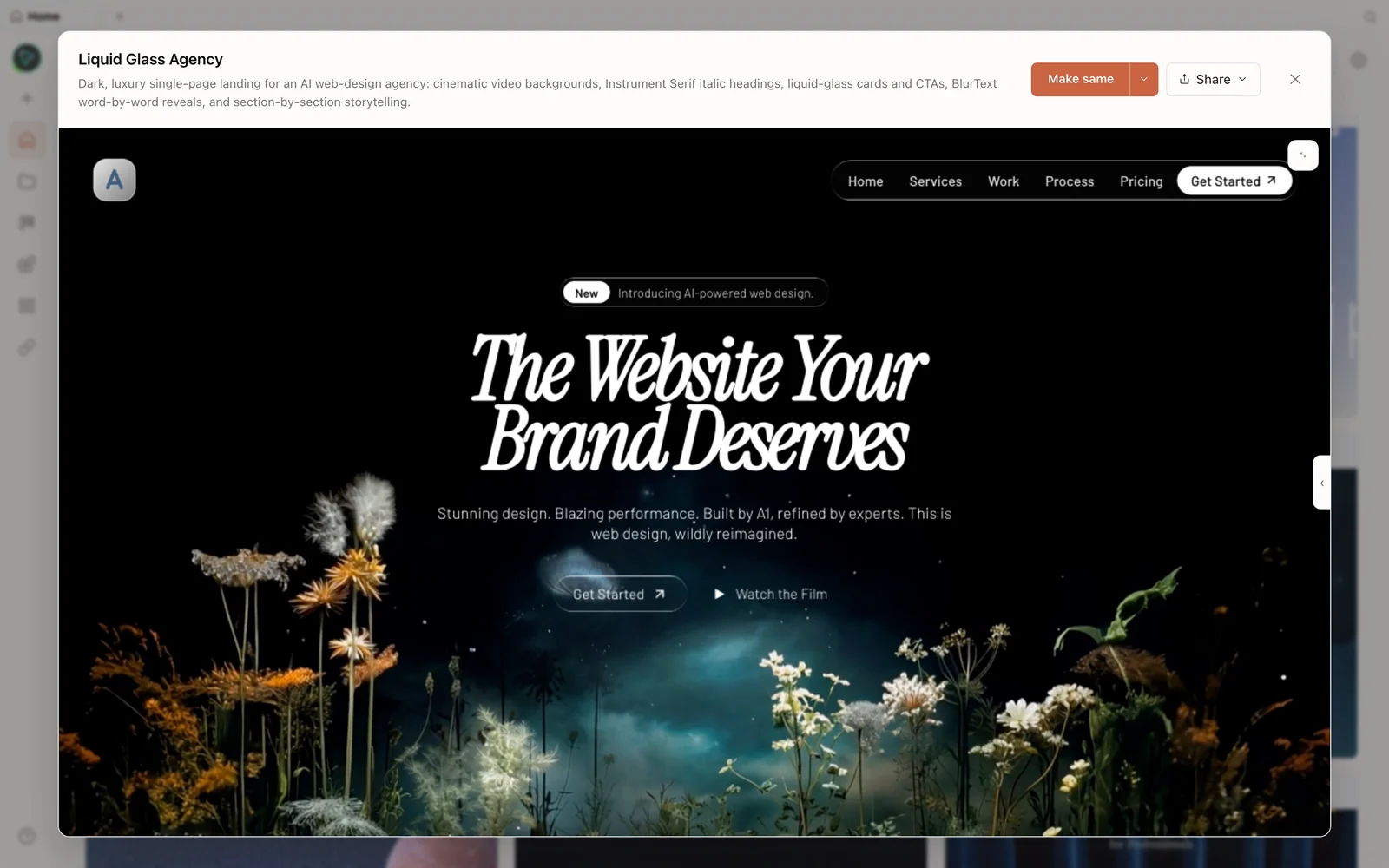 A real generated prototype rendered in the preview — a dark, cinematic agency landing page.
What is OpenDesign?
OpenDesign is an open-source, local-first alternative to closed cloud design tools. The core idea is bring your own agent: it’s not the AI brain, it’s the conductor. It auto-detects the coding agents already on your machine (Claude Code, Codex, OpenCode, DeepSeek, and more) and turns them into UI/UX designers — no ecosystem lock-in, no weekly cap, and everything runs locally (your files, your SQLite, your projects stay on your device).
- Open source, Apache-2.0 — clone it, self-host it, or just download the app.
- Any model — pick whatever fits your budget and workflow.
- Local-first — zero cloud dependency, zero platform lock-in.
Step 1 — Install (the easy way)
The simplest path is the desktop app: download from open-design.ai/download (macOS/Windows) and drag it in like a normal app — no Docker, no terminal. On first launch it scans your machine and detects your local coding agents (AI Fire Academy’s picks up Claude Code automatically), which become the design engine. You can wire in extra providers (ElevenLabs voice, Suno music, image models, MCP), but the default is enough to start.
Step 2 — Build the first version
Create a prototype (a newsletter landing page in the demo), keep high fidelity, and prompt. OpenDesign asks clarifying questions first (who subscribes, cadence, CTA, visual direction) rather than guessing, then builds. The first pass already looks like a real startup page — and you can push it further conversationally (“make the hero more dramatic and premium, add a glowing orb, strengthen the CTA”).
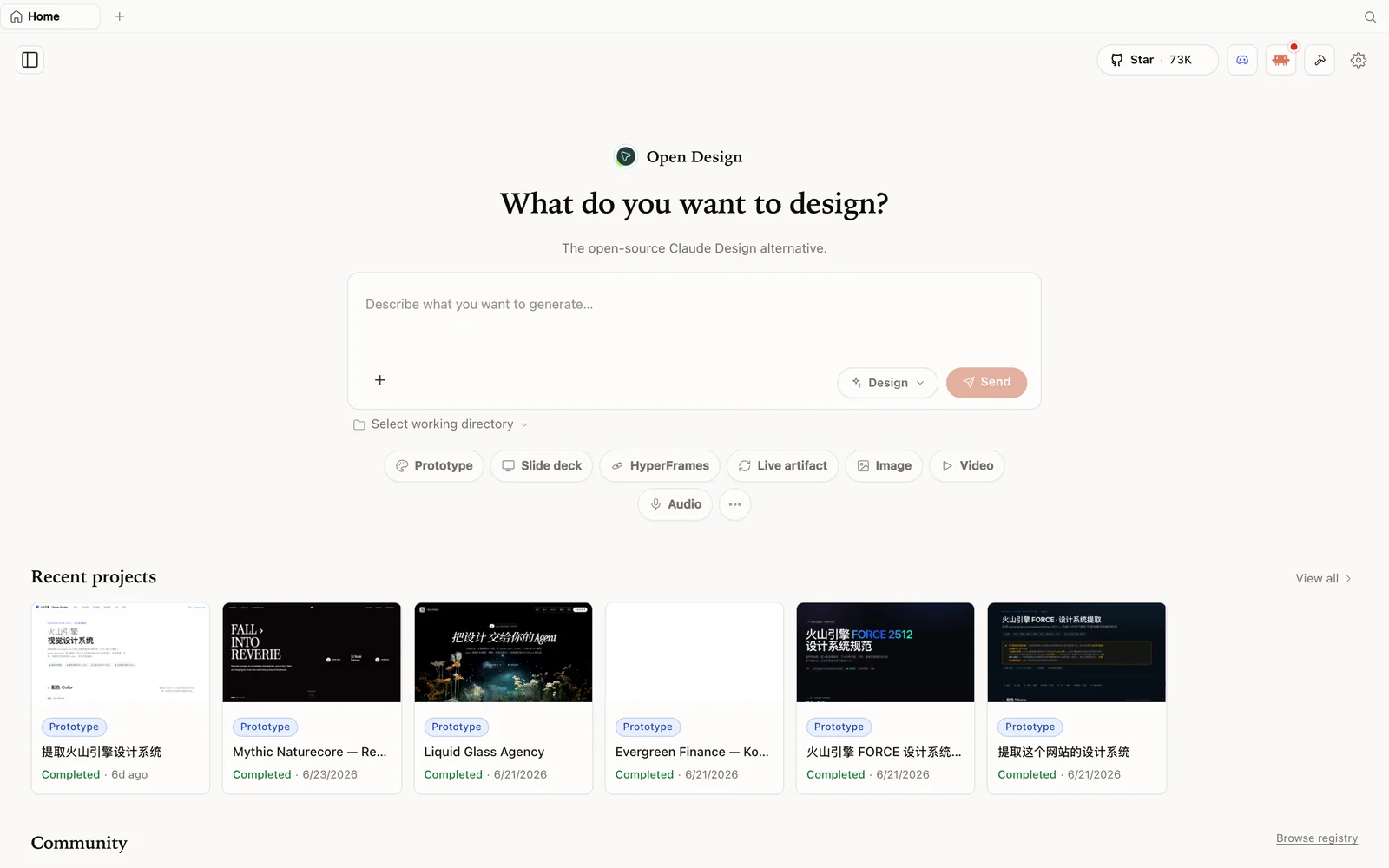 The OpenDesign workspace: describe what you want to build, pick a mode, and your agent does the rest.
Step 3 — The restyle move (the real unlock)
Here’s the technique. Once you have something you like, change the entire visual identity without touching the content:
“Change the whole design direction into a luxury editorial style while keeping the same content and structure.”
Same copy, same layout, a completely different design language — in one prompt. AI Fire Academy does it on both a landing page and a full finance dashboard: dark-neon → luxury-editorial, instantly. This is what makes OpenDesign feel like a designer rather than a mock-up generator — it iterates on the look while preserving the substance, so you can audition several directions before committing instead of rebuilding each time.
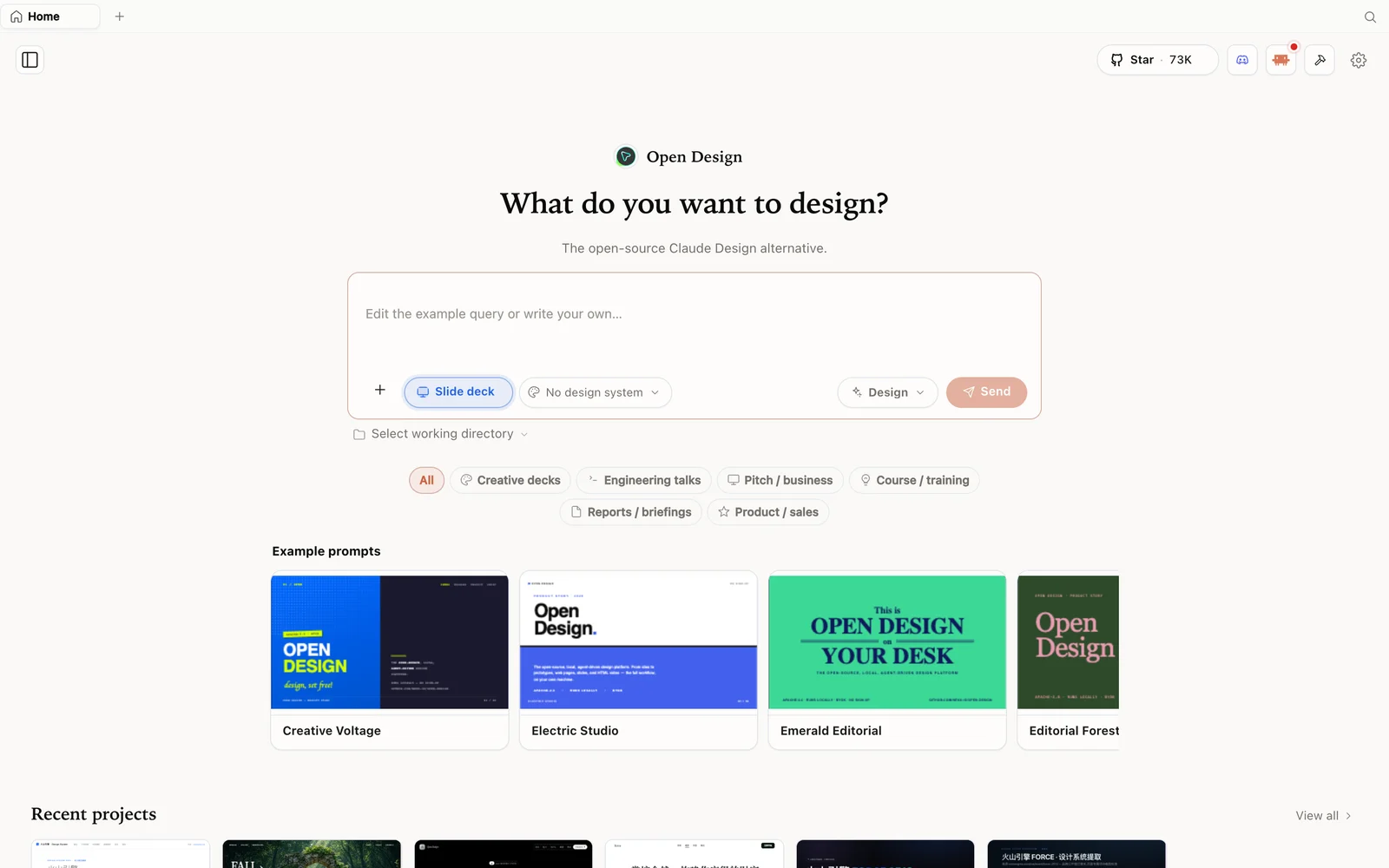 Slide-deck mode: choose a deck category and fork an example as your starting point.
Step 4 — Where it fits
AI Fire Academy’s real-world take: freelancers/agencies can prototype client landing pages and dashboards fast; founders can spin up MVP interfaces and admin panels; creators can experiment with completely different visual identities without rebuilding. Honest caveat: it’s early (expect the odd rough edge), and it isn’t magically unlimited — your API usage still depends on the models you connect. But the flexibility (your models, your stack, local) is the point.
Tips
- Build once, then restyle — “keep the same content and structure, change the design direction” is the key prompt.
- Audition directions (editorial, brutalist, minimal…) before committing, instead of rebuilding.
- Answer the discovery questions so the first version is close, then explore looks.
- Use the desktop app for the zero-config path; it auto-detects your agent.
- Restyle works on dashboards too, not just landing pages.
FAQ
Can I change the whole look without redoing the content? Yes — that’s the standout move. Prompt it to change the design direction while keeping the same content and structure, and it restyles in place.
Do I need to configure an agent? Usually not — the desktop app auto-detects the coding agents already installed and uses one as the design engine.
Is it really unlimited/free? It’s free and local with no separate weekly cap, but you still pay for the API usage of whatever model you connect.
Is it open source? Yes — Apache-2.0. Run it locally; you only pay for the model/media usage of whatever you connect.
This written guide is based on AI Fire Academy’s demo. Watch the full video above, and subscribe to AI Fire Academy for more open-source AI workflows.