

OpenDesign Full Capability Tour — Slides, Prototypes, Images, Video, and a Desktop Pet
A breadth-first tour of everything OpenDesign can make beyond static design — PPT decks, posters, sketch-to-image, sketch-to-app-prototype, code-driven motion graphics, video via hyperframes, and a desktop pet — all driven by the agent you already use, with no API key exposure. Based on 硅基麻辣拌's walkthrough.
This guide is a breadth-first tour of OpenDesign: not a single deep build, but a sweep through everything the workspace can make — slide decks, posters, images from a sketch, app prototypes from a sketch, code-driven motion graphics, video, and even a desktop pet. It follows the capability tour 硅基麻辣拌 runs in their walkthrough, rewritten in English and brought up to date with the current release. Watch the video above for the live run, or read on for the written version.
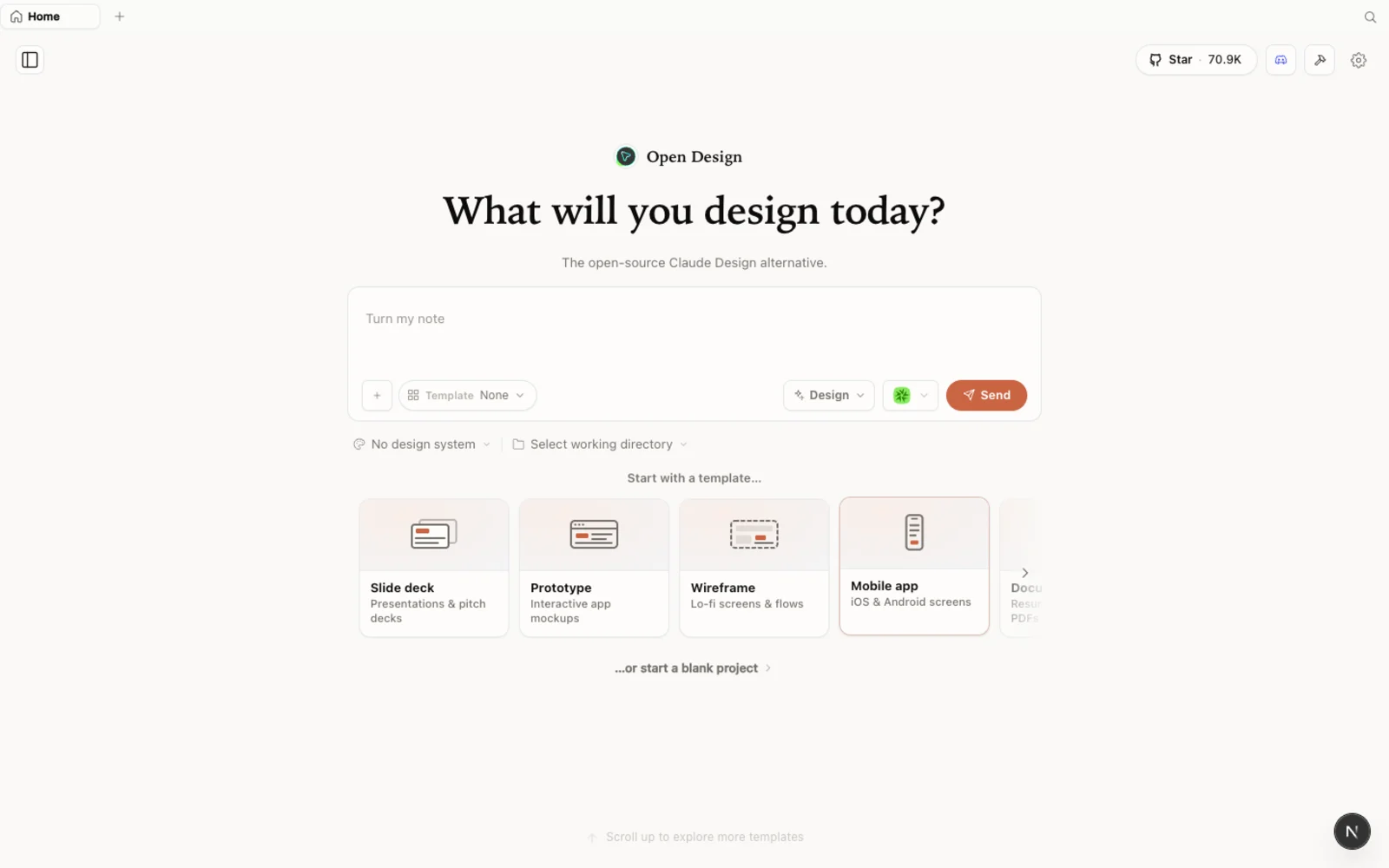 The OpenDesign workspace — prototypes, slide decks, images, and video in one calm, familiar canvas.
What is OpenDesign?
OpenDesign is an open-source, local-first design platform that runs on top of the coding agent you already use. The whole project is a locally deployed web app with a model layer that fully supports your own coding agent — whether you connect via API key, an OAuth subscription, or your existing CLI directly.
硅基麻辣拌 calls out one thing as a genuine highlight: you never have to expose an API key or auth token. Pointing OpenDesign at your local Codex or Claude Code via CLI means generation runs through credentials that never leave your machine — a security property they wish more open-source agent projects copied. In the video they drive everything with an OpenAI Codex subscription on GPT-5.5.
Step 1 — Install and connect your agent
The fastest path is the desktop app from open-design.ai/download — zero config, and it auto-detects your installed agent CLIs. To run from source:
git clone https://github.com/nexu-io/open-design.git
cd open-design
corepack enable && pnpm install
pnpm tools-dev run web
Open the local URL it prints (a dynamic port — don’t hardcode one). As 硅基麻辣拌 notes, you can even skip reading the docs entirely: hand the repo link to your agent and tell it to install OpenDesign using the dev-mode setup. On first launch, point it at your local CLI — Codex, Claude Code, Cursor, or OpenCode — and you’re ready.
What you can actually make
The landing screen is full of examples — web pages, posters, app icons, motion graphics, cover images for articles, pixel-style animations, slide decks, financial reports, magazine posters. Every example is something OpenDesign’s built-in prompts and skills can produce directly, and each shows the prompt and design system behind it.
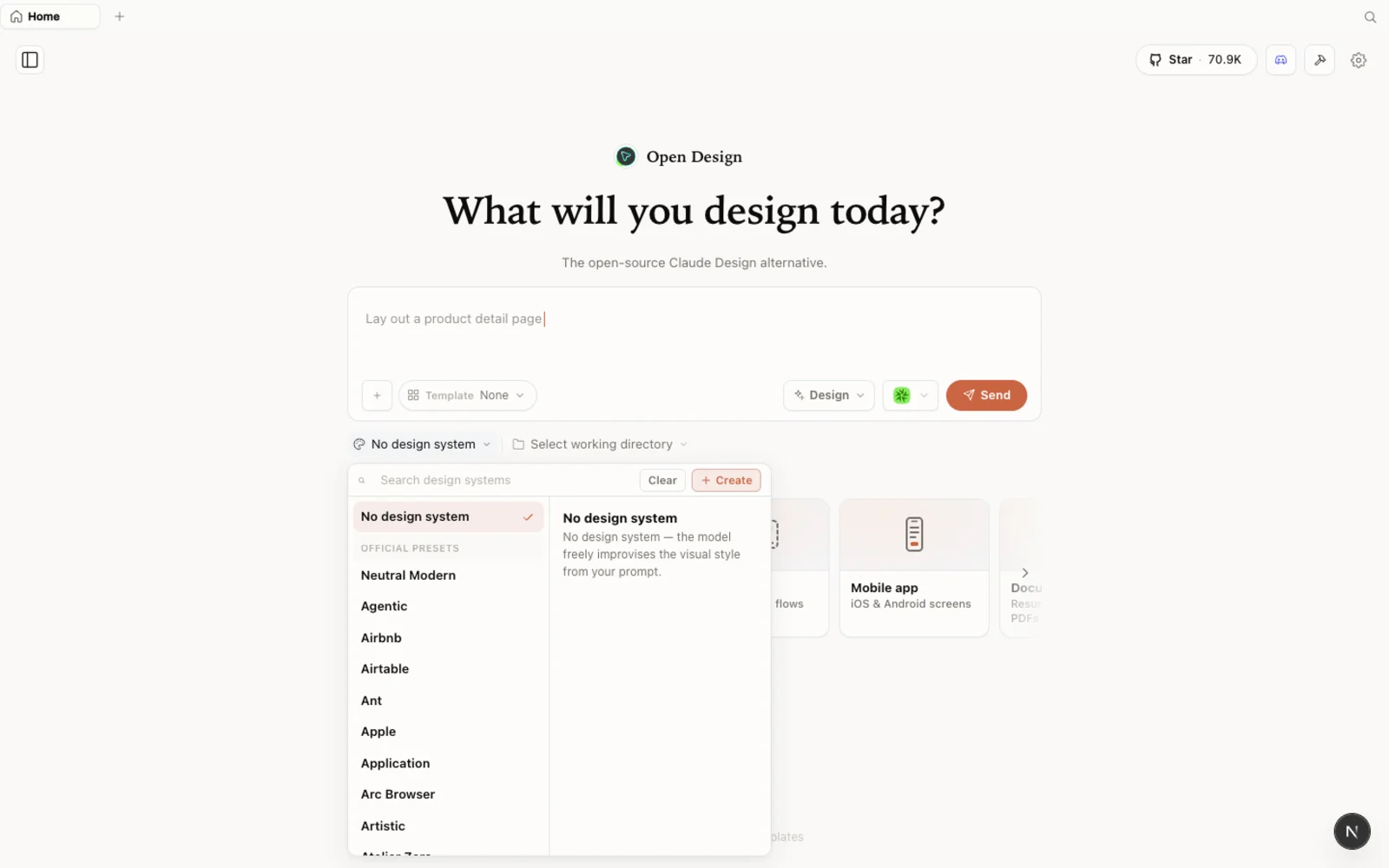 The design-systems library: each entry breaks a real brand down into palette, typography, components, and visual atmosphere you can reuse.
Let’s walk the capabilities one by one.
Slide decks (PPT)
Click Slideshow, name it, and pick a design system (硅基麻辣拌 uses an Anthropic/Claude-style system). OpenDesign then does the thing that sets it apart from just asking an agent for slides: it generates a dynamic discovery form based on your prompt — canvas ratio, target audience, slide count, research positioning, visual direction — and confirms what you want before it builds. The form isn’t hardcoded; it’s generated from your prompt and tailored to the gaps in it. The result is a clean horizontal deck in your chosen brand style.
Images from a hand-drawn sketch
OpenDesign supports hand-drawn input. Sketch something rough — in the video, a deliberately abstract “dragon” — then ask it to generate a real image from that sketch. It asks orientation and background questions, generates the image, and drops it back into your design files. The point lands: you don’t need drawing skills, just an idea.
App prototypes from a sketch
Same trick, different output. Draw a crude wireframe — a circle here, a square there — save the sketch file, then reference it and ask for a mobile app screen. OpenDesign uses the same form-confirm-generate loop and turns the abstract sketch into a mature-looking screen.
Motion graphics, in code
Using the built-in motion skill, 硅基麻辣拌 generates an animation of two anthropomorphic iPhones meeting and chatting. It’s done entirely with SVG and CSS animation — every visual element is code — so it drops cleanly into a deck or a page when you need something to move.
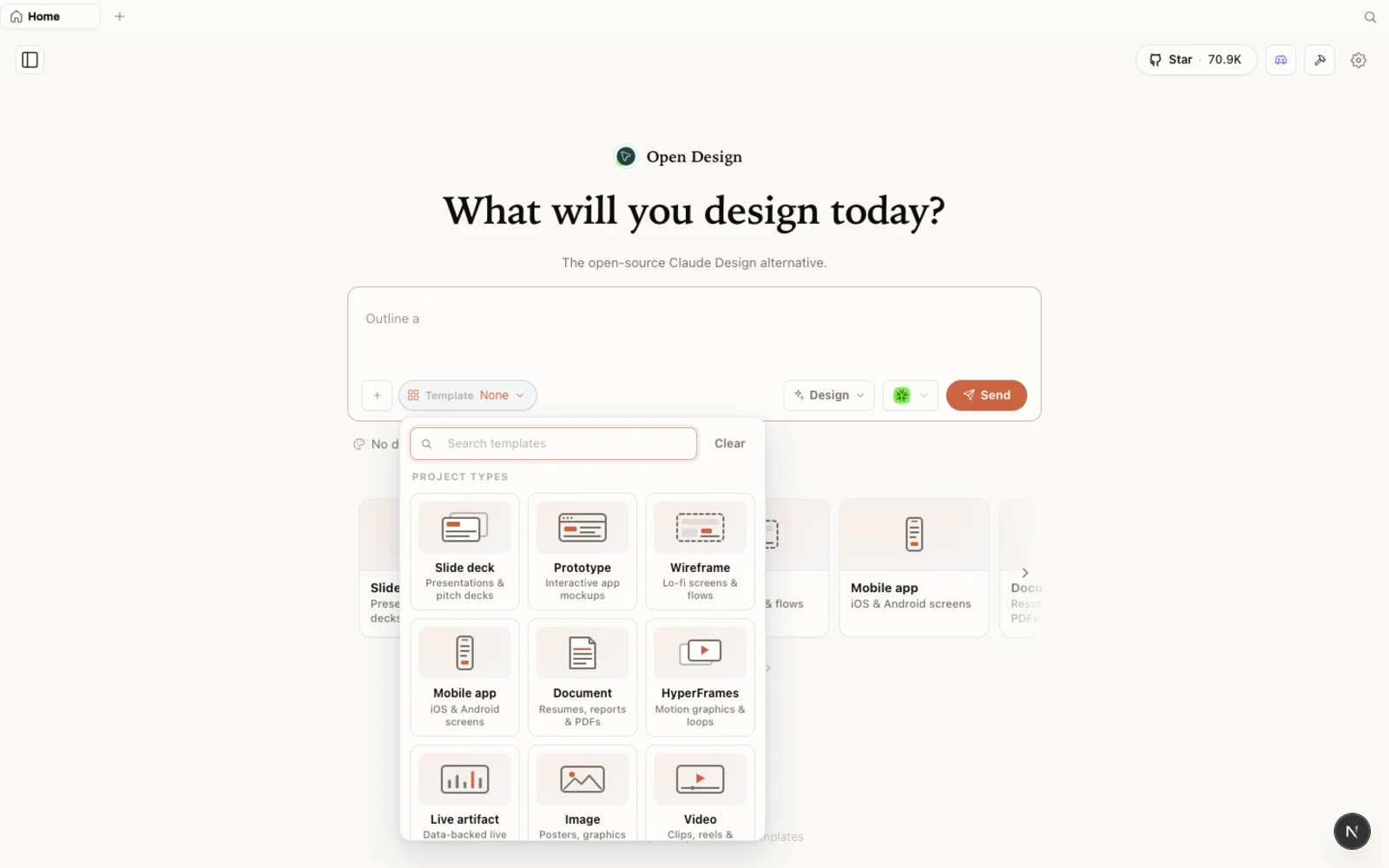 The templates library: prototype, slide, image, and video starting points you can filter by type and fork to begin.
Image and video generation
The image library covers common cases like GPT Image, with the prompts pre-packaged — pick one and generate. Video is supported too, including model-generated clips and product/dynamic-deck effects. The motion-heavy video work is done in collaboration with the hyperframes project, which uses code to drive product prototypes and data-visualization animations.
A desktop pet
The most charming feature: raise a pet. Pick one — community-contributed characters included — hit save, and it appears on your desktop to interact with. It’s a small thing, but it signals a project that cares about the emotional texture of the tool, not just the output.
The honest read
硅基麻辣拌 is fair about the trade-offs. Under the hood, OpenDesign ships a set of composable skills (usable inside OpenDesign or extracted into your own Codex/Claude Code) and a deep library of design systems covering well-known brands — and the whole Claude-Design-style framework is open source in the repo, so you can add new design types yourself.
The current gap: some polish features are still missing — notably pixel-level comment mode for annotating and correcting a rendered page. But the offsetting strength is real: broad agent support (Codex, Claude Code, Cursor, OpenCode) with no API-key exposure, and a project iterating fast. If you want a scalable, extensible platform you can contribute back to, it’s a strong entry point.
Tips
- Drive it with your local CLI — no API key leaves your machine, and generation rides on a subscription you already pay for.
- Let the discovery form do its job — answering its questions up front is what makes decks and prototypes land on the first try.
- Sketch, don’t describe, when shape matters — hand-drawn input works for both images and app prototypes.
- Reach for the motion skill when a deck or page needs something animated; it’s code, so it’s portable.
- Extract skills into your own agent when you want a capability outside the GUI.
FAQ
Do I have to expose an API key? No — that’s a highlighted strength. Drive OpenDesign with your local Codex, Claude Code, Cursor, or OpenCode via CLI and credentials never leave your machine.
Can it really make video and animation, not just static design? Yes. It does code-based motion graphics (SVG + CSS), image and video generation, and motion-heavy work in collaboration with the hyperframes project.
What’s still missing? At the time of the walkthrough, pixel-level comment mode for annotating a rendered page wasn’t available yet. The project moves quickly, so check the current release.
Is it free? The app is open source under Apache-2.0 and free to run locally. You only pay for the model and media usage of whichever agent and providers you connect.
This written guide is based on 硅基麻辣拌’s capability tour. Watch the full video above, and subscribe to 硅基麻辣拌 for more AI-tool walkthroughs.