

OpenDesign for Agencies — Commercially Safe, Cost-Managed, Client-Ready
An agency/freelancer playbook for OpenDesign — why the Apache-2.0 license makes it safe for client work, how to manage spend by switching models (build the structure on a strong model, iterate on cheap or free ones via OpenRouter), and how to ship client dashboards fast. Based on Dylan Michael's walkthrough.
If you build for clients, a closed design tool’s weekly cap and single model make it hard to work at scale. This guide is an agency/freelancer playbook for OpenDesign: why it’s commercially safe, how to manage spend by switching models, and how to ship client work fast. It follows the walkthrough Dylan Michael gives in his video, rewritten and brought up to date with the current release. Watch the video above, or read on for the written version.
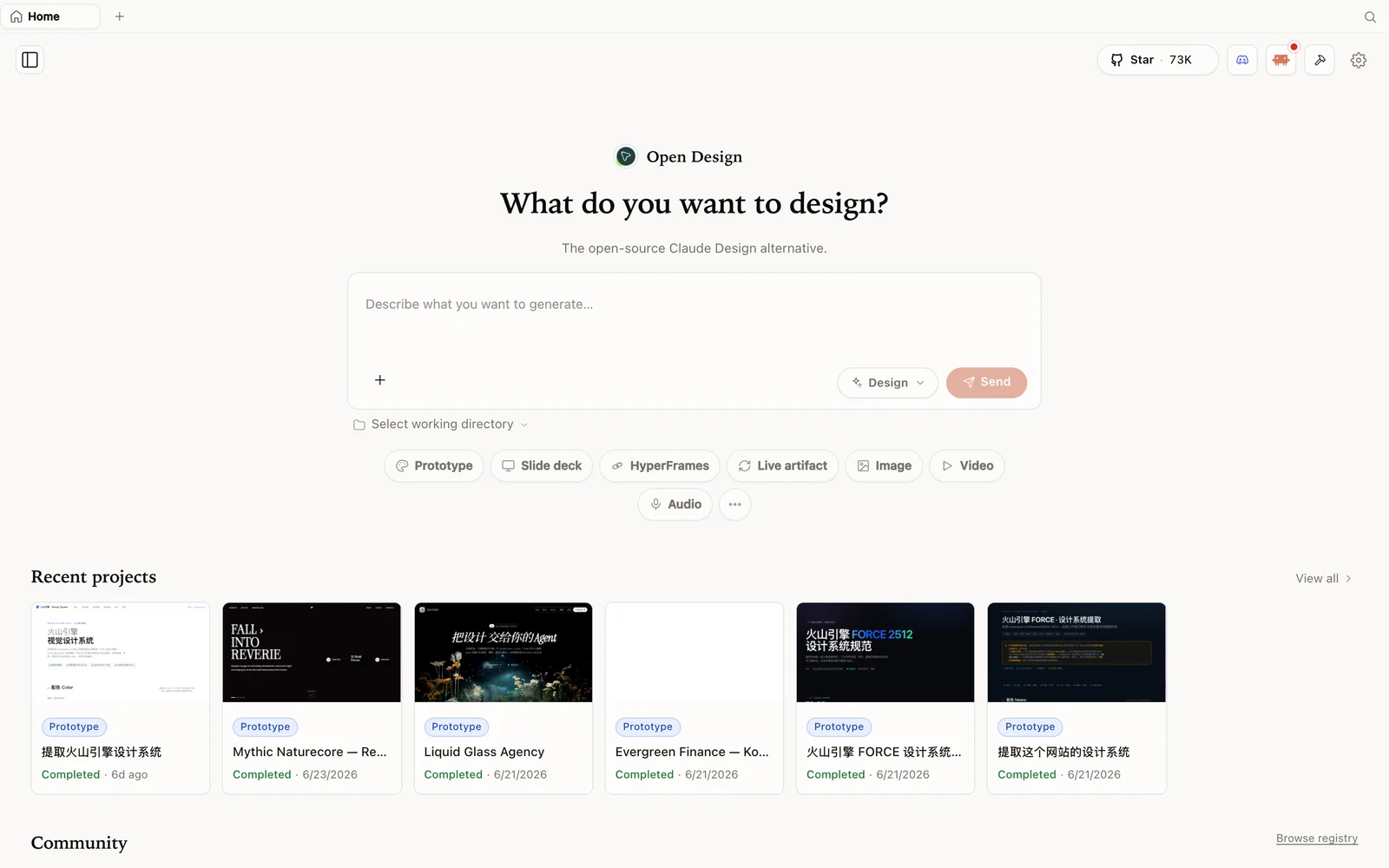 The OpenDesign workspace: describe what you want to build, pick a mode, and your agent does the rest.
Why it works for client work
OpenDesign is an open-source, local-first design platform that runs on top of the coding agent you already use — and for agencies, three properties matter most:
- Apache-2.0 = commercially safe. You can use it on client projects, sell what you build, and never ask permission or pay royalties — unlike some restrictively-licensed clones.
- Local-first = you own everything. Projects live on your machine, so client work isn’t sitting in someone else’s cloud.
- Any model = managed spend. Claude, ChatGPT, Gemini, DeepSeek, or free models — you’re not forced to burn a premium model’s credits on every task.
Dylan’s blunt framing: a closed tool can cost $20–$200/month and still rate-limit you to a couple of designs a week, which is unworkable when you’re serving clients. OpenDesign removes the cap and the lock-in.
Step 1 — Install and pick your engine
Ask your editor’s agent to clone and set it up (paste the repo URL and let Claude Code / Codex run it), or grab the desktop app from open-design.ai/download. On first launch it shows every supported runtime already installed locally (Codex, OpenCode, GitHub Copilot CLI, …) — click rescan if you just added one, or configure a BYOK provider. Pick the CLI and model, and save.
Step 2 — Build the client deliverable
Create a project (Dylan builds a premium sales-analytics dashboard), choose high fidelity, and prompt. OpenDesign asks clarifying questions (screens, surface, accent color, what the heatmap/leaderboard shows) and shows the cost of each task as it goes — useful when you’re budgeting a client job. Pick a color scheme and it builds a polished one-shot result, then you refine in plain language (“add a premium refresh animation, switch to glassmorphism, tighten the spacing”).
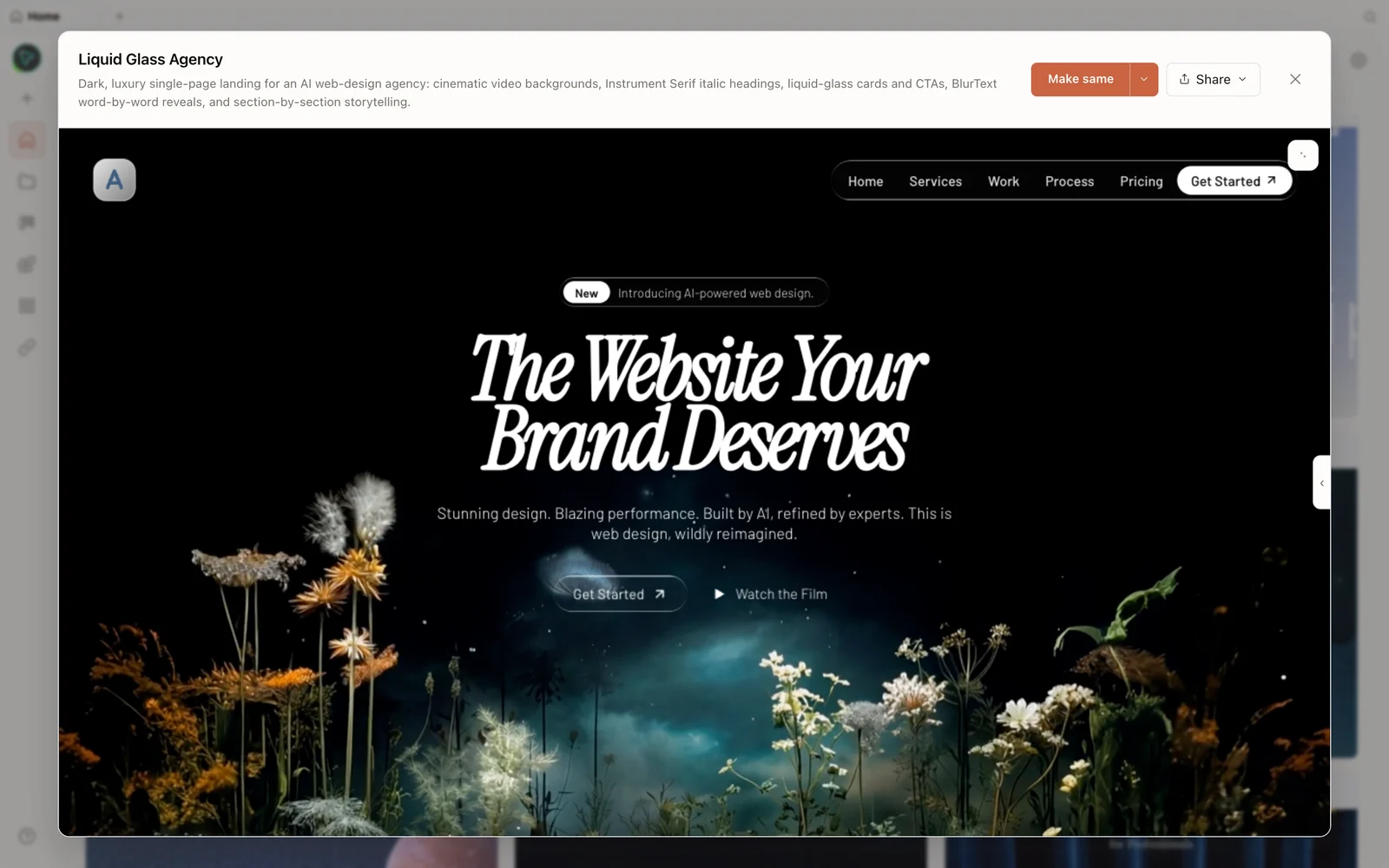 A real generated prototype rendered in the preview — a dark, cinematic agency landing page.
Step 3 — The cost move: switch models mid-project
This is the agency economics. Dylan’s rule: build the structure with a strong model (it’s best at interpreting the design), then switch to a cheaper model for the details and edits — in the recording, he changes the CLI in the bottom-left from Claude Code to Codex/Gemini and saves. The direct Gemini runtime is now retired; current releases use Codex/OpenCode here, or Google Gemini configured through BYOK. For truly low cost, point it at OpenRouter and use budget or free models (a DeepSeek-class model is a fraction of the price at ~90–95% of the quality for iteration). You decide where each dollar goes instead of letting one premium model run wild on your credits.
You can also add a media provider key (e.g. OpenAI) and drop generated images right into the deliverable, then deploy to Vercel in one click for client review.
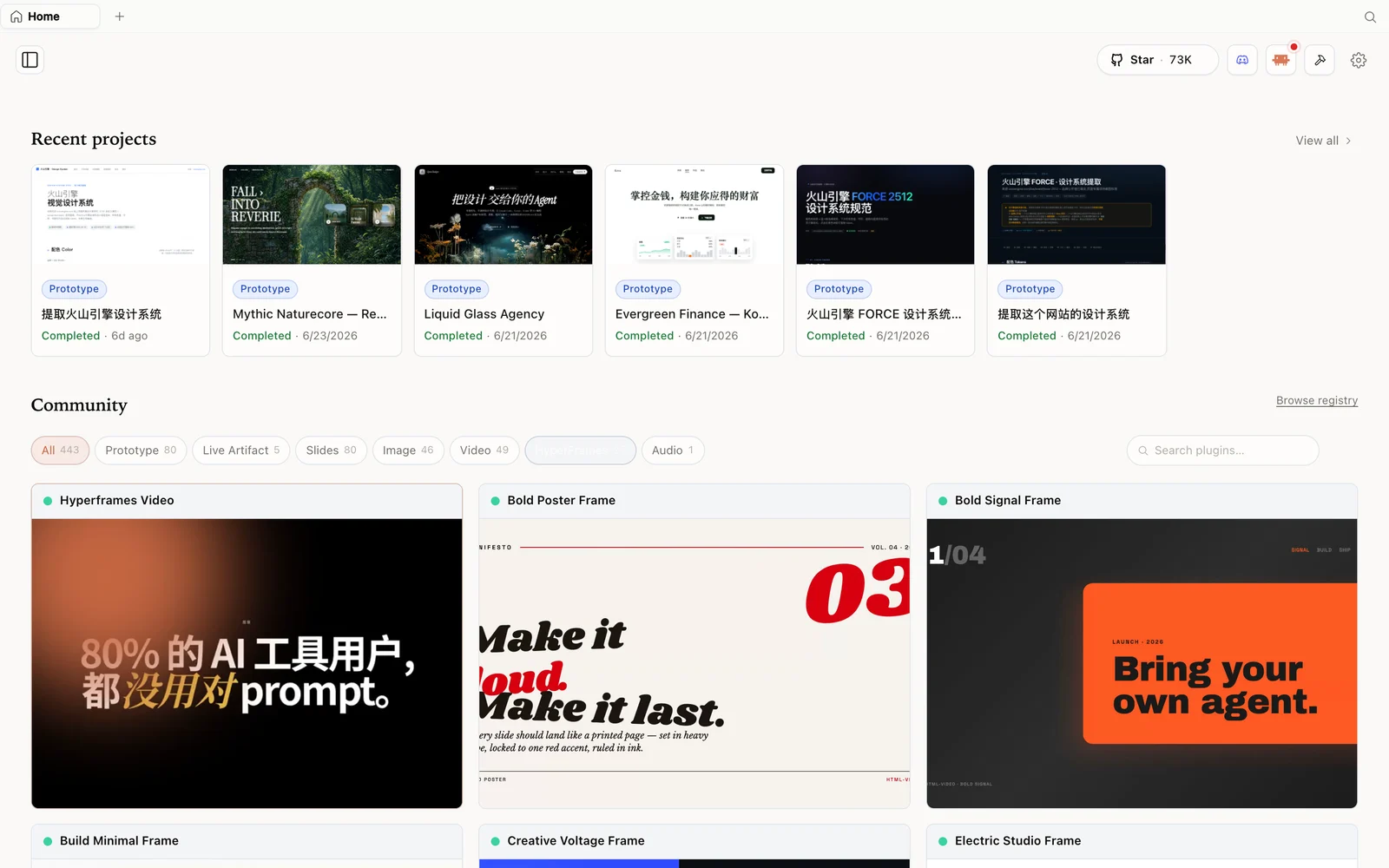 The HyperFrames gallery: code-driven motion and video pieces you can fork and remix.
Tips
- Lean on the Apache-2.0 license — ship client work without permission or royalties.
- Build with a strong model, iterate with a cheap one — the biggest cost lever.
- Watch the per-task cost shown in the UI to budget a client job.
- Use OpenRouter for budget/free models on the tedious edits.
- Deploy to Vercel for fast client review links.
FAQ
Can I use OpenDesign for paid client work? Yes — it’s Apache-2.0, so it’s commercially safe to use, sell, and self-host with no royalties or permission.
How do I keep costs down across a project? Build the structure on a strong model, then switch to a cheaper model (or free models via OpenRouter) for iteration; the UI even shows each task’s cost.
Does it have the closed tool’s weekly cap? No — generation runs on the agent/keys you connect, so you manage spend instead of hitting a fixed weekly limit.
Is it free and open source? Yes — Apache-2.0. Run it locally for free; you only pay for the model/media usage of whatever you connect.
This written guide is based on Dylan Michael’s walkthrough. Watch the full video above, and subscribe to Dylan Michael | AI Automation for more AI automation workflows.