

How OpenDesign Works — The Self-Hosted, Bring-Your-Own-Key Architecture
A look under the hood at OpenDesign — the local daemon, BYOK-at-every-layer design, how skills and design systems are just files, and how to self-host and deploy. For people who want to understand what they're running, not just click buttons. Based on AI Stack Engineer's full walkthrough.
This guide is for people who want to understand what they’re actually running: how OpenDesign works under the hood, why it can be self-hosted and BYOK at every layer, and how its skills and design systems are just files you can fork. It follows the architecture-first walkthrough AI Stack Engineer gives in his full video, rewritten and brought up to date with the current release. Watch the video above for the live run, or read on for the written version.
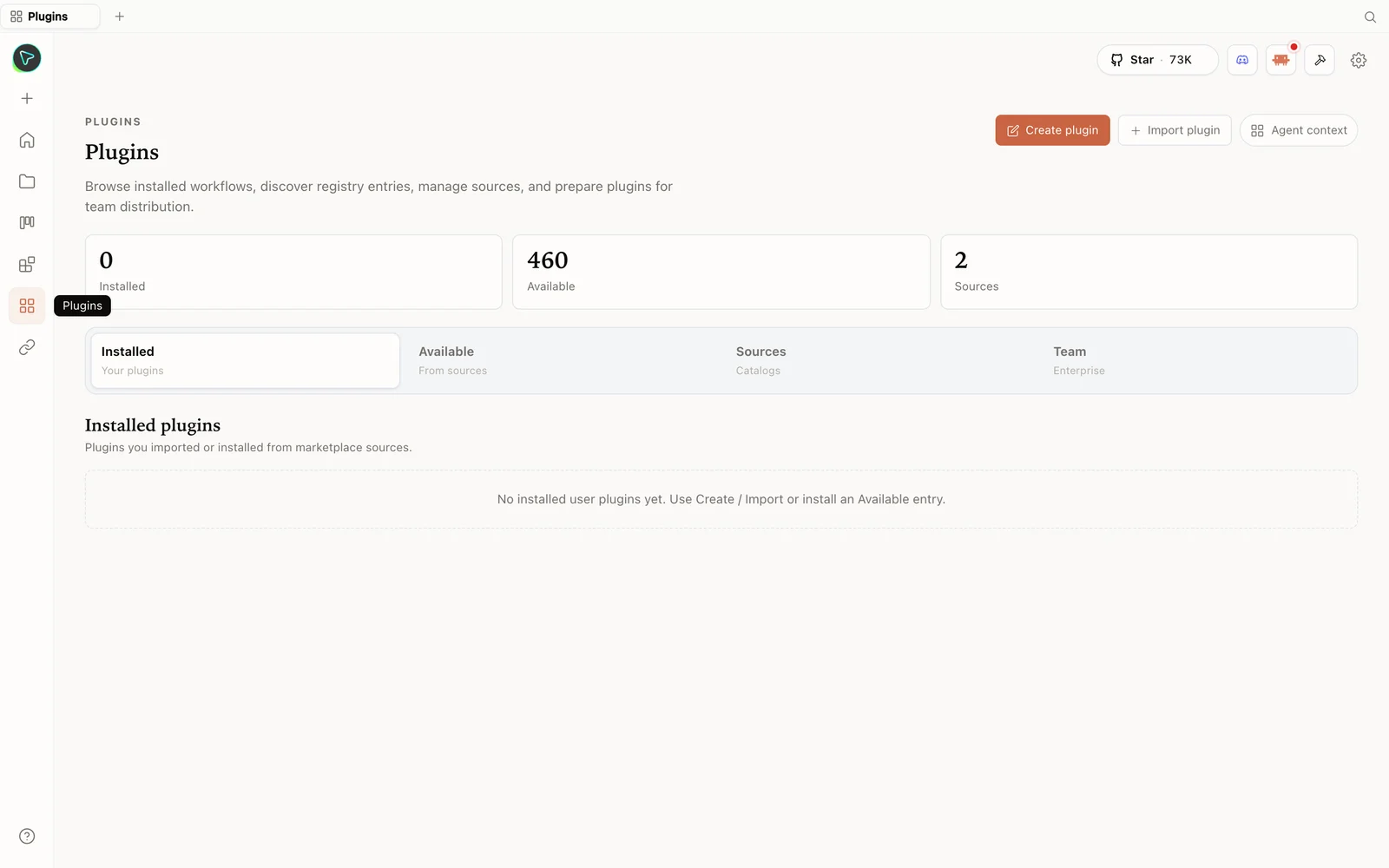 The plugins hub: browse the registry, import plugins, and prepare them for your team.
What is OpenDesign?
OpenDesign is a fully open-source replacement for a cloud design tool: local-first, web-deployable, and BYOK at every layer. “BYOK” means bring your own key. Instead of bundling its own model or agent, OpenDesign scans your machine for supported coding CLIs — Claude Code, Codex, Cursor, OpenCode, and more — and uses the selected runtime as the engine. Provider-key BYOK runs through the isolated OpenCode adapter; there is no direct Anthropic fallback adapter. The license is Apache-2.0, so you can fork it, deploy it internally, and modify it freely.
The point AI Stack Engineer keeps returning to: a cloud design tool runs only on one vendor’s model, in their cloud, behind a paid plan, with no self-host story. OpenDesign inverts all three — your machine, your agent, your key.
How it’s built (the part worth understanding)
The architecture is deliberately simple:
- Front end — a Vite + React + TypeScript app.
- Back end — a Node + Express daemon with SQLite for projects, conversations, messages, and tabs.
- The daemon is the only privileged process. It spawns whichever CLI you picked, with the working directory set to a per-project folder under a hidden
.oddirectory.
That last point is what makes OpenDesign more than a chat box: the agent gets real read / write / bash / web-fetch tools against a real filesystem. When it generates an artifact, it’s writing actual files to disk that you can open, edit, version, and export — not returning a blob in a chat window.
Skills and design systems are just files
Two building blocks do most of the work, and both are plain files you own:
- Skills cover real surfaces — web prototype, SaaS landing, dashboard, pricing page, docs, blog, mobile app, decks (including a magazine-style PPT skill) — plus work-product templates like PM specs, weekly updates, meeting notes, runbooks, finance reports, invoices, Kanban boards, and OKRs. Each is a file you can read, edit, or add to.
- Design systems are stored as plain-markdown
DESIGN.mdfiles. Each defines color, typography, spacing, layout, components, motion, voice, brand rules, and anti-patterns, drawn from real brands.
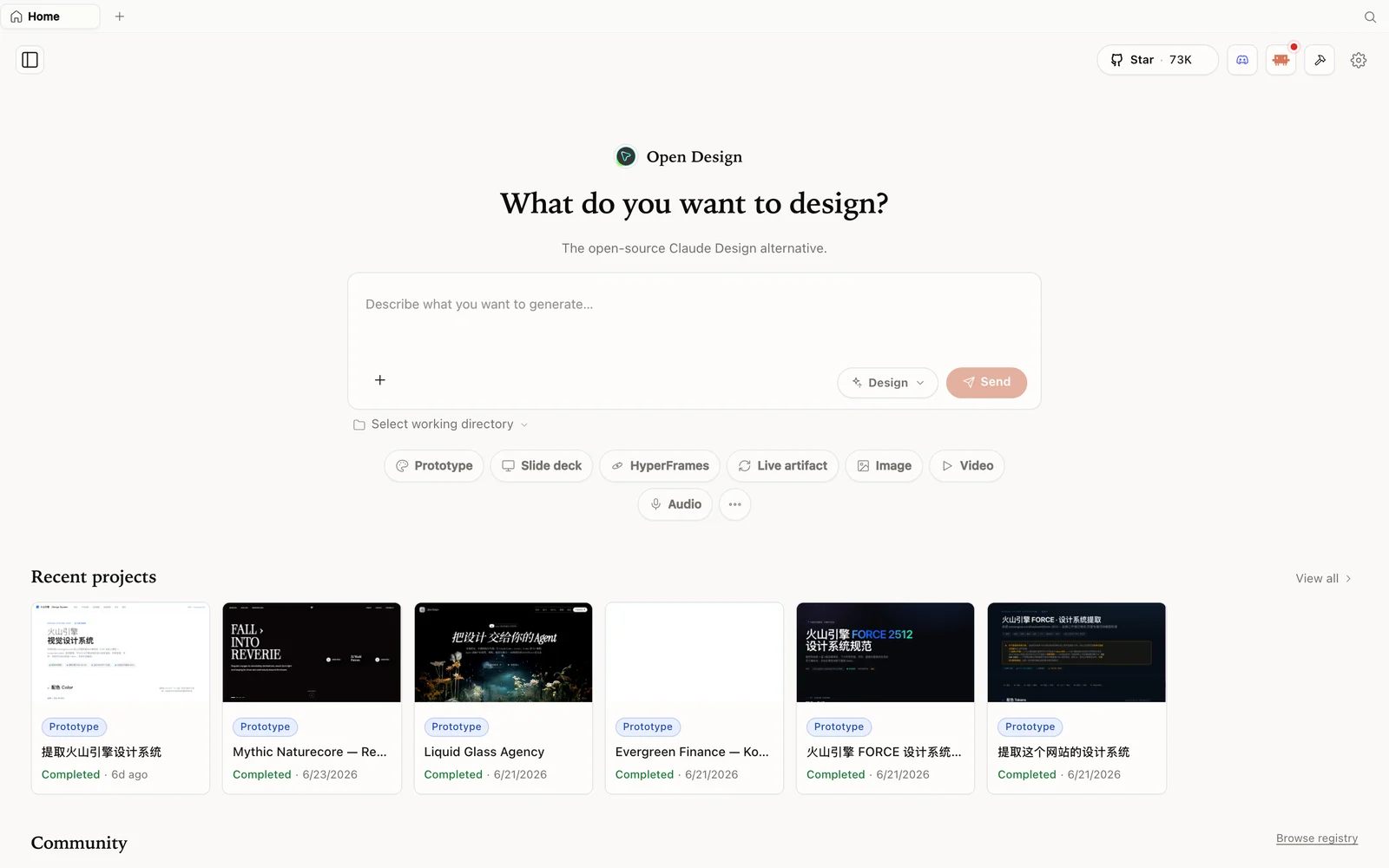 The OpenDesign workspace: describe what you want to build, pick a mode, and your agent does the rest.
Because both are files, your whole design workflow becomes versionable and forkable — a team can keep its own internal skill and brand DESIGN.md in git and have any agent generate against them.
Install and self-host
git clone https://github.com/nexu-io/open-design.git
cd open-design
corepack enable && pnpm install   # this pulls a lot of deps — give it a minute
pnpm tools-dev run web
Open the local URL it prints (a dynamic port — don’t hardcode one). Prefer zero setup? The desktop app at open-design.ai/download skips Node and pnpm. On first load it scans your PATH and lists the agents it found; pick one (AI Stack Engineer tests the non-Claude path with OpenCode), or use the Anthropic BYOK option.
Two smart bits in the prompt stack worth knowing: a discovery form (it asks about surface, audience, tone, brand, scale before writing — 30 seconds of radio buttons saves 30 minutes of redirecting) and a direction picker (five curated visual directions with deterministic palettes, so the model isn’t freestyling the vibe).
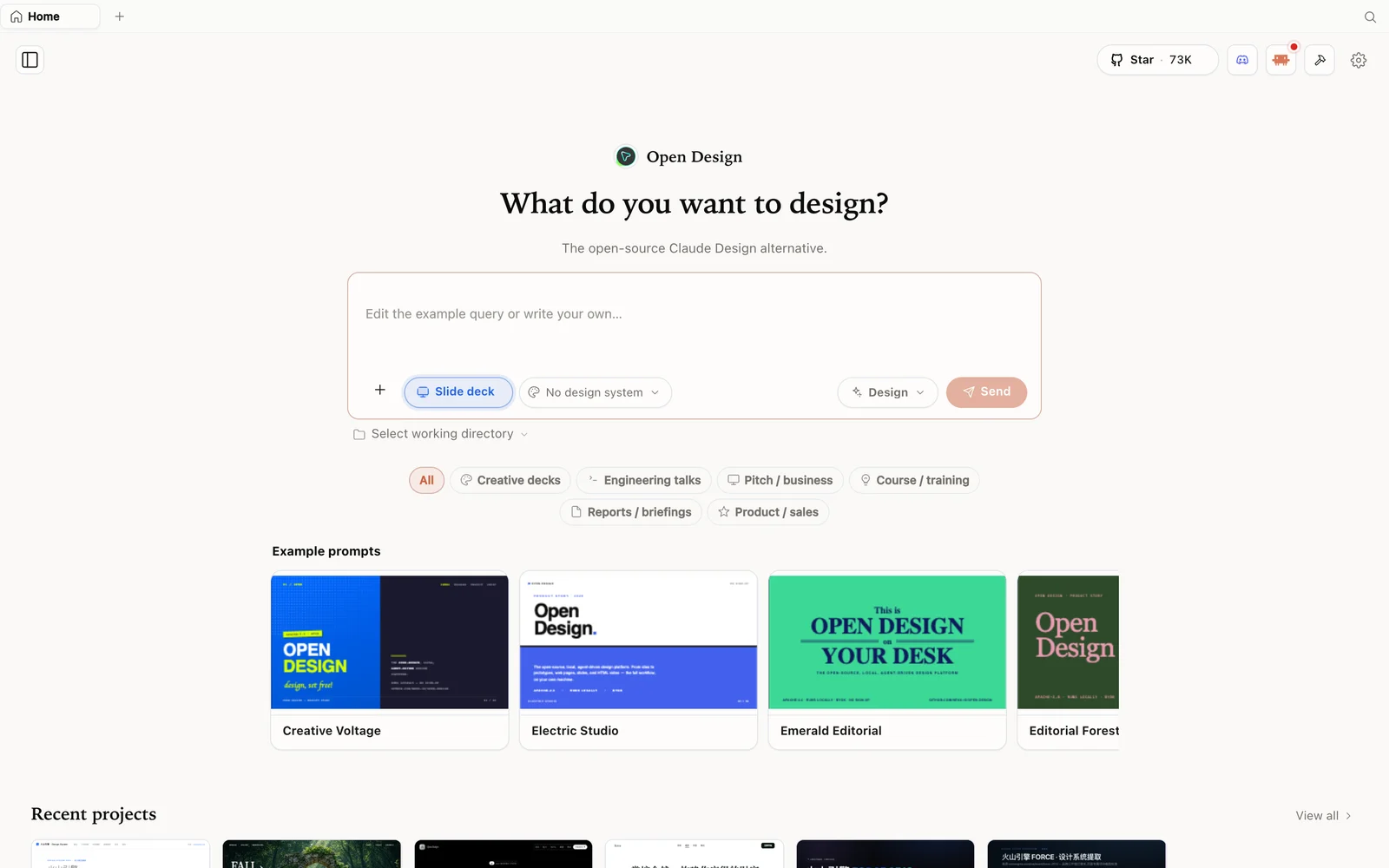 Slide-deck mode: choose a deck category and fork an example as your starting point.
When you’re done, export to HTML, PDF, or ZIP — or deploy. Since it’s web-deployable and local-first, nothing has to touch a third party’s cloud.
The honest verdict
AI Stack Engineer is even-handed: a polished cloud tool tuned to one top model still wins on out-of-the-box polish and export breadth. OpenDesign wins on the things that matter for a lot of people — it’s free and Apache-2.0, you bring your own agent and key, and model flexibility is a quiet superpower: if one provider raises prices or you want to compare how two models handle a layout, you switch the agent in the dropdown and rerun. A few honest notes: it’s research-preview early; Claude Code gets the richest streaming (structured stream-JSON) while other CLIs are line-buffered; output quality depends heavily on the model you point it at; and some features like comment-mode surgical edits are on the roadmap.
Tips
- Understand the
.odproject folder — your artifacts are real files there; back them up / commit them. - Keep skills and
DESIGN.mdin git for a versioned, team-shareable workflow. - Use a local CLI so generation rides on a subscription you already pay for.
- Pick the engine deliberately — a weak model with a great design system still produces weak output.
- Self-host / deploy when you need privacy or control — nothing has to leave your machine.
FAQ
What does “BYOK at every layer” mean? You bring your own agent CLI and your own model key. OpenDesign supplies the design surface, skills, and design systems; the model and its cost stay on your side.
Where does my work actually live?
On your machine, in a per-project folder under .od, managed by the local daemon (SQLite + real files). It’s self-hostable and web-deployable.
Can I customize the skills and design systems?
Yes — they’re plain files (skills as folders, design systems as DESIGN.md). Edit them, add your own, and keep them in version control.
Is it free? The app is open source under Apache-2.0 and free to run locally. You only pay for the model usage of whichever agent and key you connect.
This written guide is based on AI Stack Engineer’s full walkthrough. Watch the full video above, and subscribe to AI Stack Engineer for more practical AI-stack breakdowns.