

The Four Libraries Behind OpenDesign — Skills, Systems, Templates, and Craft
A tour of the four content libraries that make OpenDesign's output good — composable skills, portable design systems, ready-to-fork templates, and the under-discussed "craft" layer (brand-agnostic rendering principles auto-enforced by a linter). Based on AI Fusion's walkthrough.
Why does OpenDesign’s output look better than a typical AI design tool’s? Because of four content libraries working together — and one of them, craft, rarely gets discussed. This guide tours all four. It follows the walkthrough AI Fusion gives in their video, rewritten and brought up to date with the current release. Watch the video above, or read on for the written version.
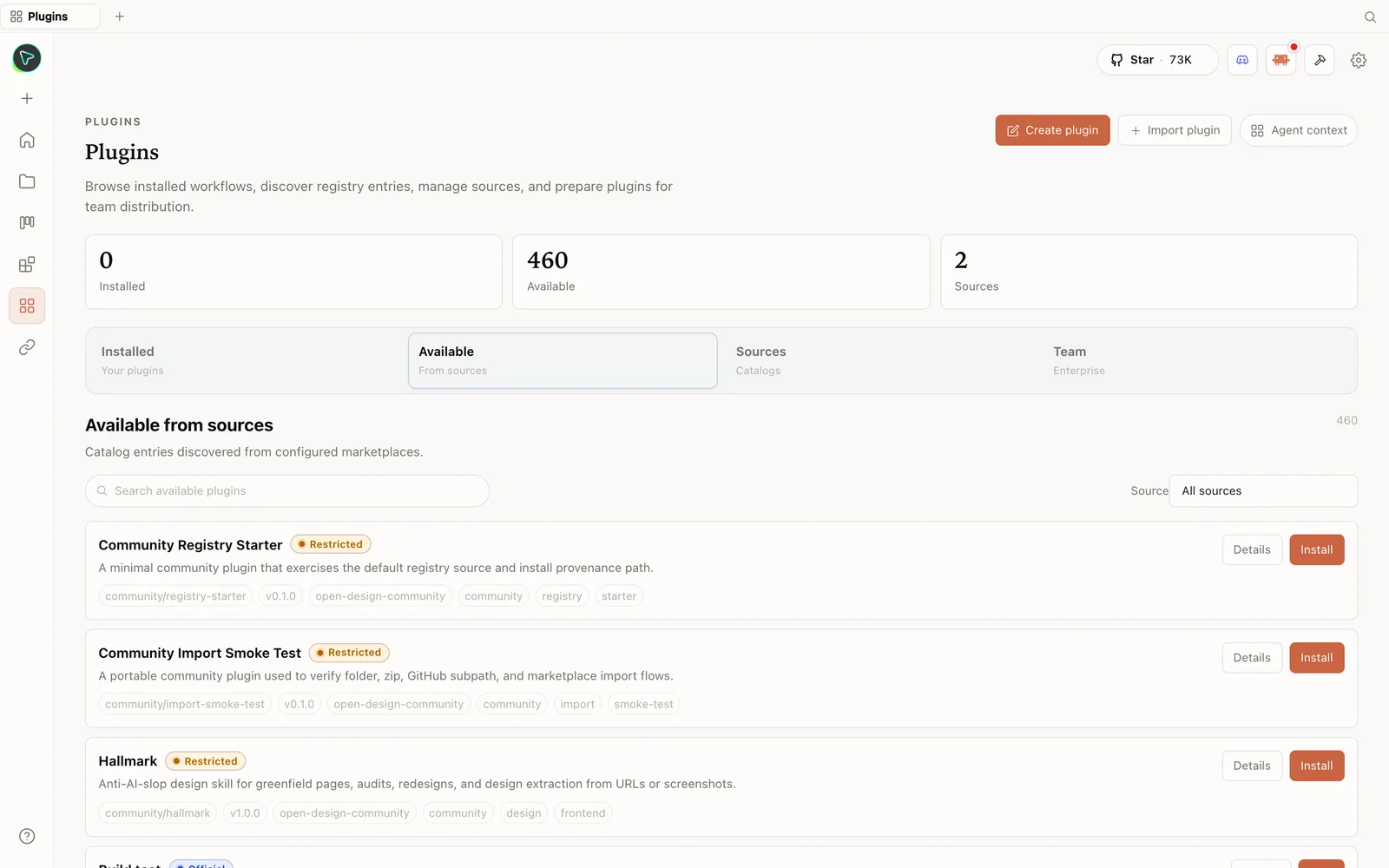 The plugin library: install skills straight from the registry — including anti-slop design skills.
What is OpenDesign?
OpenDesign is the open-source, local-first alternative to a closed cloud design tool. It doesn’t ship its own AI agent — it detects the coding agents you already have (Claude Code, Codex, Cursor, OpenCode, Qwen, and more), or you bring your own API key (Anthropic, OpenAI, Azure, Google Gemini, even a local model via Ollama). The architecture is clean: a front-end talking to a local daemon, everything saved to a local SQLite database so your projects are always there when you come back.
The four libraries
1. Skills — the “how to build it” layer
Skills are organized by mode, scenario, and platform. Each is literally just a folder with one skill file — drop it in, restart the daemon, and it appears in the picker. Beyond the obvious (SaaS landing, dashboard, docs), there are striking ones: a Swiss-international deck (16-column grid, single accent, locked layout variations), a magazine-editorial deck (ink-and-e-paper aesthetic), and creative video skills like glitch title cards and cursor light-trail intros.
2. Design systems — the “how it looks” layer
Each design system is a single markdown file with the full token spec: colors, typography, spacing, components, motion. Apple’s premium white space, Airbnb’s warm coral photography-driven UI, Airtable’s structured-data look, Ant Design for data-dense apps — a large, portable library that keeps every artifact visually consistent.
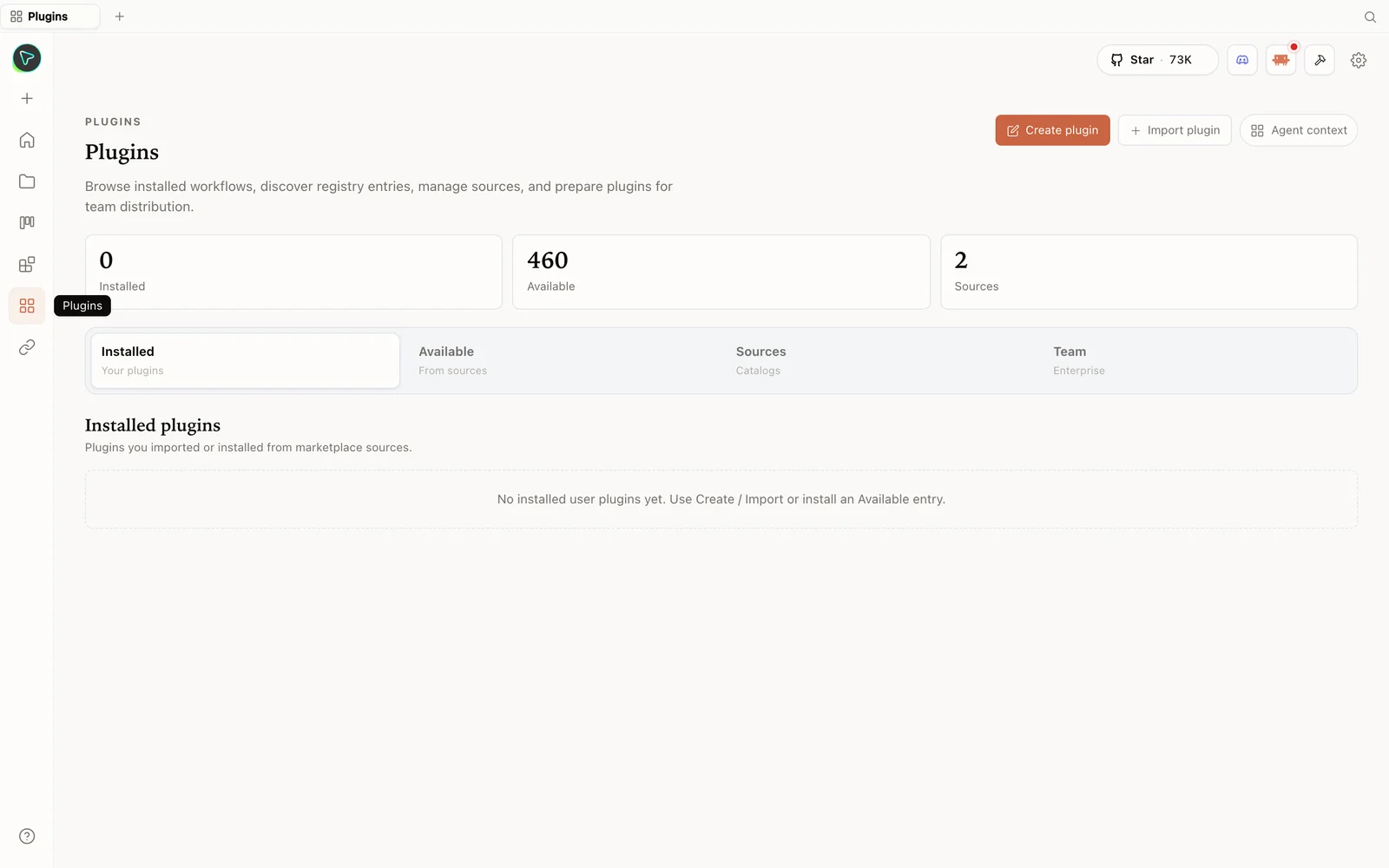 The plugins hub: browse the registry, import plugins, and prepare them for your team.
3. Templates — the “start from something” layer
Ready-to-fork complete artifact bundles with sample data already in them. Fork the folder, swap in your data, ship. Think a magazine-poster template (oversized serif headline, two-column body) or an audio-jingle template that routes music to Suno/Udio and speech to ElevenLabs/MiniMax.
4. Craft — the “why it’s high quality” layer (the under-discussed one)
This is the part most reviews skip. Craft is a set of brand-agnostic rendering principles that skills can declare they need, and the agent loads the relevant ones into its system prompt automatically:
- An accessibility baseline that goes beyond the legal minimum.
- Animation discipline — when motion earns its place, and its constraints.
- Color rules, editorial typography hierarchy for long-form, and form-validation rules.
Crucially, some are auto-enforced by a linter, so failing them is treated as a regression, not a style preference. That’s a big reason the output quality is higher than you’d expect from an AI design tool — the standards are enforced, not suggested.
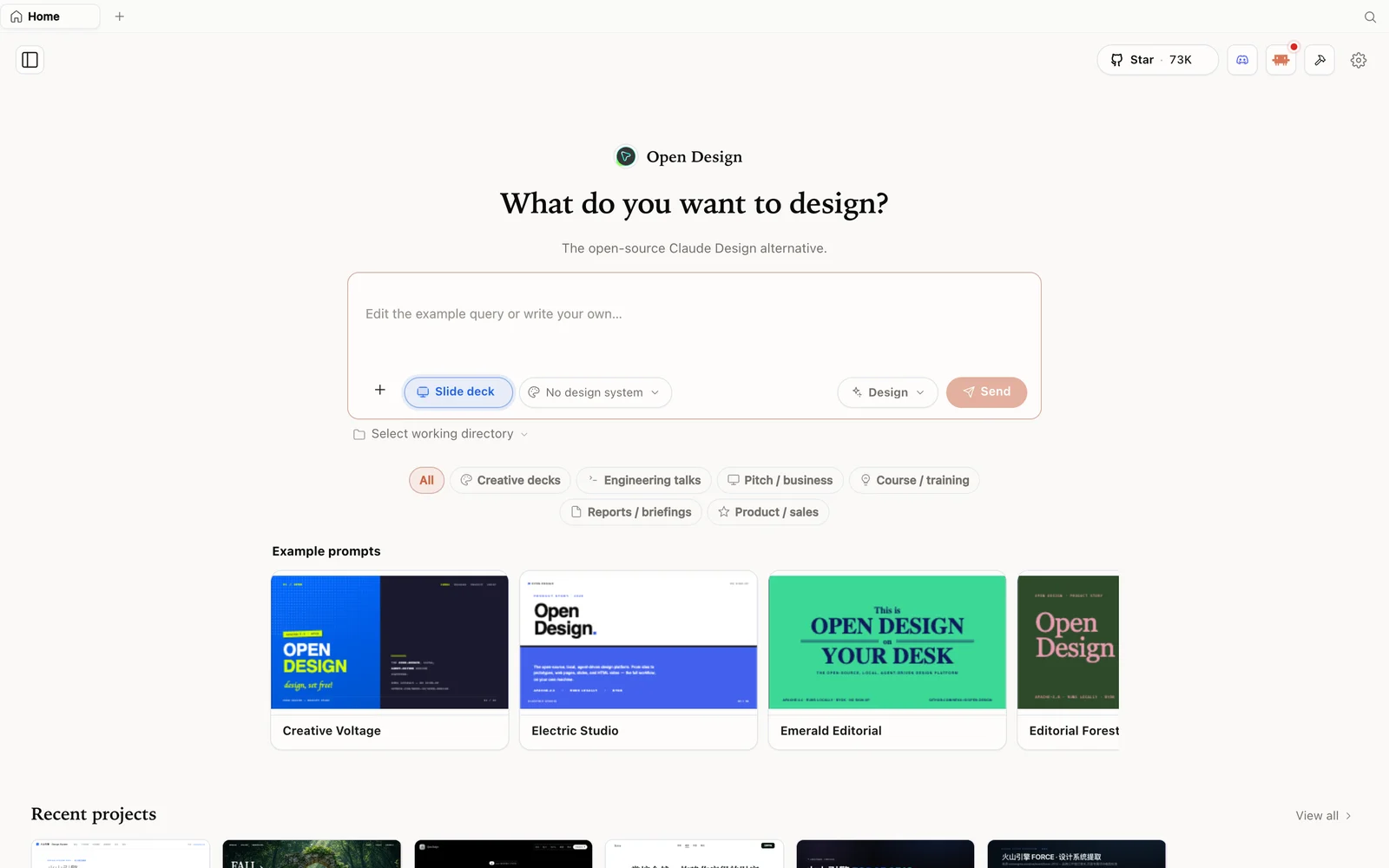 Slide-deck mode: choose a deck category and fork an example as your starting point.
Install and try it
Download the installer from open-design.ai/download (macOS/Windows) and launch — clean interface, chat area on top, ready-to-use community options by category (prototype, live artifact, slides, image, video, hyperframes, audio). AI Fusion adds a Gemini API key, tests the connection, then forks a community live-artifact (a social-media matrix tracker dashboard). It lays out the full plan, then builds a responsive result you can check on tablet/mobile, retheme, view as code, and download as HTML.
Tips
- Pick a skill for structure and a design system for style — that pairing is most of the quality.
- Fork a template when you want to start from something complete rather than a blank prompt.
- Know that craft is enforced — the accessibility/animation/typography baselines are linted, not optional.
- Browse open-design.ai/plugins to see the current skills and systems.
- Any model works — the libraries carry the quality; connect whatever you have.
FAQ
What actually makes the output good? Four libraries: skills (structure), design systems (style), templates (starting points), and craft (rendering principles, some auto-enforced by a linter).
What is the “craft” layer? Brand-agnostic rendering rules (accessibility, animation discipline, color, typography, form validation) that skills opt into and the agent loads automatically — several are linted, so violations are regressions.
Are skills and systems easy to add? Yes — skills are folders with a skill file; design systems are single markdown files. Drop them in and they’re picked up.
Is it free and open source? Yes — Apache-2.0, local-first. Run it for free; you only pay for the model/media usage of whatever you connect.
This written guide is based on AI Fusion’s walkthrough. Watch the full video above, and subscribe to AI Fusion for more open-source AI tools.