

🤯 J’abandonne Claude Design… cette alternative est meilleure
A freelancer rebuilds the exact client SaaS mockup he first made in Claude Design — this time in OpenDesign, driven by his local Claude Code CLI so it costs nothing extra. Clickable prototypes, a proper design system, and a PRD you can hand straight to your coding agent. Based on Jérémy DE CAMPOS's hands-on review.
This is a hands-on review from someone who designs client work for a living. Jérémy DE CAMPOS builds SaaS products for real agencies and had been using Claude Design to draft interfaces before coding. In his video a community member points him at OpenDesign, so he does the fairest test there is: he rebuilds the exact same client tool he already made in Claude Design and compares. This written version follows his run, rewritten and brought up to date with the current release. Watch above for the live reactions, or read on.
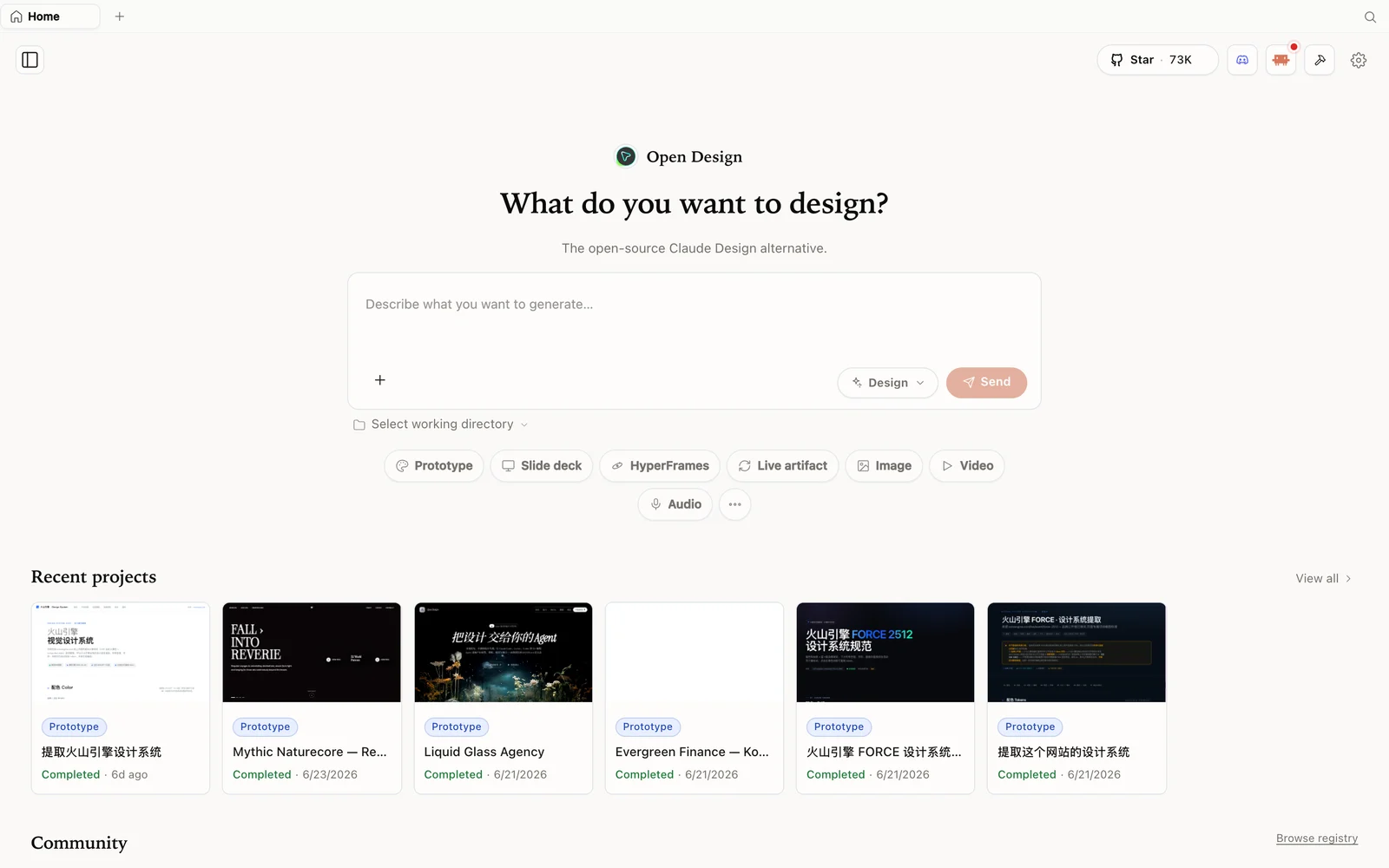 OpenDesign: an open-source, agent-native design workspace you run on your own machine.
What is OpenDesign?
OpenDesign is an open-source, local-first design platform — an agent-native alternative to Claude Design and Figma. Instead of locking you into one paid model, it runs on top of the coding agent you already have: Claude Code, Codex, Cursor, Gemini, Copilot, OpenCode, and more.
What Jérémy noticed in the first minute:
- Open source, Apache-2.0 — it is on GitHub, moving fast, and already surprisingly complete.
- Runs locally — projects land in a real folder on your machine you can open and inspect.
- Bring your own agent — 21+ agents are supported; the pricing page is only for their hosted models, so if you plug in your own key or CLI you do not need it.
- More than prototypes — prototypes, dashboards, slide decks, images, and even video, plus sibling tools like HTML Anything and HTML Video.
If you have used Claude Design, the interface feels immediately familiar — then it adds your choice of engine on top.
The fair test: rebuild a real client tool
Rather than a toy prompt, Jérémy reuses a genuine project: an internal delivery-and-bug-tracking SaaS he is building to manage updates across his agency clients. He had already fed that brief and a design-system file to Claude Design, so he hands OpenDesign the identical inputs — same spec, same design system — and lets it run. Same prompt, same starting material, two tools: that is the only comparison worth trusting.
Run it on your Claude subscription, not on tokens
The first decision is the engine, and it is where the cost story changes. OpenDesign lets you connect a raw API key — but Jérémy flags the obvious risk: driving generation with a paid model like Opus through per-token billing “can cost an arm.”
Then he finds the option that matters: run the local Claude Code CLI. Instead of burning metered API tokens, OpenDesign drives your already-installed claude CLI, so generation runs against the Claude subscription you are already paying for. He switches to it immediately — “when I say very interesting, I mean very interesting” — and at the end confirms the damage: a full session used about 9% of his window. For an agency doing this daily, that difference is the whole argument.
Tip: pick your engine in the bottom-left of the workspace. Point OpenDesign at a local CLI (Claude Code, Codex, Gemini) to reuse an existing subscription, and keep a metered API key only as a fallback.
What it built: a clickable prototype, not a picture
This is the moment the review turns. OpenDesign does not hand back a flat screenshot — it builds a working, clickable prototype. Jérémy clicks into a ticket board, opens individual tickets to see their detail view, and drags cards between columns. The kanban is interactive; the ticket detail shows client notes, capture logs, and a console view; screens link to each other like a real app.
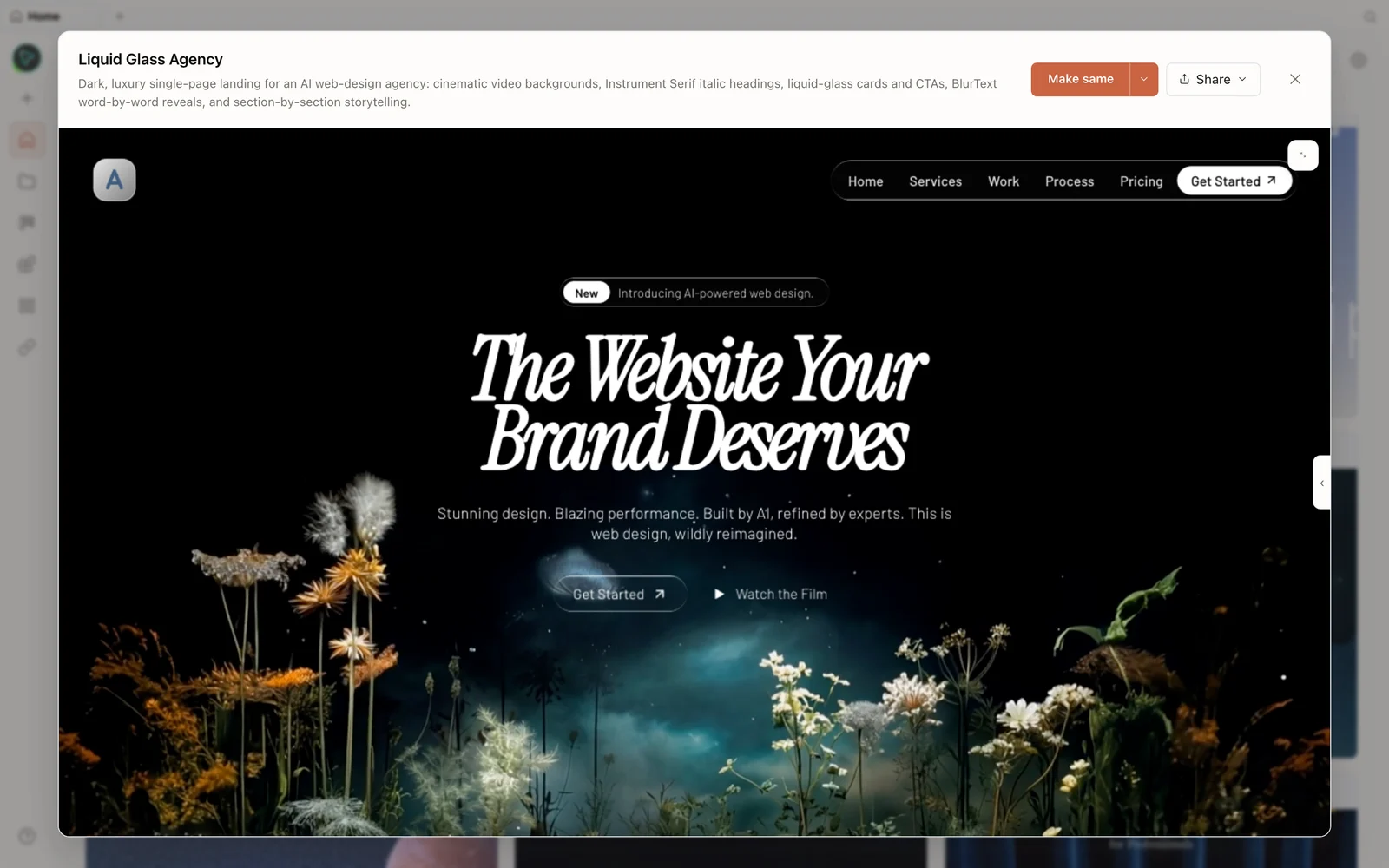 Not a static mockup — screens link together and elements respond to clicks.
He then pushes further with a follow-up prompt: make the other pages and wire the sidebar links so the mockup is navigable. It obliges, generating the additional pages and connecting them, then adapts the layout into tablet and mobile versions without being asked twice.
The design system, presented properly
Because he fed the same design system he had given Claude Design, the comparison is direct — and his verdict is blunt: OpenDesign’s design systems are better presented. Colors, typography, spacing, and components are laid out clearly, with the annotation and dotted-guide styling that makes a system feel considered rather than dumped.
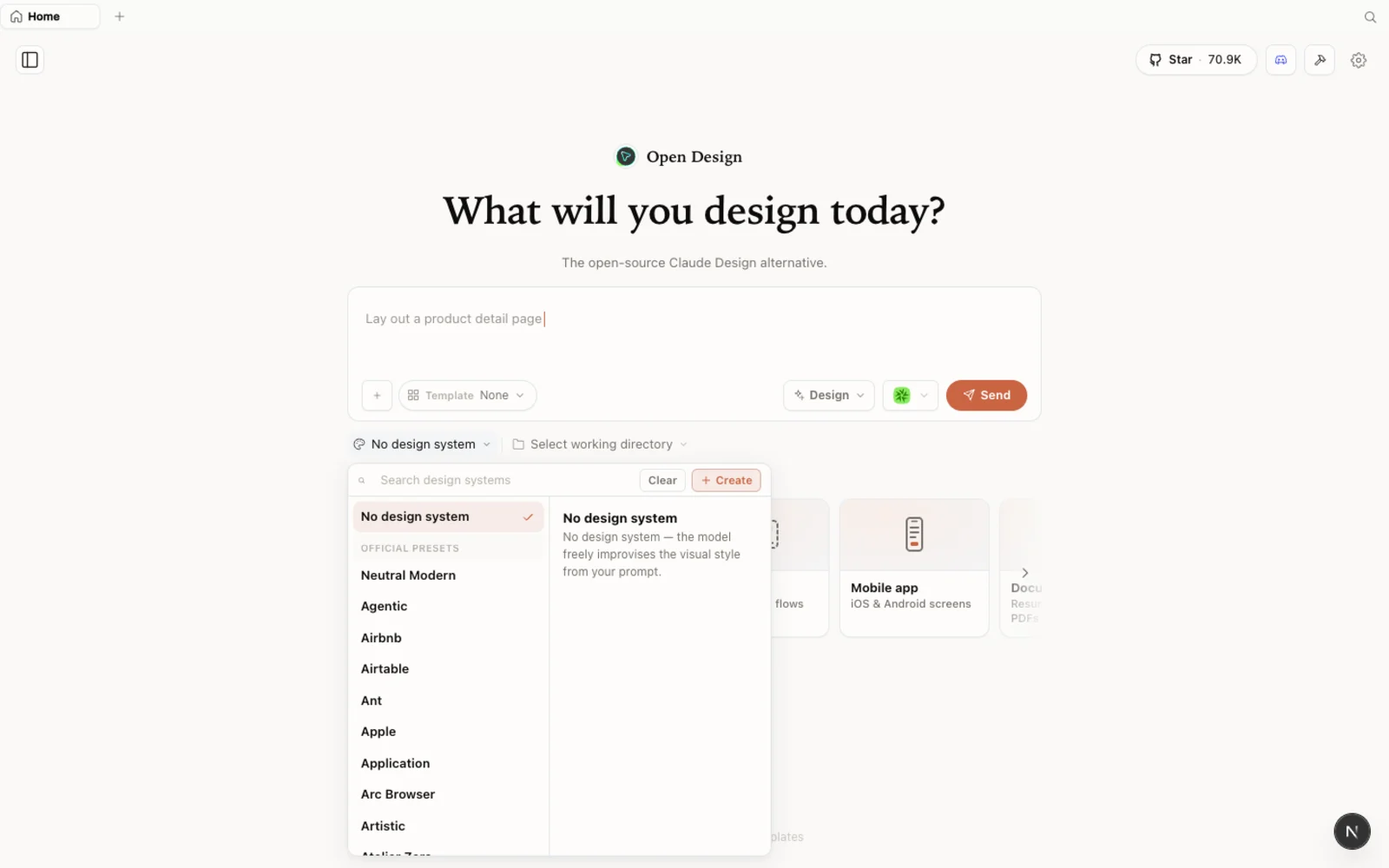 A design system that reads like documentation, not a color dump.
You can edit and annotate directly on the canvas: select a region, leave a note, tweak text in place, and queue changes for the agent to apply — which it does, coming back with a cleaner result each pass.
From mockup to PRD — the handoff to your agent
The feature that fits Jérémy’s actual workflow is the PRD generation. His process is vibe-coding: group tickets, describe the change, and hand a spec to Claude Code so it makes the code edits itself. OpenDesign produces exactly that bridge — a PRD in three forms:
- a preview version for him to read,
- a Markdown version to feed straight to the AI,
- and a PDF version to send a client when needed.
Paired with a delivery view (mark work done) and a changelog for the app, it closes the loop from “designed screen” to “spec my coding agent can build from” — without leaving the workspace.
Beyond the mockup
While it works, he tours the rest and keeps finding things:
- Memory — it retains what you have done across the session automatically.
- Image library + generation — pull in or create images inline.
- Skills — a stack of prebuilt skills, extendable with your own.
- MCP servers & connectors — external MCP support, plus the reverse: expose OpenDesign as an MCP server so your Claude Code CLI can drive the canvas and make edits directly from the terminal.
- Import from Figma, a plugins hub, and template packs.
- A design review panel — when enabled, a five-panel review appears beside the agent and grades the output.
Verdict
His conclusion is unambiguous: he is strongly considering dropping Claude Design and switching his real projects to OpenDesign — for design, and for video. The combination that wins him over is specific: the same inputs produce a better-presented design system and a genuinely interactive prototype, it runs on the Claude subscription he already pays for instead of metered tokens, and it emits a PRD he can hand straight to his coding agent. He plans to push it hard for a few weeks and report back — but the first-run impression is that it is not just a free clone, it is the better tool for his workflow.
FAQ
Is OpenDesign really free? The app is open source (Apache-2.0) and runs locally. You only pay for the model you choose — and if you connect a local CLI like Claude Code, that runs on the subscription you already have, with no extra per-token bill.
Do I need the paid plan on the pricing page? No. That plan is for OpenDesign’s hosted models. Bring your own key or local CLI and you can skip it.
Can I import what I already built in Claude Design? Yes — export your design system from Claude Design and import it into OpenDesign, then keep generating with the same brand.
Does it export a real spec? Yes. OpenDesign can generate a PRD in preview, Markdown, and PDF form, so you can hand the Markdown to your coding agent and the PDF to a client.
Which agent should I use? Any supported one — the output quality tracks the model you pick. Using your local Claude Code, Codex, or Gemini CLI is the cheapest route because it reuses an existing subscription.