

Make Slide Decks From a Video or Article With OpenDesign (On Free Credits)
Use OpenDesign as a presentation generator — turn a YouTube transcript or any article into a polished, animated slide deck, running free on a coding agent's free tier. Also covers installing, connecting Codex for free, design systems, the sketch tool, and importing a Claude Design ZIP. Based on Eli Rigobeli's deep walkthrough.
OpenDesign isn’t just for web pages — it’s a strong presentation generator. This guide focuses on that: turn a YouTube transcript or any article into a polished, animated slide deck, running free on a coding agent’s free tier. It also covers the free Codex setup, design systems, the sketch tool, and importing a Claude Design ZIP. It follows the deep walkthrough Eli Rigobeli gives in his video, rewritten in English and brought up to date with the current release. Watch the video above, or read on for the written version.
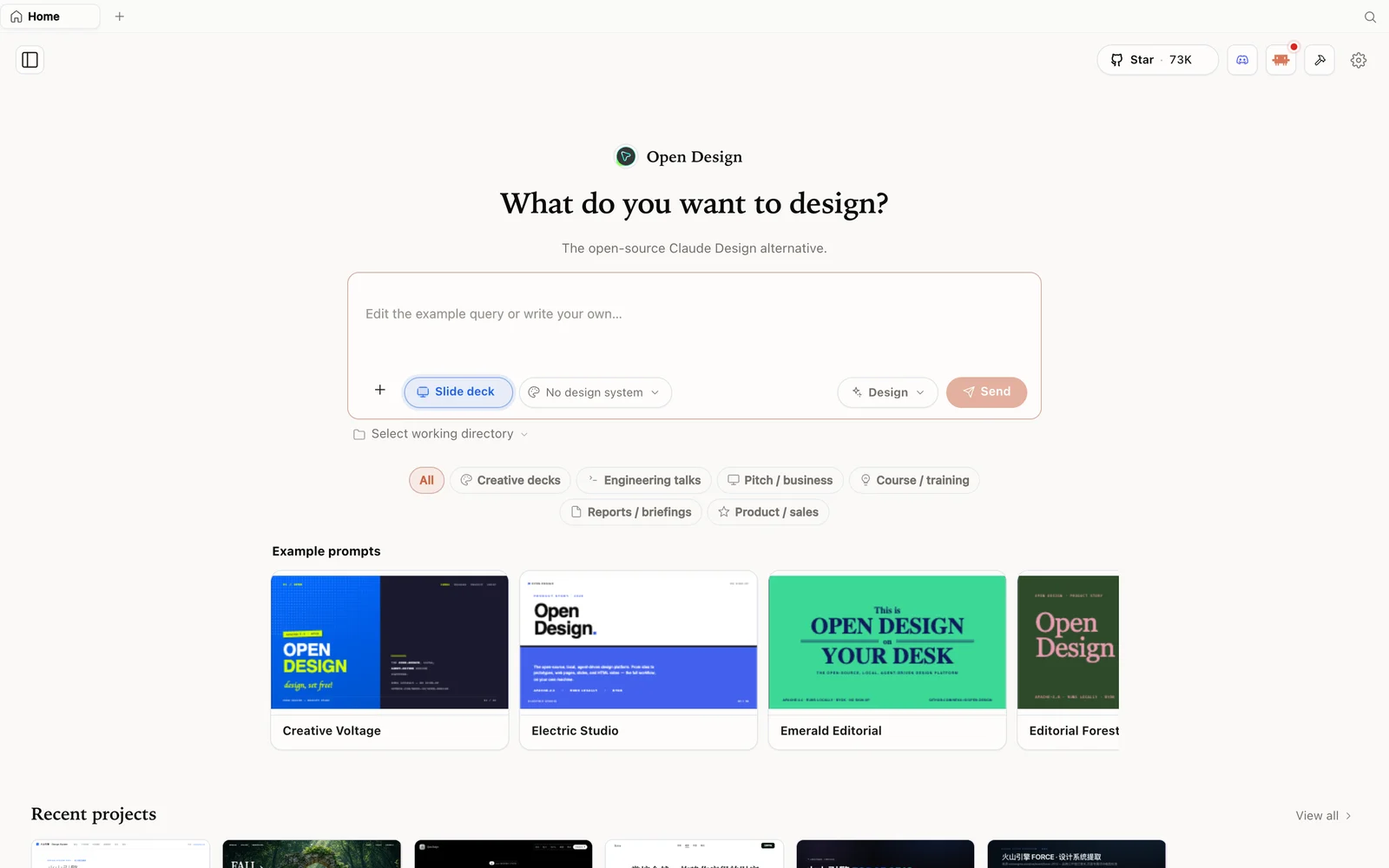 Slide-deck mode: choose a deck category and fork an example as your starting point.
What is OpenDesign?
OpenDesign is an open-source, local-first design platform — a Claude Design alternative you run on your own machine, driving any agent or model you want (Codex, Claude Code, Gemini, OpenCode, or your own API key) instead of being locked to one provider with a token cap. It ships with a deep library of design systems (each a DESIGN.md) and design skills, and goes beyond pages to slide decks, images, and video.
Step 1 — Install and connect a free model
Download the installer from open-design.ai/download (macOS / Windows), or run from source:
git clone https://github.com/nexu-io/open-design.git
cd open-design
corepack enable && pnpm install
pnpm tools-dev run web
Open the local URL it prints (a dynamic port — don’t hardcode one). For a free setup, Eli connects Codex signed in with a free ChatGPT account (it grants weekly credits), so the whole session costs nothing. In settings you can also test the connection, add media providers (image/video/audio), switch language, and adopt a desktop pet.
Step 2 — Generate a slide deck from existing content
This is the standout workflow. You don’t have to write a deck from scratch — feed OpenDesign content you already have:
- Choose Slide deck, name it, and pick a design system (you can even mix two, e.g. a brand look + a code look).
- Take the source content — Eli copies the transcript of a YouTube video (any article works too) — and have an LLM turn it into a deck brief (“generate a prompt for a 5-slide presentation from this transcript: …”).
- Paste that into OpenDesign and send. It runs a short discovery pass (audience, visual tone — e.g. “editorial magazine,” animation level) and a visual direction, then builds.
The result is a genuinely polished deck — Eli’s had smooth slide-transition animations and a consistent editorial look across five slides, presentable full-screen. It’s the fastest way to turn a talk, article, or video into shareable slides.
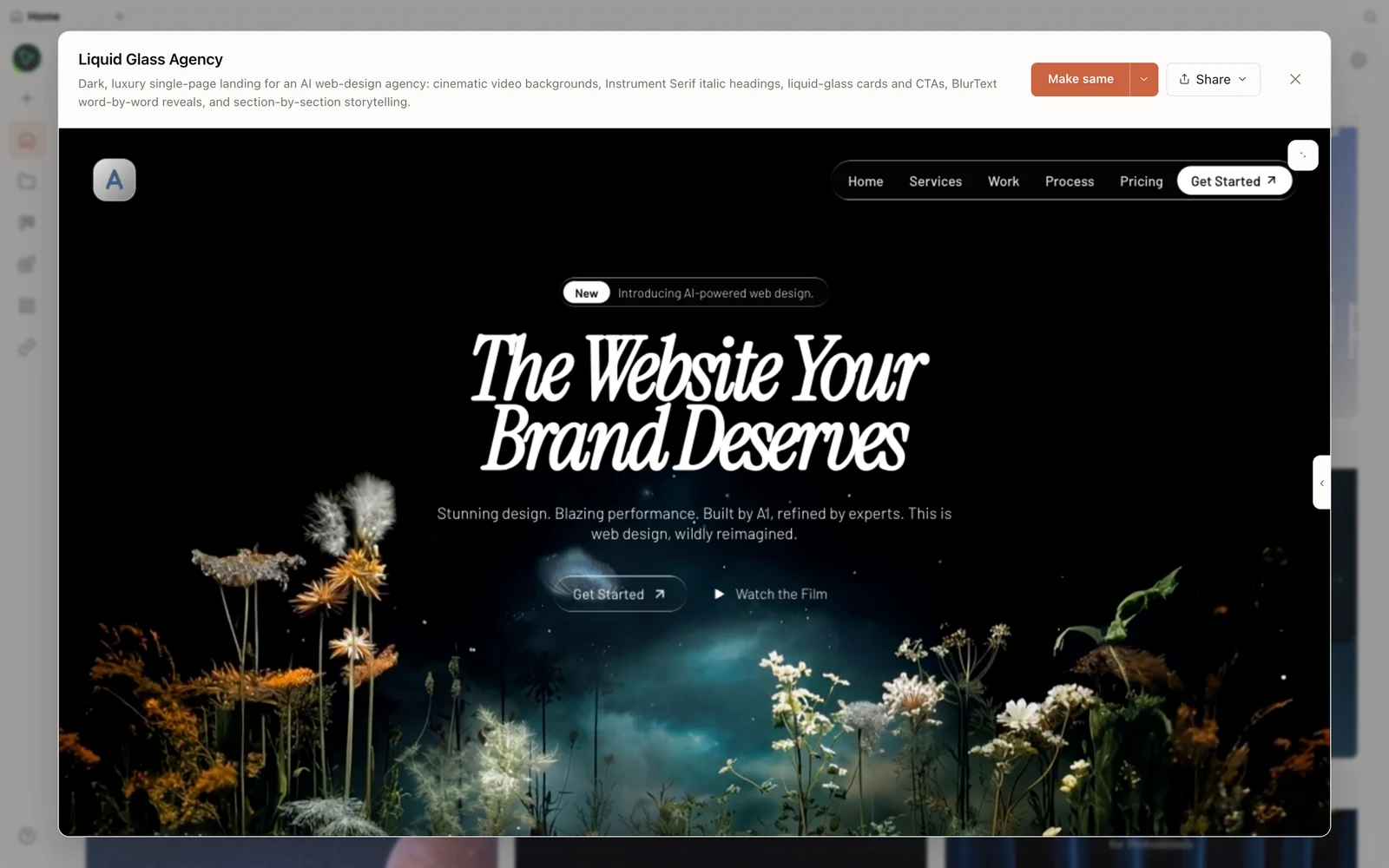 A real generated prototype rendered in the preview — OpenDesign also builds full interactive pages, not just decks.
Step 3 — More inputs: sketches, references, and Claude Design ZIPs
OpenDesign accepts several starting points beyond a text prompt:
- Sketch tool — draw a rough layout (“banner here, cards below”), annotate it, and have it built from your sketch.
- Reference files — drag in images, screenshots, or folders as context, and
@-mention them (or skills) right in the prompt. - Claude Design ZIP import — already have a design system in Claude Design? Export it as a ZIP, import it, and OpenDesign builds new artifacts that follow your existing tokens and brand.
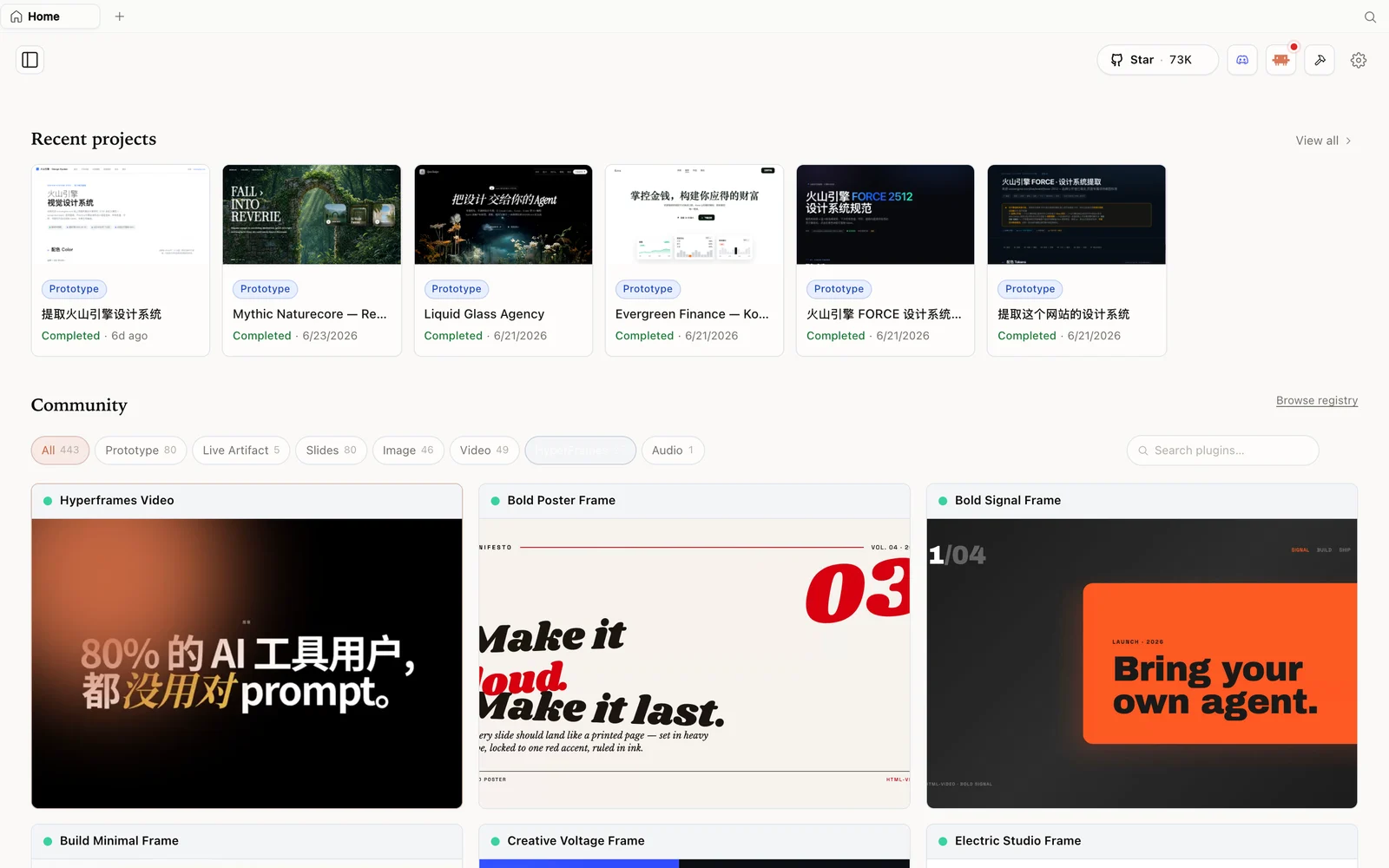 The HyperFrames gallery: code-driven motion and video pieces you can fork and remix.
Step 4 — Edit, watch your cost, and ship
Use Edit/Inspect to tweak elements visually (let the agent add data-oid tags if Inspect asks), and comment-to-edit to mark spots. Eli keeps an eye on the free Codex balance — a landing page cost ~21% of the weekly free credits, a deck a bit more — proving you can do real work without paying. When done, Share exports to PDF/PowerPoint/ZIP/HTML or deploys to Vercel.
His cost tip: if you’d rather use an API key, pick cheap models (GLM, Kimi, DeepSeek) — they’re a fraction of the price and plenty good for design iteration.
Tips
- Feed it content, don’t write from scratch — a transcript or article → a finished deck.
- Connect Codex via a free ChatGPT account (weekly credits) to run for free.
- Mix two design systems for a custom look; use the sketch tool when you have a layout in mind.
- Import a Claude Design ZIP to reuse an existing design system.
- Watch the credit balance and switch to cheap API models (GLM/Kimi/DeepSeek) to scale.
FAQ
Can OpenDesign make presentations, not just web pages? Yes — Slide-deck mode turns a prompt (or a transcript/article you paste) into a polished, animated HTML deck you can present full-screen or export to PowerPoint/PDF.
Can I run it completely free? Yes — connect Codex with a free ChatGPT account (or Gemini’s free tier); Eli builds pages and decks without paying, just watching the weekly credit balance.
What inputs can it start from? A text prompt, a hand-drawn sketch, reference images/screenshots/folders, or an imported Claude Design ZIP.
Is it free and open source? Yes — Apache-2.0. Run it locally for free; you only pay for the model/media usage of whatever you connect.
This written guide is based on Eli Rigobeli’s deep walkthrough. Watch the full video above, and subscribe to Eli Rigobeli for more AI build content.