
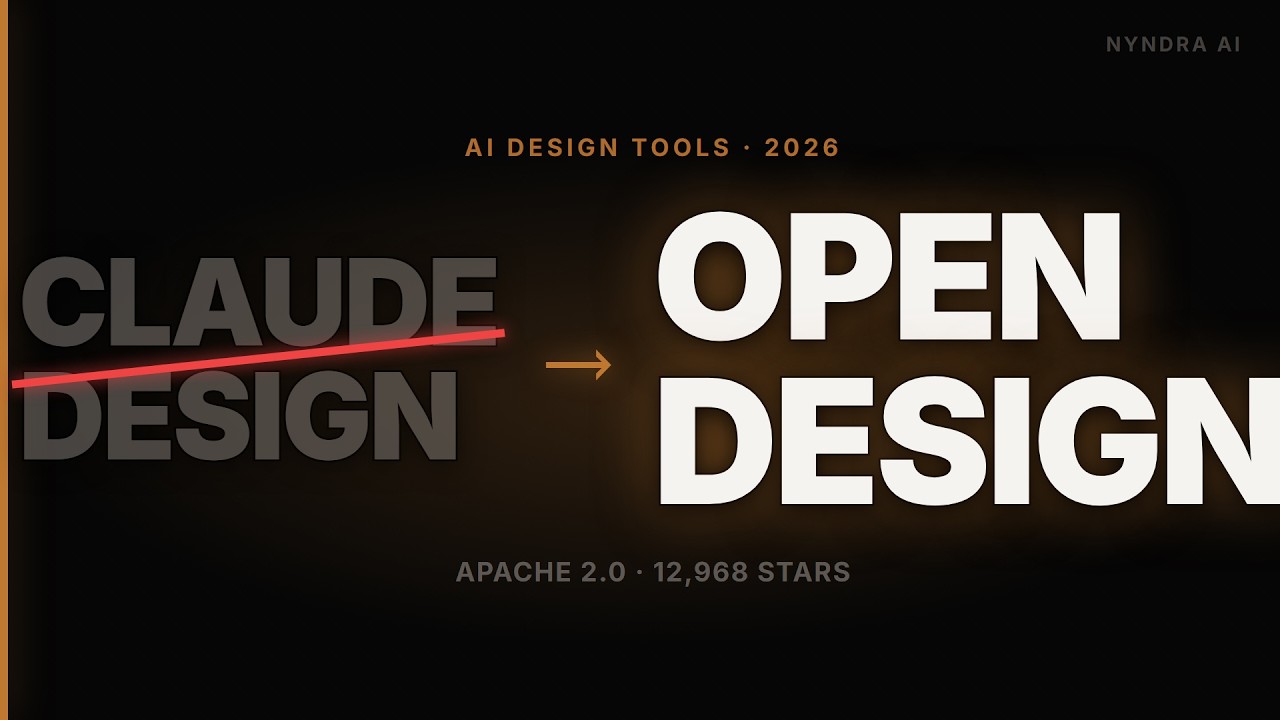
Why OpenDesign's Output Looks Designed — A Developer's Look Under the Hood
A developer's read of OpenDesign — why its output looks designed rather than improvised. Covers the deterministic loop (discovery form → direction picker → checklist → self-critique), the clean local architecture, how skill.md front-matter drives the agent, and BYOK through an OpenAI-compatible proxy. Based on Nyndra AI's source-level review.
Most AI design tools improvise from a blank prompt and it shows. This guide is a developer’s read of why OpenDesign’s output looks designed instead — the deterministic parts of its loop, the clean local architecture, and how the whole thing is wired. It follows the source-level review Nyndra AI gives in their video, rewritten and brought up to date with the current release. Watch the video above, or read on for the written version.
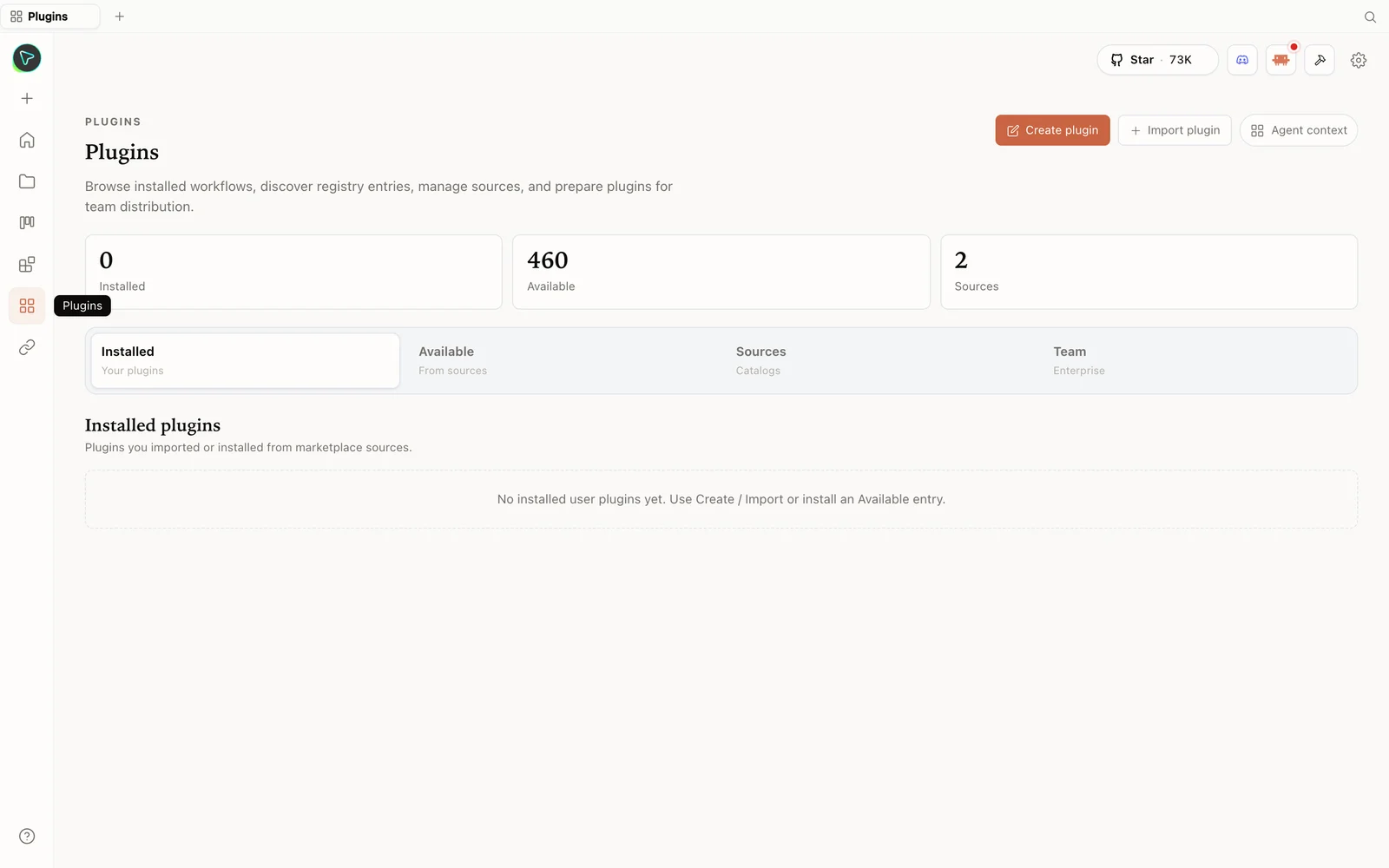 The plugins hub: browse the registry, import plugins, and prepare them for your team.
The idea: you don’t ship an agent
OpenDesign’s premise is that the strongest coding agents already live on your laptop, so it doesn’t ship one — it wires the agent you have into a skill-driven design workflow. A local daemon gives that agent a real project folder with real read/write/bash/web-fetch tools — not a sandboxed toy. It auto-detects your CLIs (Claude Code, Codex, Cursor, OpenCode, Qwen, Copilot — many total), and if you have more than one, you swap the active one with a single click, no config edits.
Why the output looks designed: the deterministic loop
Nyndra’s core observation, after reading the source: the parts that matter are deterministic, so the model can’t freestyle its way to slop.
- Discovery form — locks your brief (surface, audience, tone, brand) before the model improvises anything.
- Direction picker — forces a choice between curated visual schools. No freestyle vibe.
- Checklist culture — preflight against the skill spec, an on-disk project folder, a seed template.
- Five-dimensional self-critique — the agent reviews its own work like a reviewer who doesn’t pull punches, before you see it.
The result “looks designed because the agent was told to behave like a senior designer who checks their work.”
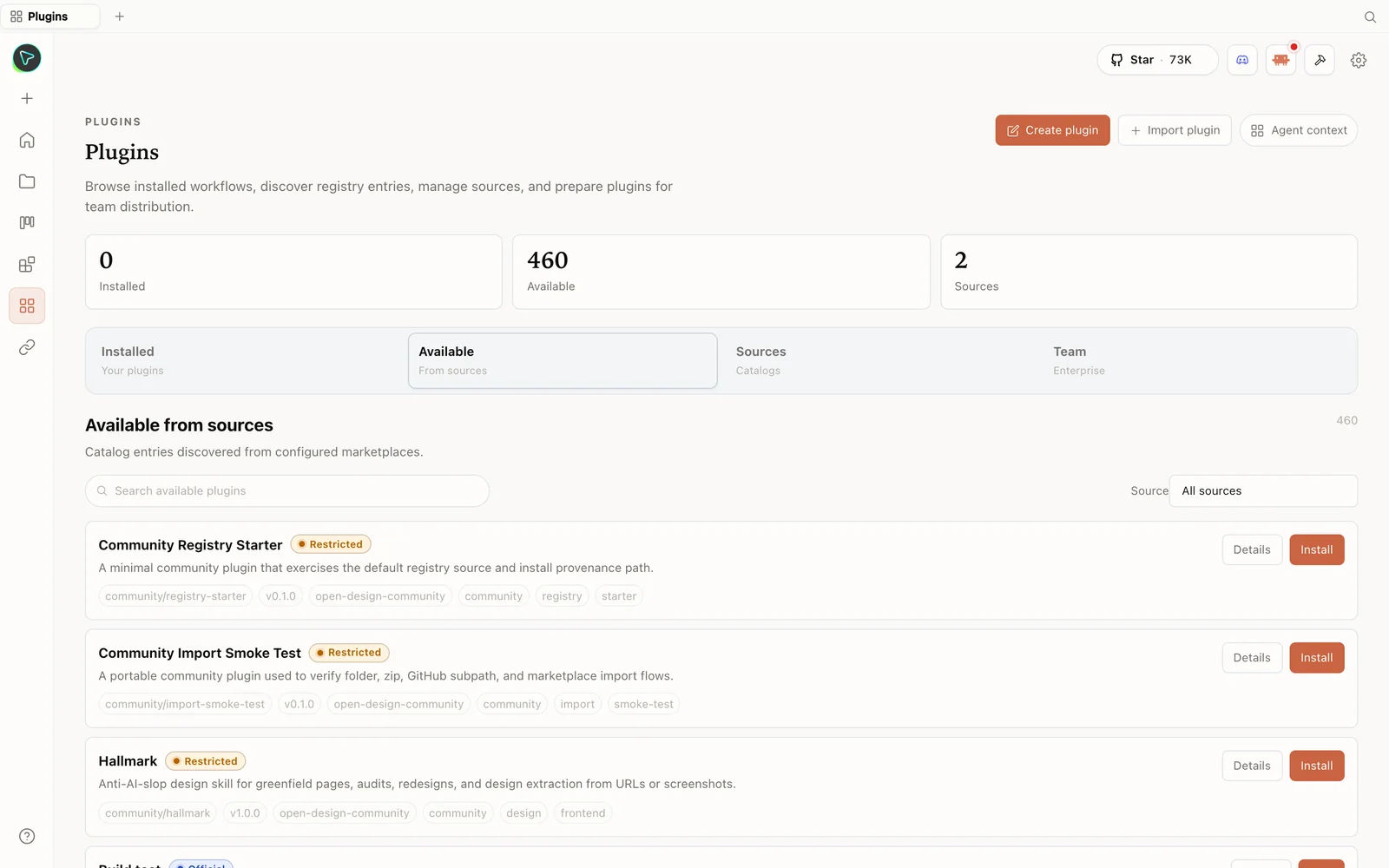 The plugin library: install skills straight from the registry — including anti-slop design skills.
How skills drive the agent
Each skill is a folder under the skills directory. The daemon parses the skill.md front matter — mode, scenario, preview type, design-system requirements, fidelity, animations — and the agent reads that spec before drawing. That’s the inversion that makes it work: the skill drives the agent, instead of the agent improvising from a blank prompt. Design systems are the same idea for style — each a real DESIGN.md (palette, typography, spacing, components) the agent reads before generating, so outputs look like someone studied the brand guidelines.
BYOK, local-first, Apache-2.0 (the three that matter for running it)
- BYOK — bring your own key through an OpenAI-compatible proxy: plug in DeepSeek, Grok, OpenRouter, or your own vLLM.
- Local-first — your data lives in SQLite on your machine.
- Apache-2.0 — fork it, deploy it to Vercel, modify it, ship it under your own name, no permission needed.
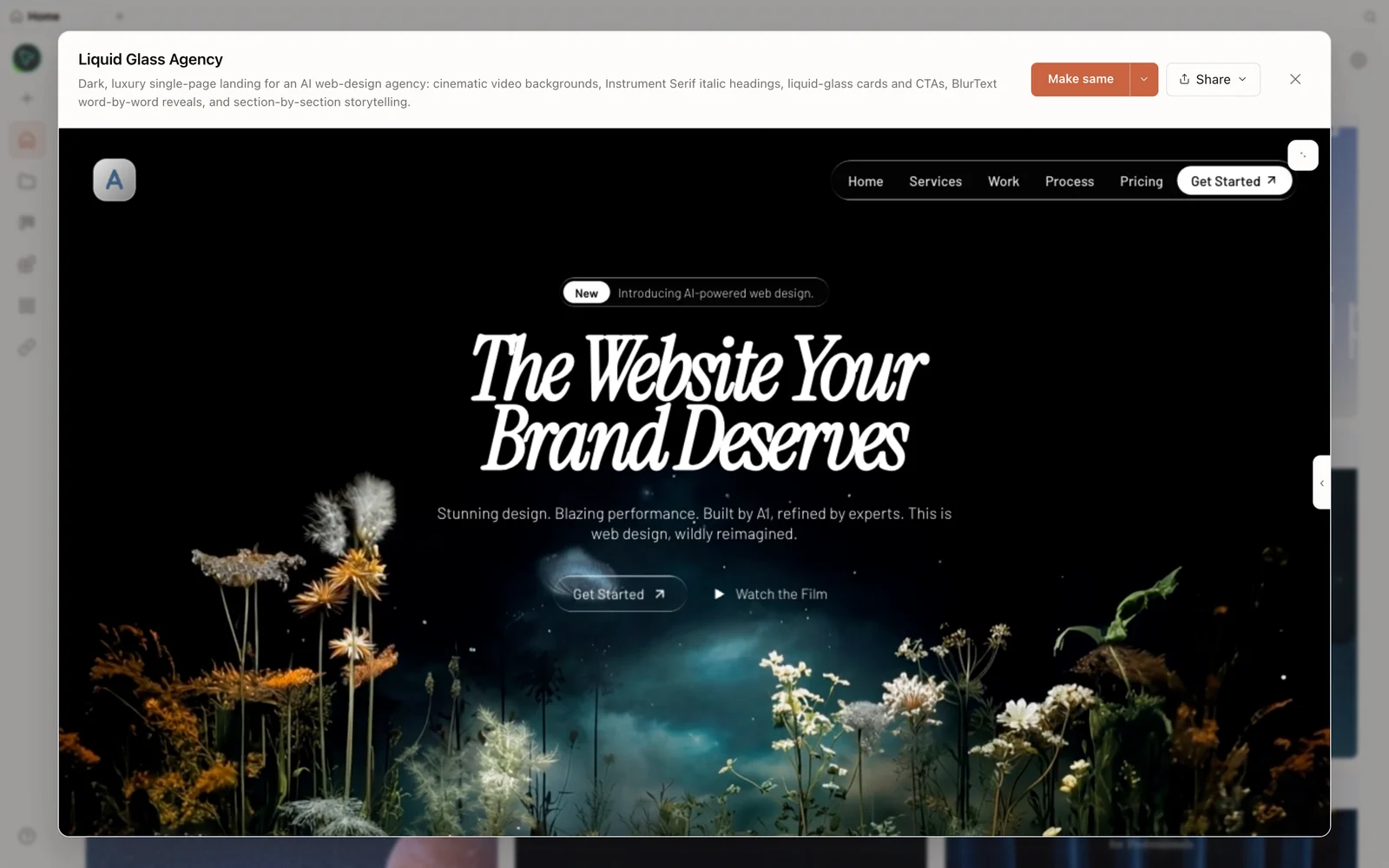 A real generated prototype rendered in the preview — a dark, cinematic agency landing page.
Run it (three commands)
git clone https://github.com/nexu-io/open-design.git
cd open-design
corepack enable && pnpm install
pnpm tools-dev run web
The daemon boots, scans your path, detects your CLI, and the web layer opens at the local URL it prints (a dynamic port — don’t hardcode one). There’s also an import endpoint for Claude Design export ZIPs — drop one on the welcome dialog and your agent picks up where the closed tool left off. Prefer no terminal? Grab the desktop app from open-design.ai/download.
The honest take
Nyndra’s verdict: it’s the most credible open-source AI design tool right now — clean architecture, active community, real design-system depth. The risk is fragmentation (fast-moving open-source projects either consolidate or spawn stale forks). But as a thing you can clone and run today, it’s compelling.
Tips
- Trust the deterministic loop — fill the discovery form and pick a direction; that’s what prevents slop.
- Read a
skill.mdto understand what drives the agent, and write your own for a custom surface. - BYOK via an OpenAI-compatible proxy (OpenRouter/DeepSeek/vLLM) for cost or self-hosting.
- Import a Claude Design ZIP to continue existing work locally.
- It’s Apache-2.0 and local — fork, self-host, and keep your data on your machine.
FAQ
Why does its output look better than typical AI UI? Because the loop is deterministic where it counts (discovery form, direction picker, checklist, self-critique) and skills/design-systems give the agent a spec to follow instead of a blank prompt.
What drives the agent?
A skill’s skill.md front matter (mode, scenario, fidelity, etc.) and the chosen DESIGN.md — the agent reads both before generating.
Can I use non-Anthropic models? Yes — BYOK through an OpenAI-compatible proxy (DeepSeek, Grok, OpenRouter, or your own vLLM), plus the auto-detected local CLIs.
Is it free and open source? Yes — Apache-2.0, local-first (SQLite on your machine). Run it for free; you only pay for the model usage of whatever you connect.
This written guide is based on Nyndra AI’s source-level review. Watch the full video above, and subscribe to Nyndra AI for more open-source AI breakdowns.