

The Anti-Slop Engine — How OpenDesign Designs Like a Senior, Not a Freestyler
A deep look at the machinery that stops OpenDesign from producing generic AI slop — the six-layer quality defense (discovery form, brand extraction, self-critique, checklist, blacklist, honest placeholders) plus how it orchestrates the agent you already have. Based on AI Teaches Better's explainer.
Most AI design tools spit back a generic, weirdly-purple-gradient mess. This guide explains the machinery that makes OpenDesign not do that — the multi-layer quality system that forces the agent to behave like a senior designer instead of freestyling. It follows the explainer AI Teaches Better gives in their walkthrough, rewritten and brought up to date with the current release. Watch the video above, or read on for the written version.
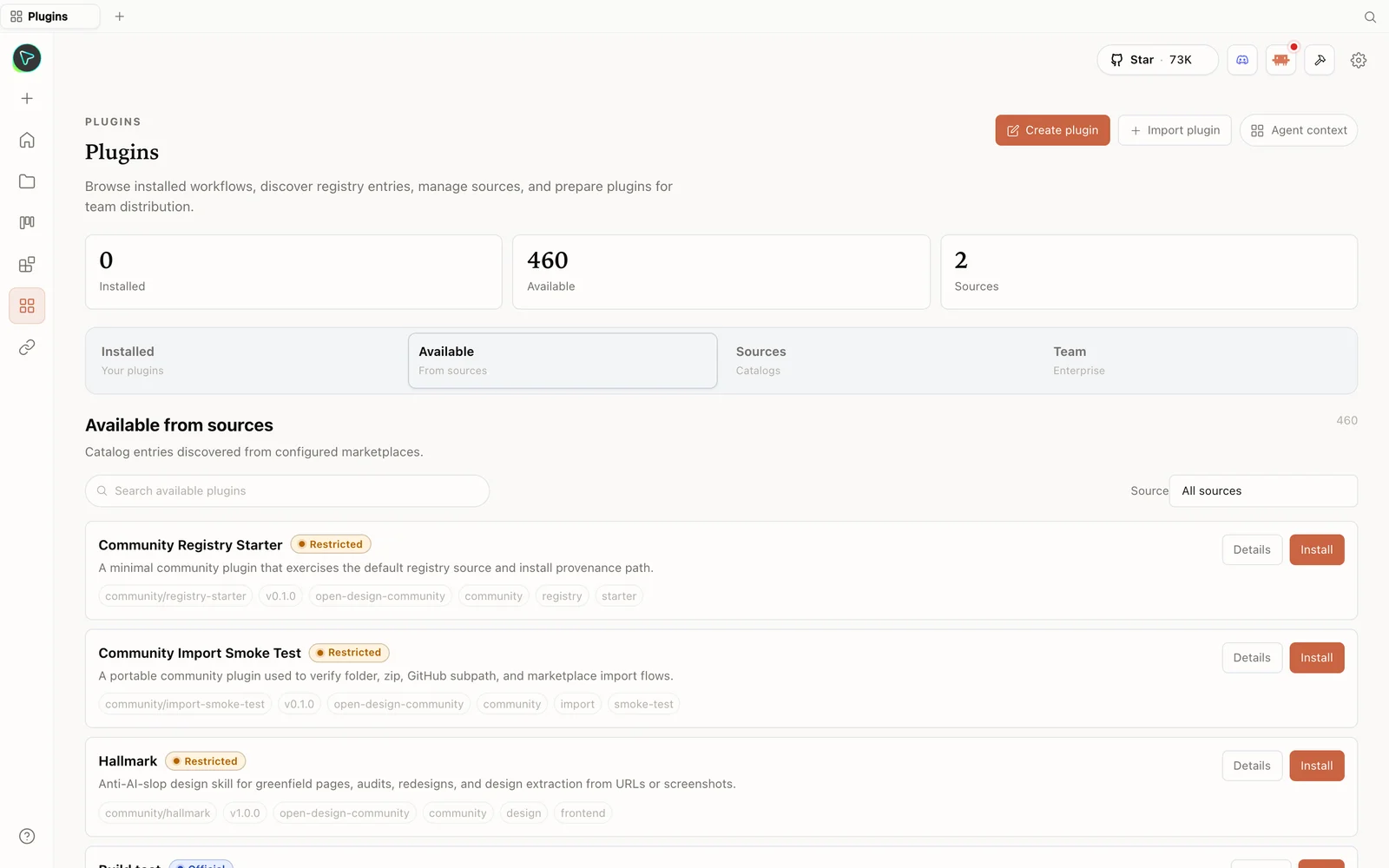 The plugin library: install skills straight from the registry — including anti-slop design skills.
What is OpenDesign?
OpenDesign is an Apache-2.0, local-first framework — the open-source answer to closed, cloud-only design tools locked to one model. The key distinction: it doesn’t ship its own AI agent. It’s a masterful orchestrator that delegates the design work to the coding-agent CLIs you already have. Boot it up and its local daemon scans your machine, auto-detecting CLIs — Claude Code, Codex, Cursor, OpenCode, Copilot, and more — and turns whichever it finds into your candidate design engines, hooking in over stdio. No vendor lock-in; swap engines with one click. No CLI installed? Configure a BYOK provider; the daemon runs it through the isolated OpenCode adapter.
Skills × design systems = intentional output
Two libraries do the heavy lifting:
- Composable skills — folders that tell the agent the structural DNA of an artifact: a SaaS landing page, a data dashboard, a PM spec, a multi-screen mobile app. Pick a skill and it already knows how that thing should be built.
- Brand-grade design systems — deterministic design rules drawn from top brands (Linear, Stripe, Vercel, Apple, Notion). Structure × style multiplies into a huge space of capability-and-look combinations, all running natively on your machine.
No specific brand in mind? It falls back on curated visual directions (Editorial Monocle, Modern Minimal, Tech Utility, Brutalist, Soft Warm), locking deterministic OKLCH palettes and font stacks — removing the AI’s ability to freestyle the vibe.
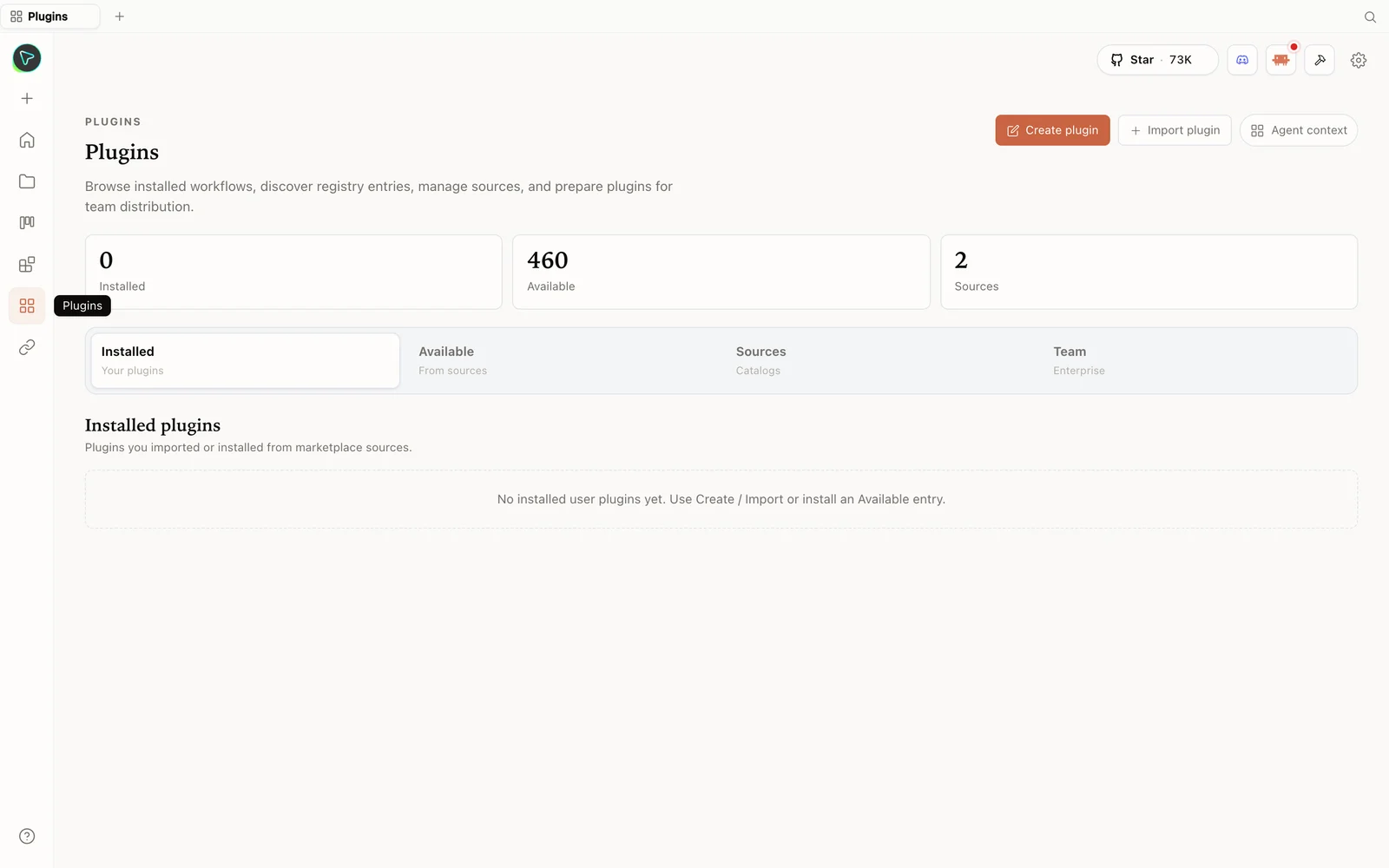 The plugins hub: browse the registry, import plugins, and prepare them for your team.
The anti-slop engine (the six layers)
This is the heart of it. Before you ever see an artifact, OpenDesign runs a six-layer defense that AI Teaches Better lays out clearly:
- Discovery form — before writing a single pixel, it asks about tone, audience, and brand to lock direction.
- Brand extraction — if you give it a URL, it systematically extracts the brand spec.
- Silent self-critique — it runs a five-dimensional critique on its own work before surfacing it.
- P0–P2 checklist — the output must pass a rigorous priority checklist.
- Hard-coded blacklist — generic gradients and those weird left-border rounded cards are literally forbidden.
- Honest placeholders — gray blocks instead of invented “10x faster” fake metrics.
The framing that captures it: “That’s not an AI trying to design something — that’s an AI trained to behave like a senior designer.” The prompt stack plus deep filesystem integration is what elevates the output and prevents the AI-flavored slop everyone’s tired of.
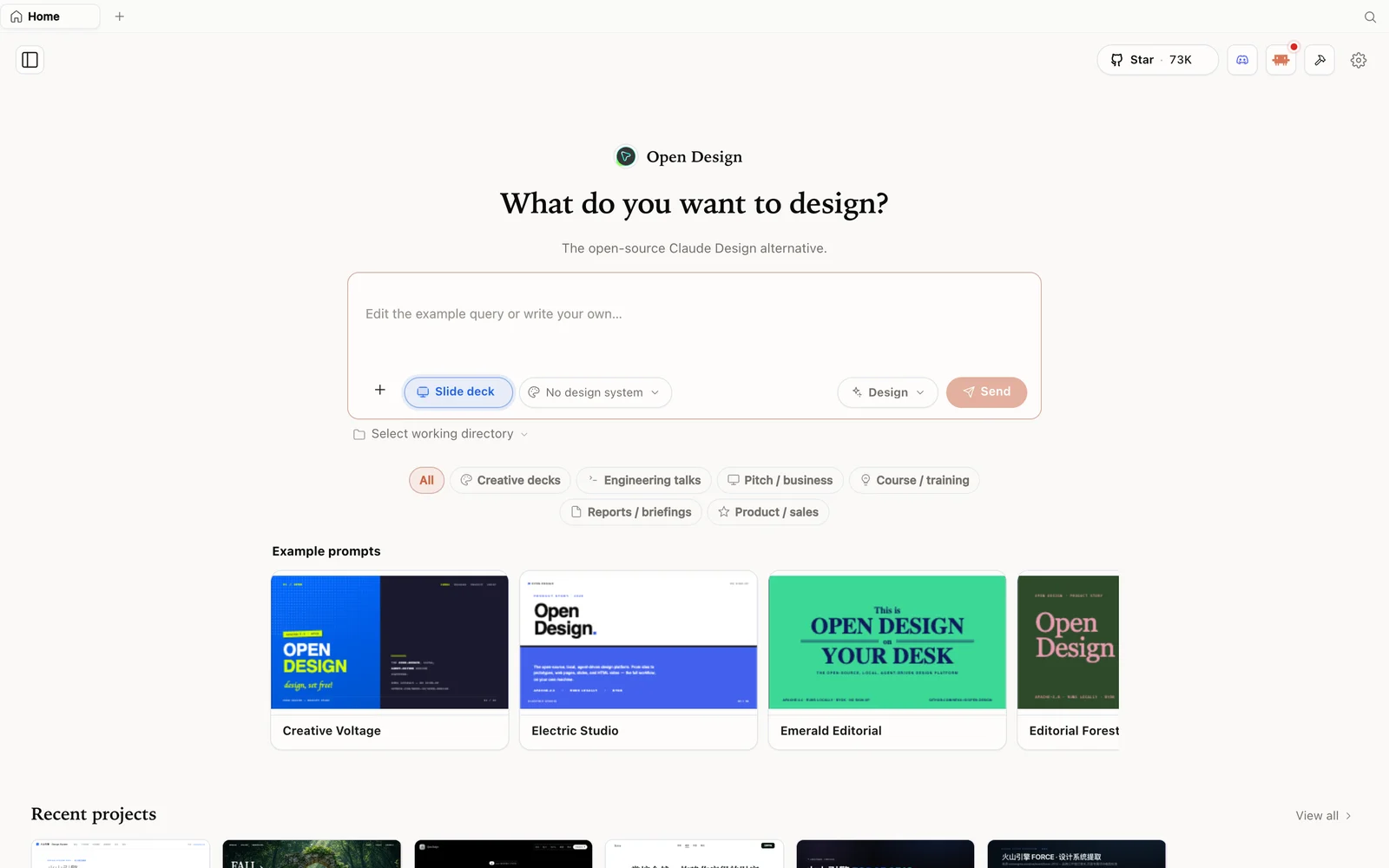 Slide-deck mode: choose a deck category and fork an example as your starting point.
More than UI: a local creative studio
The same chat surface drives rich media — image generation (GPT Image), short cinematic text-to-video, motion graphics via hyperframes, even audio — with ready-to-replicate media prompt templates so you never face a blank canvas.
Getting started (three steps)
git clone https://github.com/nexu-io/open-design.git
cd open-design
corepack enable && pnpm install
pnpm tools-dev run web
The local daemon boots, auto-detects your CLI agents, and sets up its SQLite store automatically — zero complex config. Open the local URL it prints (a dynamic port — don’t hardcode one), or grab the desktop app from open-design.ai/download. Thanks to that local store, close your laptop and your tabs and generated files are exactly where you left them. You can even drag in a Claude Design export ZIP and keep editing locally, and use click-to-comment HTML previews for surgical edits or one-click Vercel deploys.
Tip: hitting API rate limits while iterating? Because OpenDesign uses standard environment variables, you can point the base URL at an OpenAI-compatible proxy and keep going.
Tips
- Treat the discovery form as step zero — it’s layer one of the anti-slop engine.
- Start from a real design system (or a curated direction) so the agent never freestyles the look.
- Let the self-critique and checklist run — that’s what catches slop before you see it.
- Swap engines per task — strong model for the look, another for functionality; one click.
- Use a proxy base URL if you hit rate limits.
FAQ
What actually stops the output from looking AI-generated? A six-layer engine: discovery form, brand extraction, five-dimensional self-critique, P0–P2 checklist, a hard-coded blacklist of slop patterns, and honest placeholders instead of fake metrics.
Does OpenDesign include its own model? No — it orchestrates the coding-agent CLIs already on your machine (or an OpenAI-compatible proxy). You bring the engine; it brings the design discipline.
Can I customize the skills and design systems? Yes — both are files. Add your own skill folder or design system and it’s picked up.
Is it free? The app is open source under Apache-2.0 and free to run locally. You only pay for the model and media usage of whichever agent and providers you connect.
This written guide is based on AI Teaches Better’s explainer. Watch the full video above, and subscribe to AI Teaches Better for more AI architecture breakdowns.