

OpenDesign for Teams — Versioned Skills, Your Own Brand System, and Anti-Slop Guardrails
How to use OpenDesign as a real, versionable design workflow for a team — build your own skills and brand DESIGN.md, lean on the anti-slop critique gate, and keep expectations honest about production use. Based on AICodeKing's analysis.
This guide is about using OpenDesign as a real, versionable design workflow — not just a one-off prototype generator. The combination that makes it interesting for a team: your existing agent, file-based skills, and brand DESIGN.md systems, with anti-slop guardrails to keep the output from looking generated. It follows the analysis AICodeKing gives in his video, rewritten and brought up to date with the current release. Watch the video above for the full breakdown, or read on for the written version.
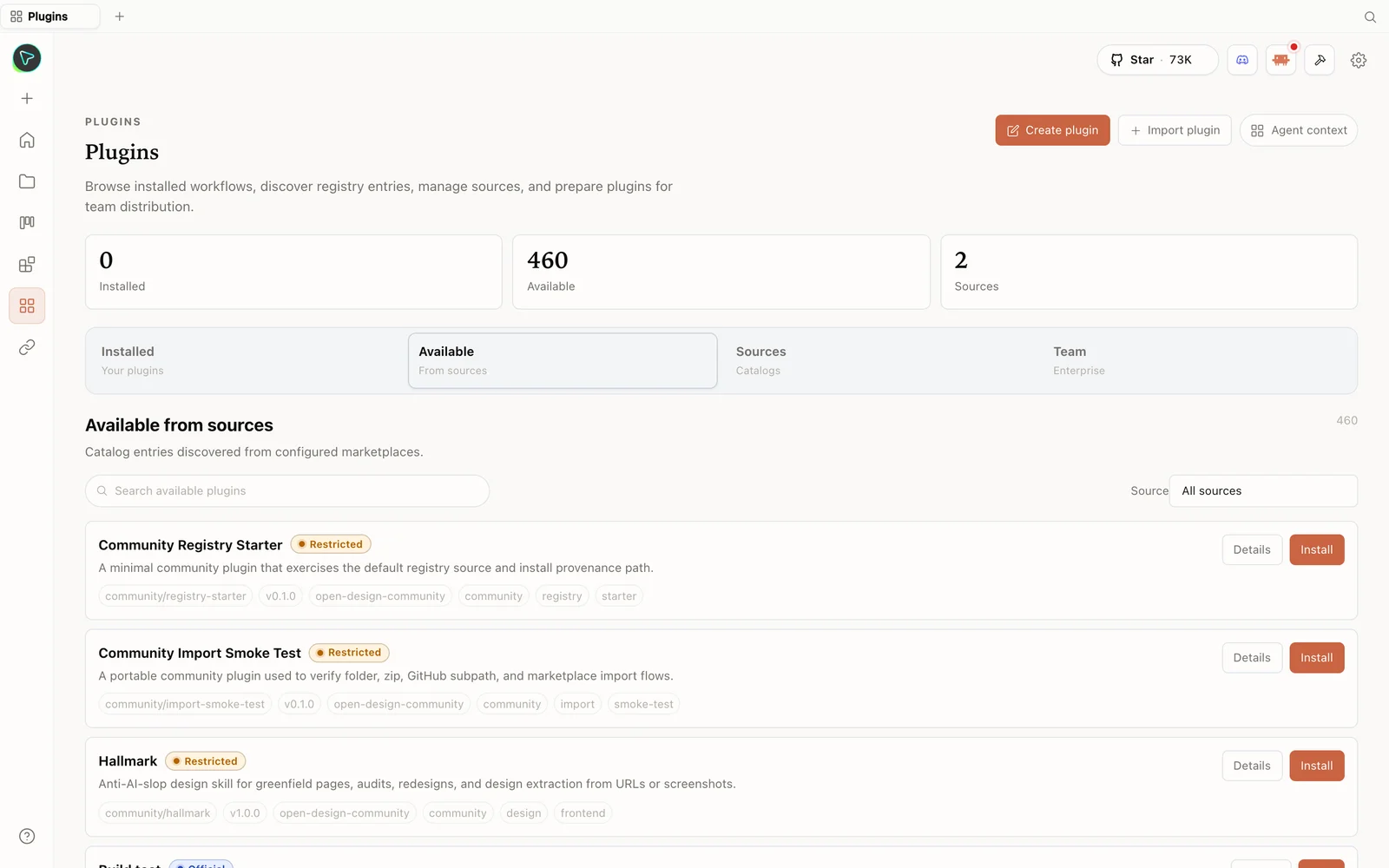 The plugin library: install skills straight from the registry — including anti-slop design skills.
What is OpenDesign?
OpenDesign is a local-first, open-source design app that connects to the coding agent you already use. Instead of shipping its own model, it detects tools like Claude Code, Codex, Cursor, OpenCode, and Qwen Code from your path and uses that agent as the design engine — with configured BYOK providers routed through an isolated OpenCode adapter when no local CLI is selected. It’s Apache-2.0, and the only cost is whatever model you choose. As AICodeKing puts it, it’s “a design shell around the agents you already have.”
Why it’s a team workflow, not just a chat box
The reason AICodeKing rates it: it isn’t a blank prompt box with a preview. The value is the combination of three things that are all versionable:
- Your existing coding agent — the engine, already paid for.
- File-based skills — each skill gives the agent rules for a specific surface (SaaS landing, dashboard, pricing page, docs, blog, mobile app, decks) instead of “make me a nice page.”
DESIGN.mdbrand systems — plain-markdown design systems covering color, typography, spacing, layout, components, motion, voice, brand rules, and anti-patterns.
Because skills and design systems are files, a team can create its own internal dashboard skill and its own brand DESIGN.md, commit them to git, and have Claude Code, Codex, or any agent generate artifacts that follow those rules. That’s a versioned, forkable, reviewable design workflow — something a locked-down design chat box can’t offer.
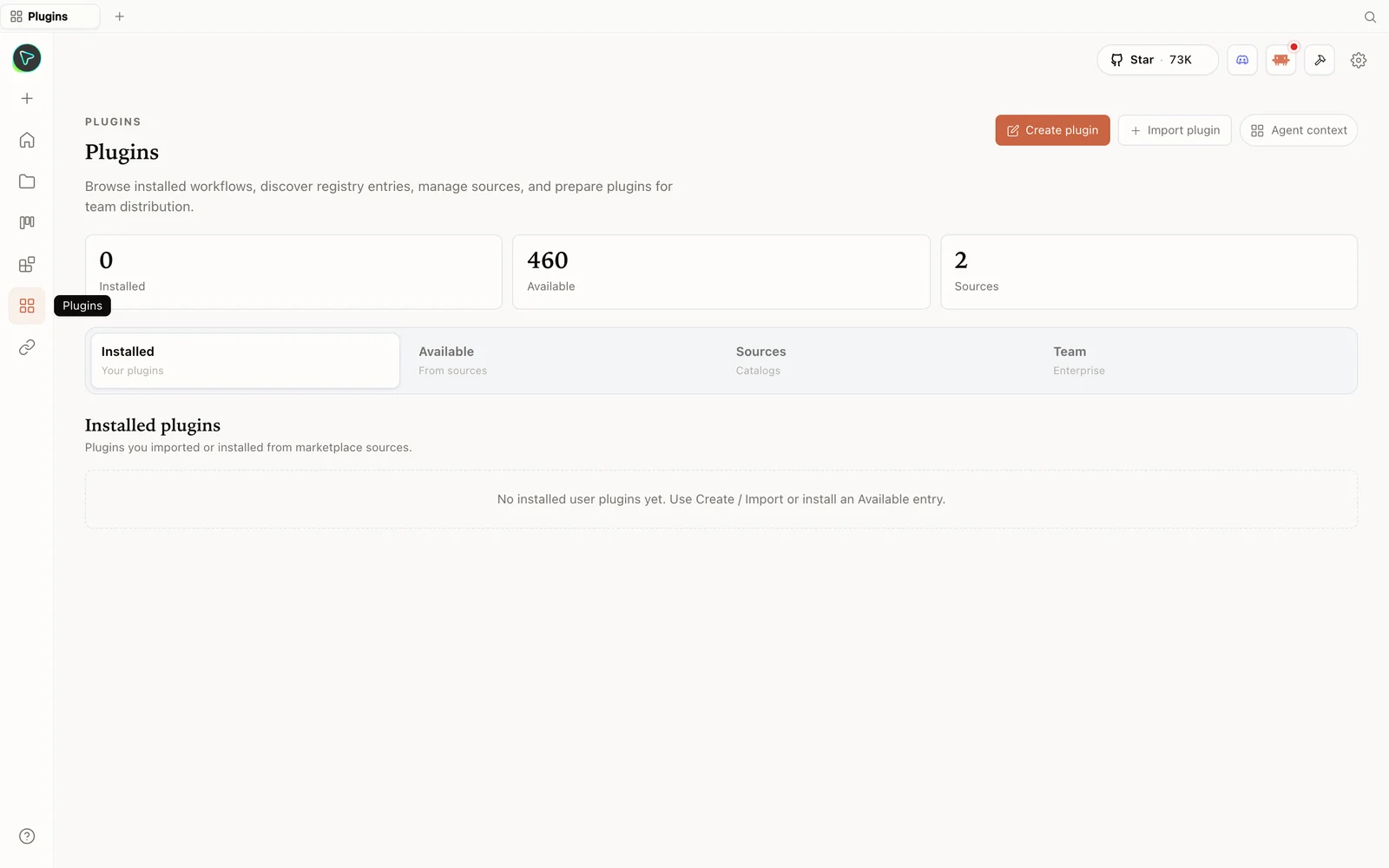 The plugins hub: browse the registry, import plugins, and prepare them for your team.
The anti-slop machinery
AICodeKing’s favourite part, and the reason team output stays presentable: OpenDesign fights the tells of AI-generated UI. The prompt stack runs a multi-dimensional critique before emitting an artifact (design philosophy, hierarchy, execution, specificity, restraint), each skill can ship a P0/P1/P2 checklist the agent must satisfy, and the repo explicitly bans the usual failure modes — aggressive purple gradients, generic emoji icons, random rounded cards with left-border accents, fake metrics, decorative filler. Paired with the discovery form (it asks about surface, audience, tone, brand, scale before writing) and the direction picker (curated visual directions with deterministic palettes), the agent has a stable source of truth instead of drifting on every refinement.
Install
git clone https://github.com/nexu-io/open-design.git
cd open-design
corepack enable && pnpm install
pnpm tools-dev run web
Open the local URL it prints (a dynamic port — don’t hardcode one). Prefer no setup? Grab the desktop app at open-design.ai/download. On first load it detects your installed agent CLIs; pick one, or use the Anthropic BYOK option. Browse the full plugin library at open-design.ai/plugins.
A team-flavoured demo
AICodeKing’s suggested flow maps cleanly to real work: pick Codex or Claude Code as the agent, choose a skill (SaaS landing or dashboard), and a design system (e.g. Linear or Stripe — easy to judge). Prompt something concrete like a landing page for an internal product, fill in the discovery form, pick a direction, and let it run. The plan streams in, the agent reads the skill and the DESIGN.md, and writes real files.
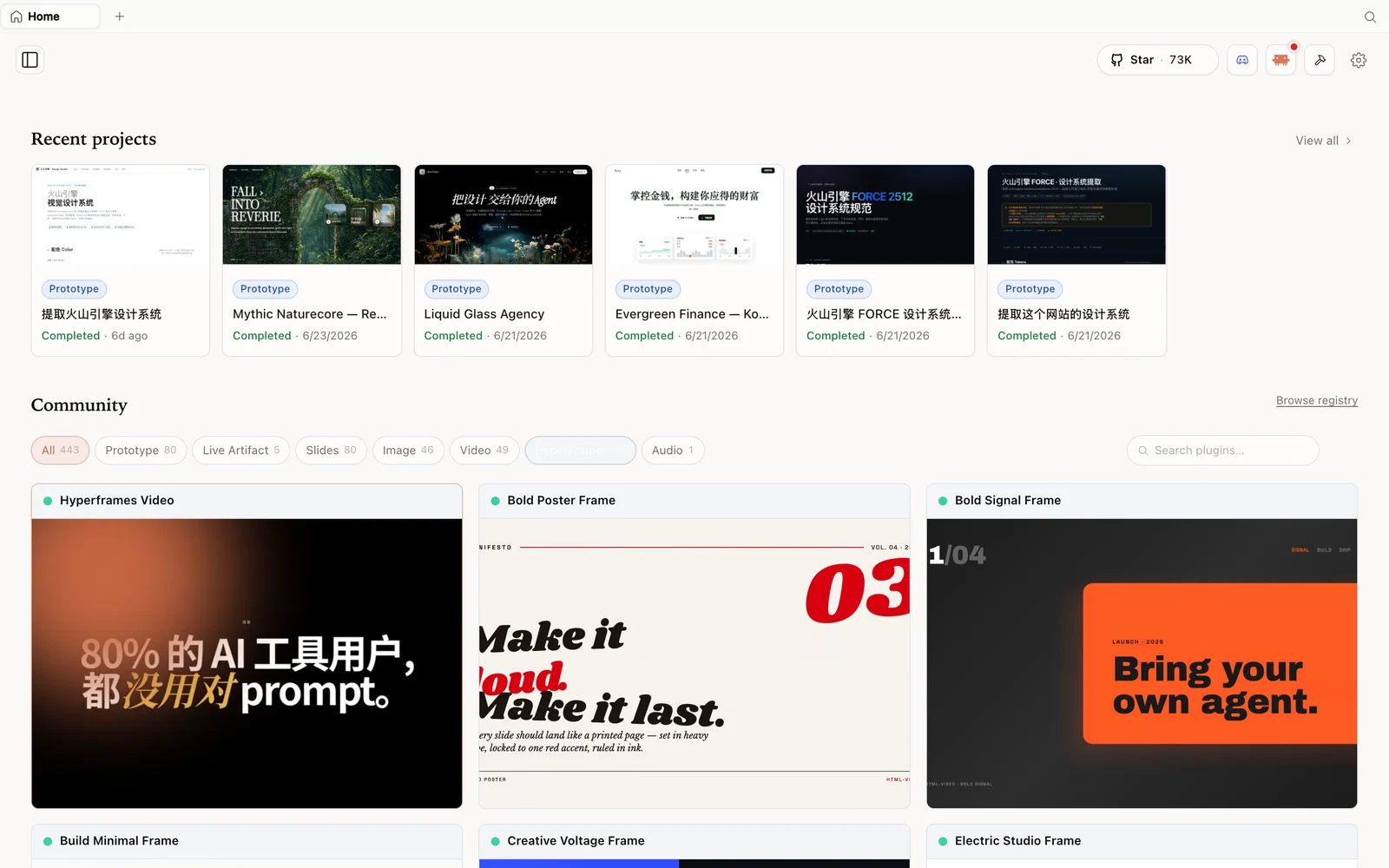 The HyperFrames gallery: code-driven motion and video pieces you can fork and remix.
Outputs render in a sandboxed preview and export to HTML, PDF, ZIP, and Markdown (PPTX-style for deck skills). Because the design system and skill stay in the prompt stack, refinements don’t drift — the agent keeps a stable reference instead of reinventing the look each turn.
Be honest about production
AICodeKing is clear-eyed, and so should you be: this is an early project, so treat it as a strong starting point, not a drop-in production design team. Output quality depends heavily on the model you point it at — a weak model plus a good design system still yields weak design judgement. Claude Code gets the richest streaming; other CLIs are line-buffered. And since the daemon spawns agents with a working directory, be thoughtful about which skills you install and which directories you expose. For quick prototypes, landing pages, internal dashboards, and decks it’s genuinely useful; for shipped production UI, generate, then review the code, test responsiveness, and refine.
Tips
- Write your own skill + brand
DESIGN.mdand commit them — that’s the team superpower. - Pick a recognizable design system (Linear/Stripe) when judging output, so quality is easy to assess.
- Lean on the discovery form and direction picker to lock direction before generation.
- Use a local CLI so generation rides on a subscription you already pay for.
- Treat output as a starting point for production — review, test, refine.
FAQ
Can a team build its own skills and design systems?
Yes — skills are folders and design systems are DESIGN.md files. Commit them to git and any connected agent generates against them, so the whole workflow is versioned and forkable.
What stops the output from looking AI-generated? A multi-dimensional self-critique before emit, per-skill P0/P1/P2 checklists, and an explicit ban on common slop patterns (purple gradients, generic icons, fake metrics), plus the discovery form and direction picker.
Is it production-ready? It’s an early, capable starting point. Use it for prototypes, dashboards, landing pages, and decks; for production UI, review and refine the generated code.
Is it free? The app is open source under Apache-2.0 and free to run locally. You only pay for the model usage of whichever agent and key you connect.
This written guide is based on AICodeKing’s analysis. Watch the full video above, and subscribe to AICodeKing for more AI-tool deep dives.