

Where OpenDesign Fits in the Open-Source Claude Code Toolbox
How OpenDesign sits in the wider open-source Claude Code ecosystem — what it's built on, what it adds, and when to reach for it alongside the other tools devs are adopting. Based on Chase AI's roundup of the newest open-source Claude Code tools.
This guide places OpenDesign in context: not as a standalone app, but as one of the open-source tools developers are layering onto Claude Code right now. It covers what OpenDesign is built on, what it adds, and when to reach for it. It draws on Chase AI’s roundup of the newest open-source Claude Code tools, rewritten and brought up to date with the current release. Watch the video above for the full roundup, or read on for the written version.
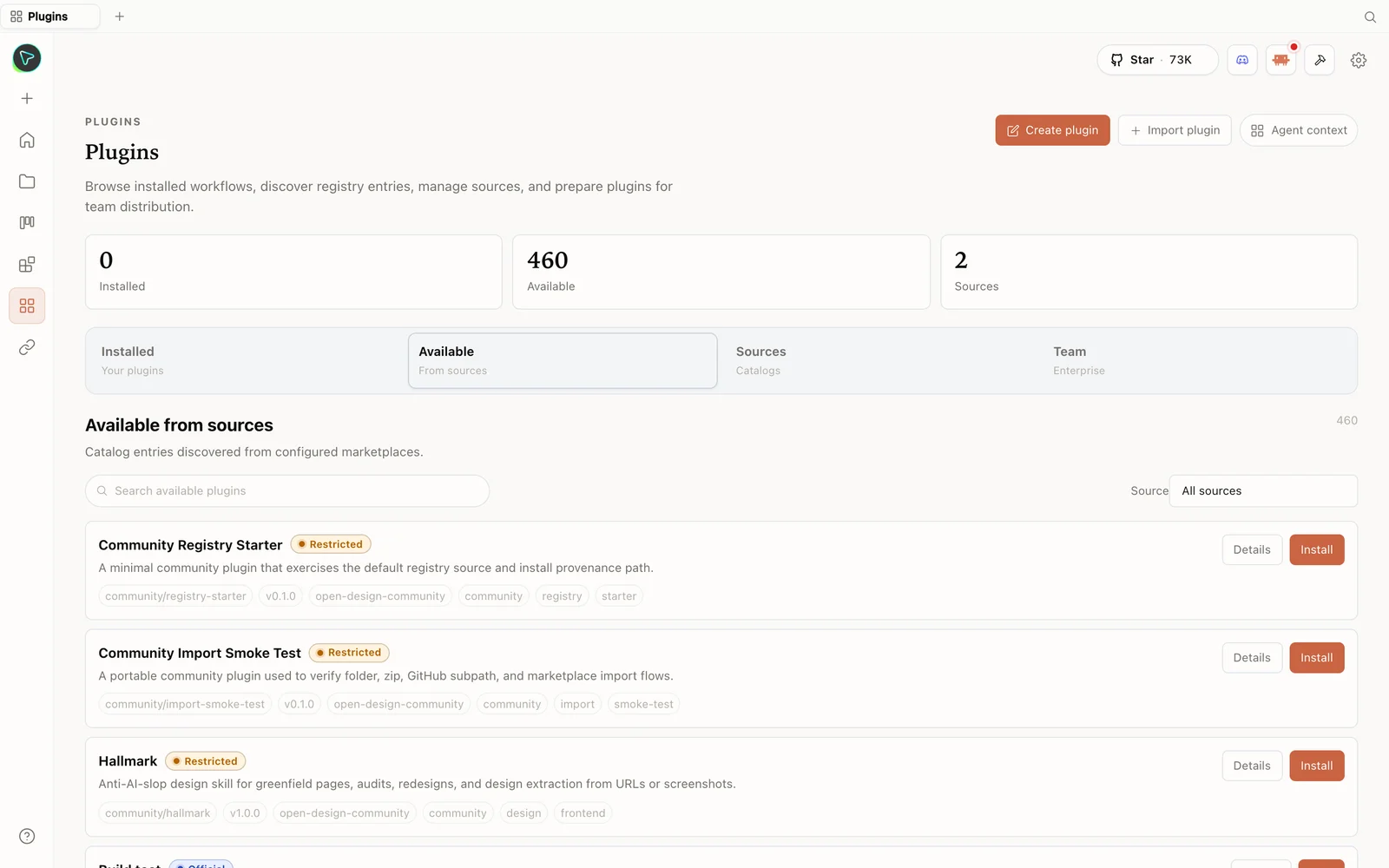 The plugin library: install skills straight from the registry — including anti-slop design skills.
What OpenDesign is
OpenDesign is an open-source, local-first design platform — essentially a local, GUI-driven Claude Design that runs on top of the coding agent you already use (Claude Code, Codex, Cursor, Gemini, OpenCode, and more) instead of shipping its own model. Chase’s one-liner: if you like Claude Design’s interface but you’ve hit your weekly usage cap, this gives you the same kind of experience, locally, for free. It copies the familiar layout — prototypes, slide decks — and adds capabilities a single-provider tool doesn’t, like calling APIs for image and video generation.
- Open source, Apache-2.0 — clone it, read it, self-host it.
- Runs locally — your projects live on your own machine, on whatever agent you choose.
- A deep library of skills and design systems built in.
- More than design — prototypes, decks, image, and video.
Built in the open, on the shoulders of other open source
A useful thing Chase highlights: OpenDesign didn’t appear from nowhere. It stitches together and builds on several existing open-source projects, then adds its own packaged skill set on top. That open lineage is the point — every layer is inspectable and replaceable:
- It takes the best ideas from prior open Claude-Design-style efforts (terminal-first design tools, a magazine-style PowerPoint skill, other open design clones, and more).
- It wraps them in a unified GUI and a package of composable skills.
- Because skills are just files and design systems are portable
DESIGN.md, the community keeps extending it — you add a skill by dropping a folder and opening a pull request.
The result is a tool that feels like Claude Design but is open all the way down, so it improves at the pace of a community rather than a single vendor’s roadmap.
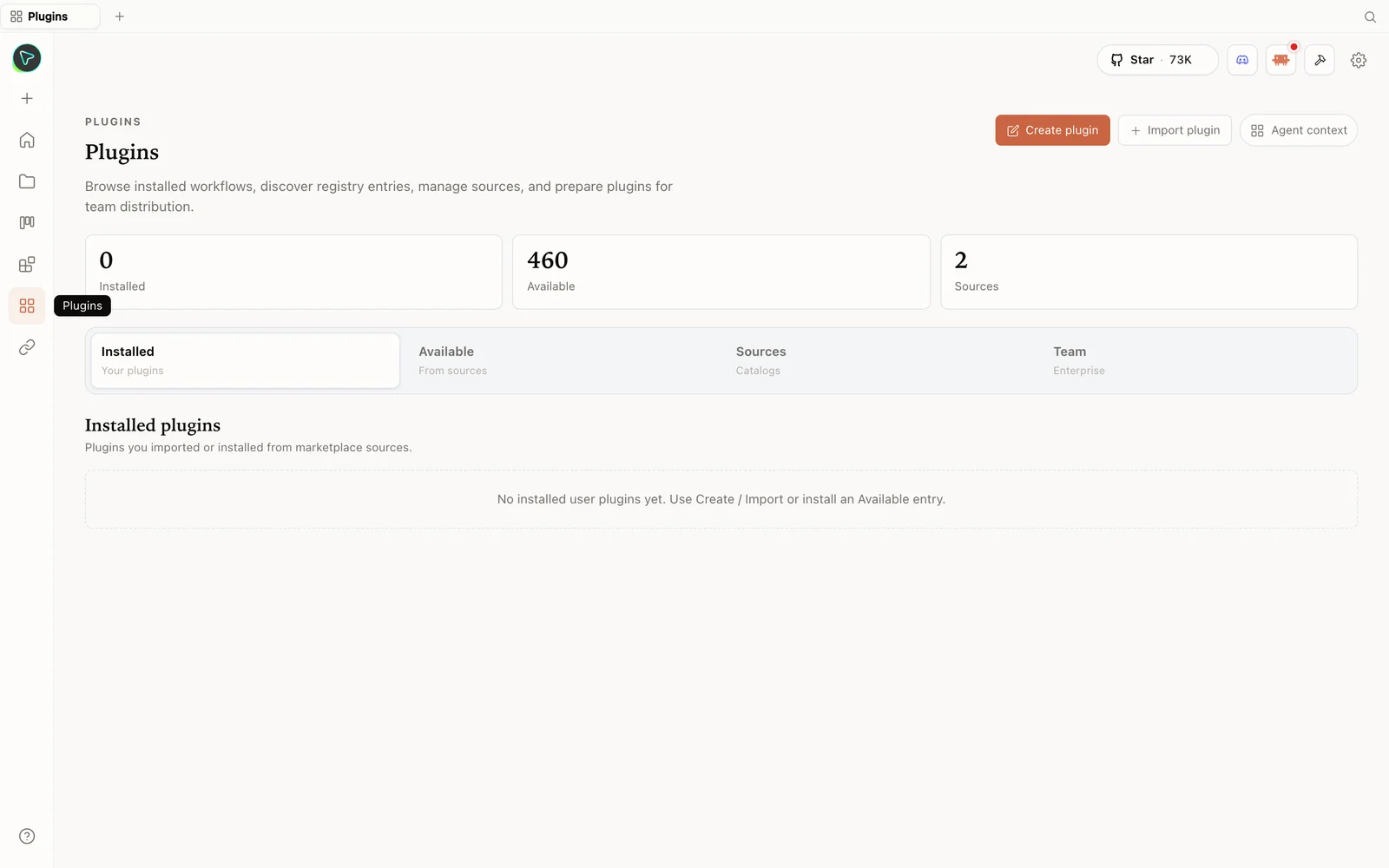 The plugins hub: browse the registry, import plugins, and prepare them for your team.
Where it fits among the other tools
Chase’s roundup is full of lightweight Claude Code add-ons — token trackers, front-end polishers, design-extractors, browser agents. OpenDesign is the design surface in that toolbox: the place you go to turn a brief into a real, on-brand artifact, while the others optimise, extract, or automate around it. A few natural pairings:
- Design extraction tools point a headless browser at any site and capture its layout, palette, and motion — a great way to produce a
DESIGN.md-style brand reference you then use inside OpenDesign. - Front-end polishers clean up the generated HTML after you export it.
- Token/cost trackers help you see what each agent run costs — useful since OpenDesign rides on whatever agent you point it at.
The throughline of the whole ecosystem: keep your work local, on agents you already pay for, and compose small open tools instead of renting one closed product.
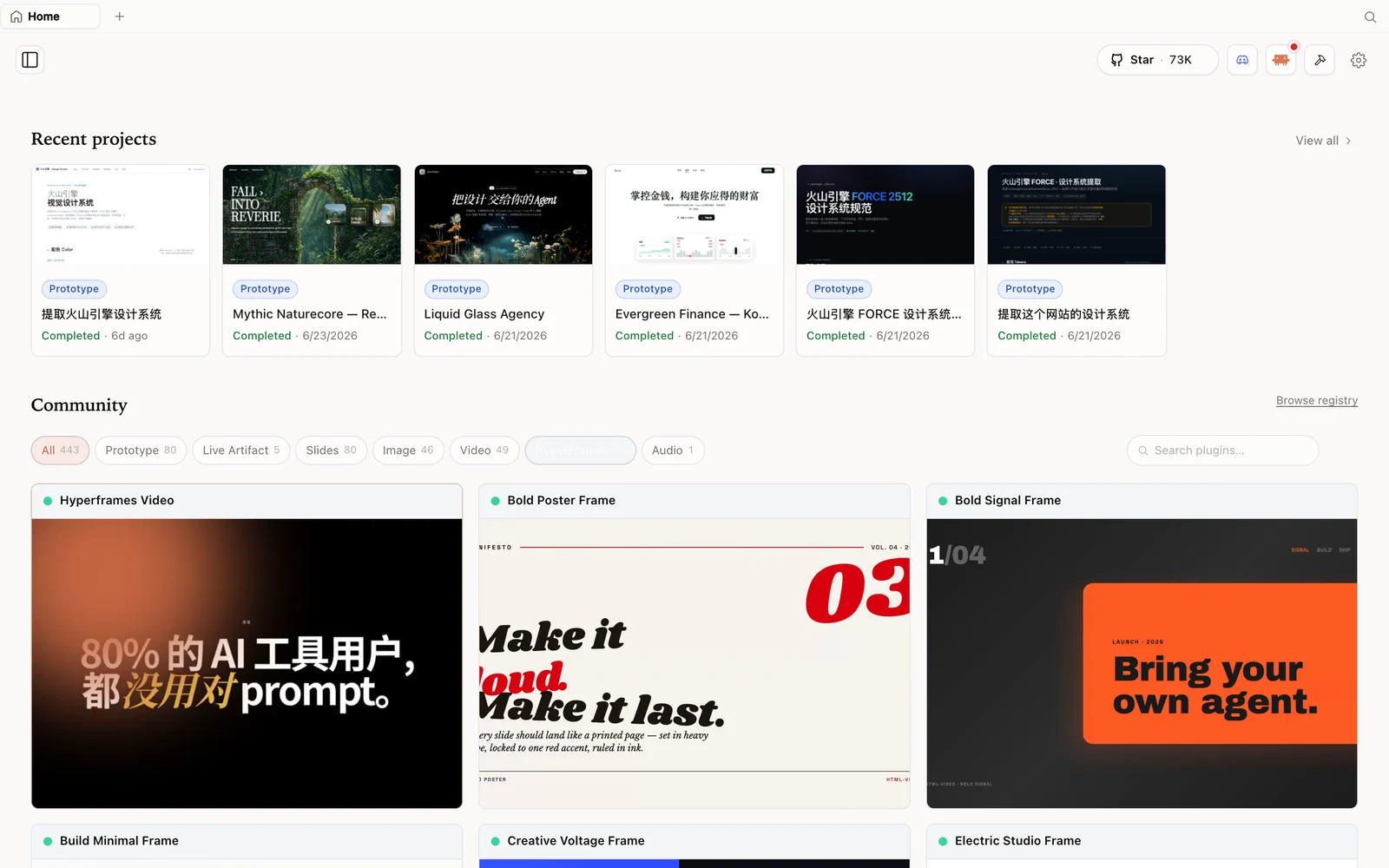 The HyperFrames gallery: code-driven motion and video pieces you can fork and remix.
Install OpenDesign
git clone https://github.com/nexu-io/open-design.git
cd open-design
corepack enable && pnpm install
pnpm tools-dev run web
Open the local URL it prints (a dynamic port — don’t hardcode one), or grab the zero-config desktop app from open-design.ai/download. On first run it detects your installed agent CLIs; pick one, or bring your own API key. Browse the full plugin library at open-design.ai/plugins.
Tips
- Reach for OpenDesign as your design surface and compose the smaller tools around it.
- Feed it a
DESIGN.mdderived from a real site (via a design-extraction tool) for on-brand output. - Run it on an agent you already pay for to avoid a second subscription — and to dodge a hosted tool’s weekly cap.
- Extend it — skills are folders, design systems are files; add your own and open a PR.
- Polish exports downstream — clean up the generated HTML with a front-end tool after exporting.
FAQ
Is OpenDesign its own model? No — it’s a design shell around the coding agent you already use. The model and its cost stay on your side.
What is it built on? It builds on and unifies several earlier open-source design tools, then adds a packaged set of composable skills — all Apache-2.0 and inspectable.
When should I use it instead of a hosted tool? When you want local control, any model, no subscription, or you’ve hit a hosted tool’s usage cap. It mirrors that experience, locally and free.
Is it free? The app is open source under Apache-2.0 and free to run locally. You only pay for the model and media usage of whichever agent and providers you connect.
This written guide is based on Chase AI’s open-source tools roundup. Watch the full video above, and subscribe to Chase AI for more open-source Claude Code tooling.