
Vibe Design with Google Stitch: What It Nails, Where It Traps You
Google coined the term "vibe design" with Stitch — and Stitch is genuinely good. Here's the honest hands-on: what it nails, the lock-in the demos don't show you, and when owning the loop beats the convenience.

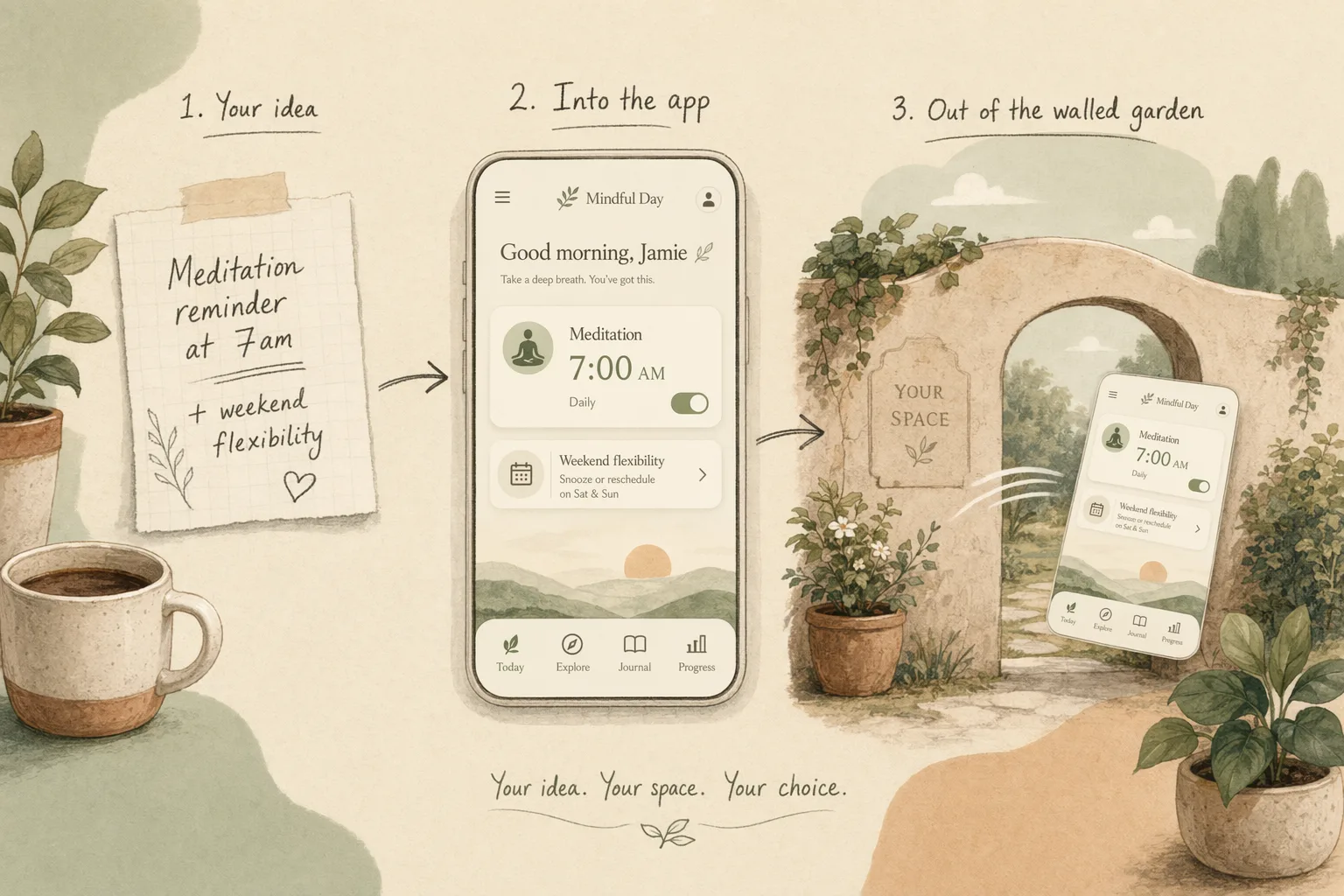
When Google introduced “vibe design,” it did it with a product: Stitch, its AI tool that turns a prompt into a UI. That’s worth sitting with — the term you searched for was, in large part, a Google launch. So the honest question isn’t “what is vibe design” in the abstract; it’s “is Google’s version the one you should build on?” I put Stitch through the same real briefs I run every vibe design tool against, and the answer is a genuine it’s very good, and here’s exactly where it stops being yours.
I’ll be upfront: we build OpenDesign, which sits on the open end of this same space. So read the comparison with that in mind — but the praise below is real, because pretending Stitch is bad would just cost you my credibility.
What Stitch actually is
Stitch is Google’s prompt-to-UI tool. You describe a screen — or speak it, via its Voice Canvas — and it generates a clean, surprisingly coherent interface you can iterate on in natural language. It exports toward Figma and toward front-end code, and at the time of writing it’s free inside Google Labs. In the taxonomy from our vibe design tools roundup, it’s the strongest of the “big-platform AI” entries: fast, polished, and backed by Google’s models.
What it nails
Credit where it’s due — Stitch is the tool I’d hand someone who’s never vibe designed before:
- Prompt-to-UI quality. The first screen is genuinely usable, not the lorem-ipsum soup early AI mockups gave you. Google’s models show.
- Speed and price. Idea to credible screen in under a minute, for free. For exploring direction, that’s hard to beat.
- Voice Canvas. Talking a UI into existence sounds gimmicky until you’ve reshaped a layout hands-free while thinking out loud. It’s the most novel thing here.
- Export paths exist. It doesn’t pretend the mockup is the end — it hands off toward Figma and code, which already puts it ahead of the tools that strand you at the picture.
If your job today is “show me a direction for this screen,” Stitch is a great answer. I mean that.
Where it traps you
Here’s the part the launch demos skip — and the part that decides whether you build on it. Every Stitch trap is a variant of the same thing: the convenience assumes you stay inside Google’s walls.
- The handoff is an export, not a pipeline. “Export to Figma/code” sounds like ownership, but it’s a one-way dump — you get an artifact, not a living link. Regenerate in Stitch and your downstream edits don’t come along. (Why that gap bites is the whole story in vibe design vs vibe coding.)
- Your design system isn’t the source of truth — Google’s model is. Stitch generates from its own sense of good design, not from your tokens and components. Across screens, that’s how design drift creeps in: each output is plausible, none are pinned to your system.
- It’s a Google surface. Roadmap, pricing, data, and availability are Google’s call. “Free in Labs” is a wonderful sentence with a short shelf life, and building a team workflow on a Labs product is a bet on someone else’s quarter.
None of this makes Stitch bad. It makes it Google’s — which is fine until the moment you need the output, the workflow, or the design system to be yours.
Stitch vs the open path
So when does the convenience win, and when does ownership? The call I’d make:
Reach for Stitch when you’re exploring, prototyping, or learning vibe design; when the output is a direction to react to, not a system to maintain; when “free and fast inside Google” is exactly the trade you want. It’s a superb sketchpad.
Reach for the open path when the output has to become a product you own — wired to your design system, living in files you can diff and keep, driven by the agent and pipeline you already run. That’s the bet OpenDesign makes: instead of exporting out of a walled tool, the design system is a portable DESIGN.md that both the design and the code obey, so the vibe survives from prompt to shipped without a one-way door in the middle.
It’s not Stitch or nothing. Plenty of teams will sketch in Stitch and own the build elsewhere — that’s a perfectly good workflow, as long as you know which half each tool is doing.
How to use Stitch well
If you do reach for it, get the most out of it without getting stuck:
- Use it for direction, not for the system. Generate options, pick one, then rebuild against your real design system instead of treating the export as final.
- Paste your constraints into the prompt. It won’t read your token file, so feed it your palette, spacing, and component language by hand to fight drift.
- Treat the export as a starting point. The Figma/code output is a draft to own and refactor, not a deliverable to ship.
FAQ
Is Google Stitch free? At the time of writing it’s free inside Google Labs. Labs availability and pricing are Google’s to change, so don’t build a long-term team workflow on the assumption it stays free.
Can Stitch export to Figma? Yes — Stitch exports toward Figma and front-end code. Treat it as a one-way handoff, though: regenerating in Stitch won’t carry your downstream edits back.
Is Stitch the same as vibe design? Google popularized “vibe design” with Stitch, but the idea is bigger than one tool — see what is vibe design. Stitch is one (very good) implementation of the big-platform kind.
Stitch vs OpenDesign? Stitch is a fast, free, walled sketchpad from Google; OpenDesign is an open, agent-native way to own the whole loop in portable files. Different bets — sketch vs ship-and-own.
The takeaway
Google made “vibe design” a household term by shipping Stitch, and Stitch earns the attention — it’s the best free on-ramp to designing by intent you’ll find. Just see the walls clearly: the export is a one-way door, your design system isn’t the source of truth, and the roadmap is Google’s. Use it to explore, brilliantly. When the work has to become something you own and ship, that’s where OpenDesign picks up — your agent, your files, no door out of someone else’s product.