
What Is Vibe Design? The 2026 Guide to Designing by Intent
Describe the feeling and direction of a UI and let AI generate it — but most tools stop at a pretty mockup. Here's what vibe design really is, vibe design vs vibe coding, and how to take it from prompt to shipped code.

“Vibe design” is the most-hyped phrase in product design right now, and most of what’s written about it is either a vendor pitch or stops at the fun part: the AI spits out a pretty screen and the article ends. I work the seam where that screen is supposed to become a running interface — the design-to-code pipeline at OpenDesign — and that’s exactly where the term gets interesting, and where most tools quietly give up. So this is the version I wish existed: a clear definition, where it came from, how the loop actually runs, and the gap nobody wants to talk about — what happens after the mockup.
What is vibe design?
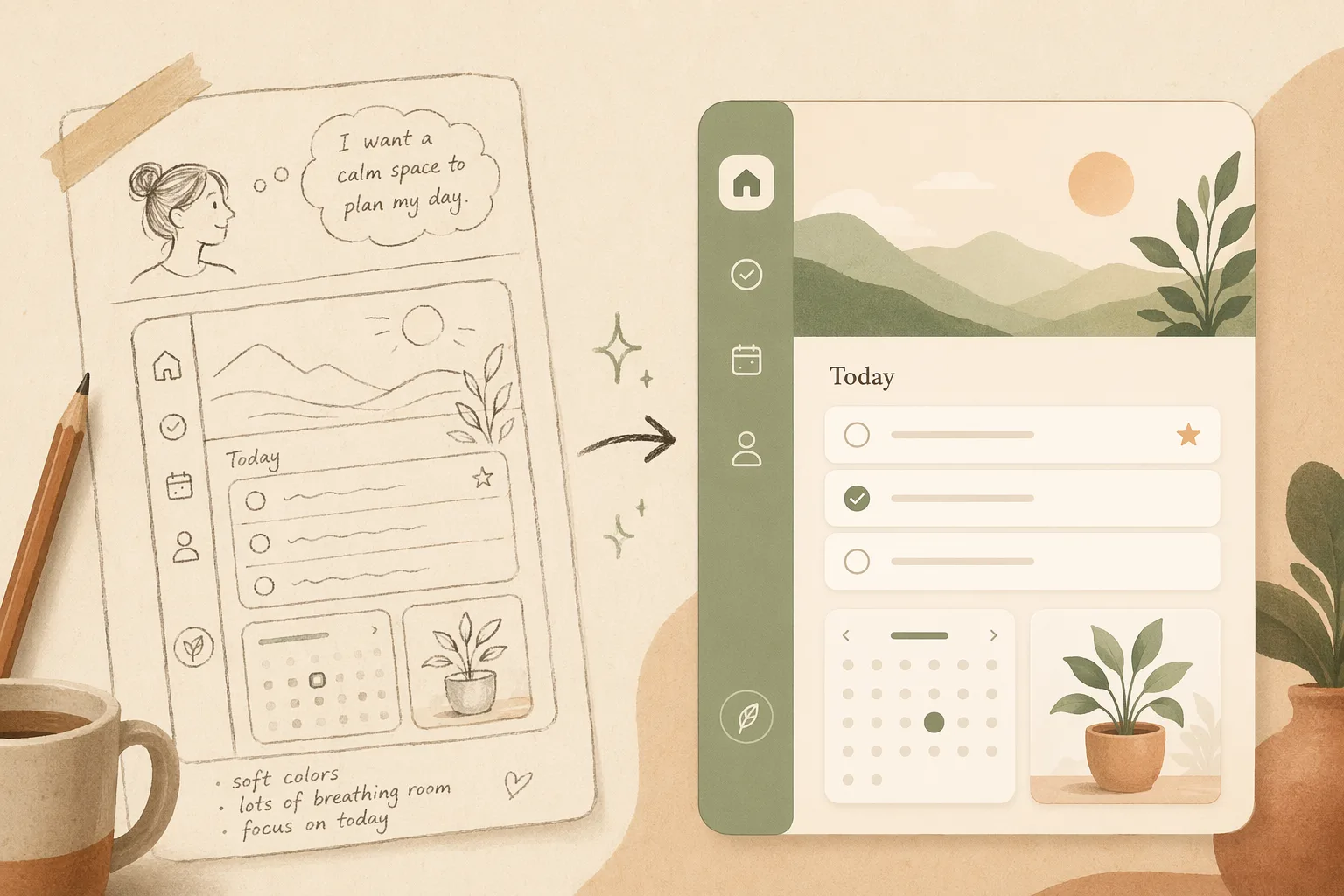
Vibe design is an approach to UI and product design where your primary input is intent — described in natural language, a reference image, or a URL — and an AI generates the design while you steer by feel rather than by hand.
Instead of placing components, nudging spacing, and hunting through color pickers, you describe the vibe: the tone, the layout direction, the feeling. You act less like a craftsperson and more like a creative director reviewing and redirecting. Three things define it:
- Intent in — a prompt, a screenshot, a reference site, or a rough sketch.
- Generation out — the AI returns real UI, not a blank canvas.
- Steering — you critique and redirect in natural language until it’s right.
Vibe design vs vibe coding
The term descends directly from vibe coding, coined by Andrej Karpathy in 2025: don’t hand-write code — describe what you want and let AI implement it. Vibe design applies that same “intent-first” philosophy to the visual layer.
| Vibe coding | Vibe design | |
|---|---|---|
| Input | Intent (what it should do) | Intent (how it should look & feel) |
| Output | Working code | Working interface |
| You steer by | Behavior & logic | Tone, layout, taste |
| Popularized by | Karpathy, 2025 | Google Stitch, early 2026 |
They’re two ends of the same shift, and in 2026 they’re converging: the most useful agents design and build. Google pushed “vibe design” mainstream with its Stitch launch in early 2026, giving the category a name and a wave of search demand. For the full side-by-side — where the two overlap, where they split, and which one to reach for on a given task — see vibe design vs vibe coding.
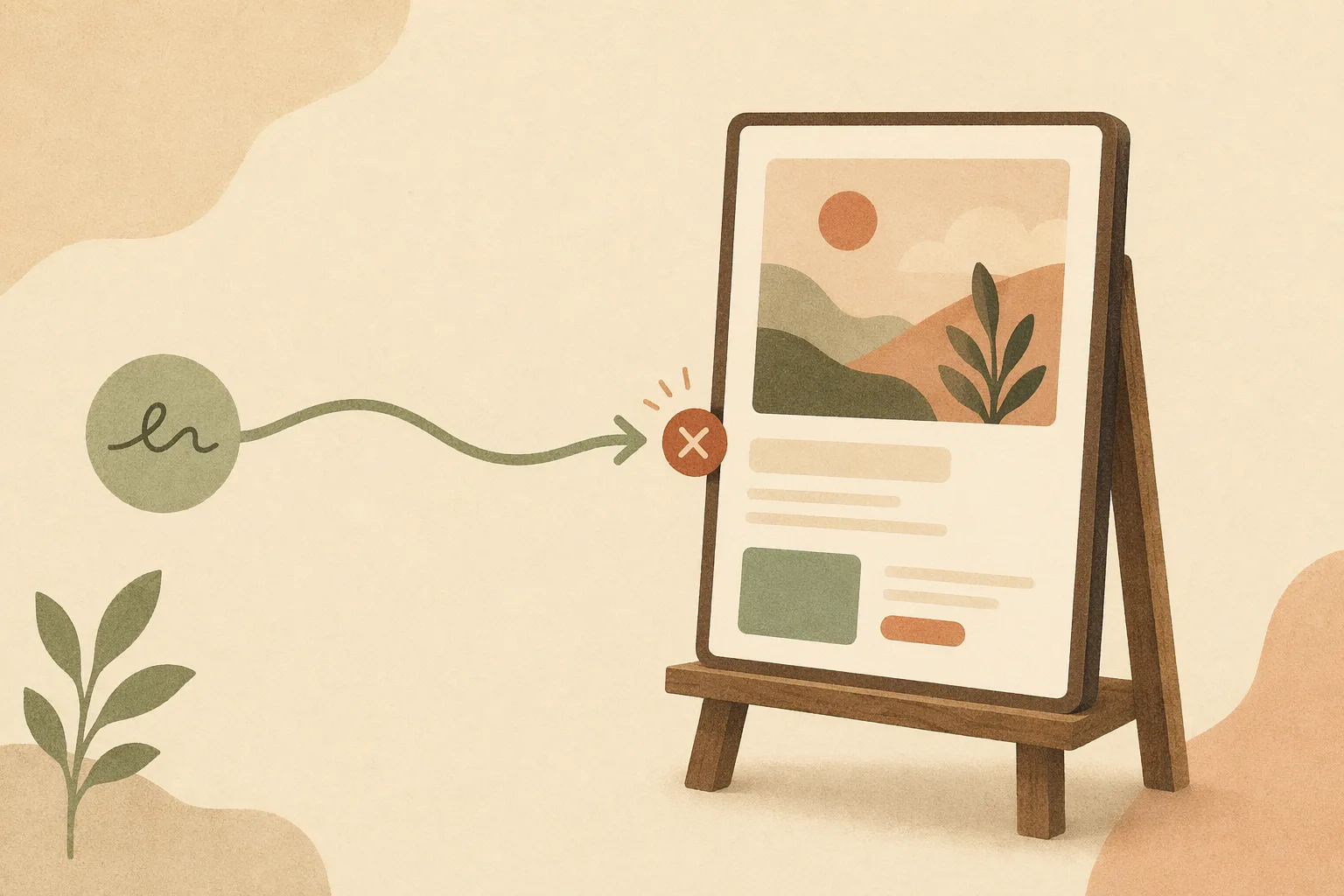
Stitch is worth trying, and it’s also the clearest example of the ceiling this article is about — it generates a great screen and then hands you a dead end. We pressure-tested it in vibe design with Google Stitch: what it genuinely nails, and where it quietly traps you.
How vibe design actually works
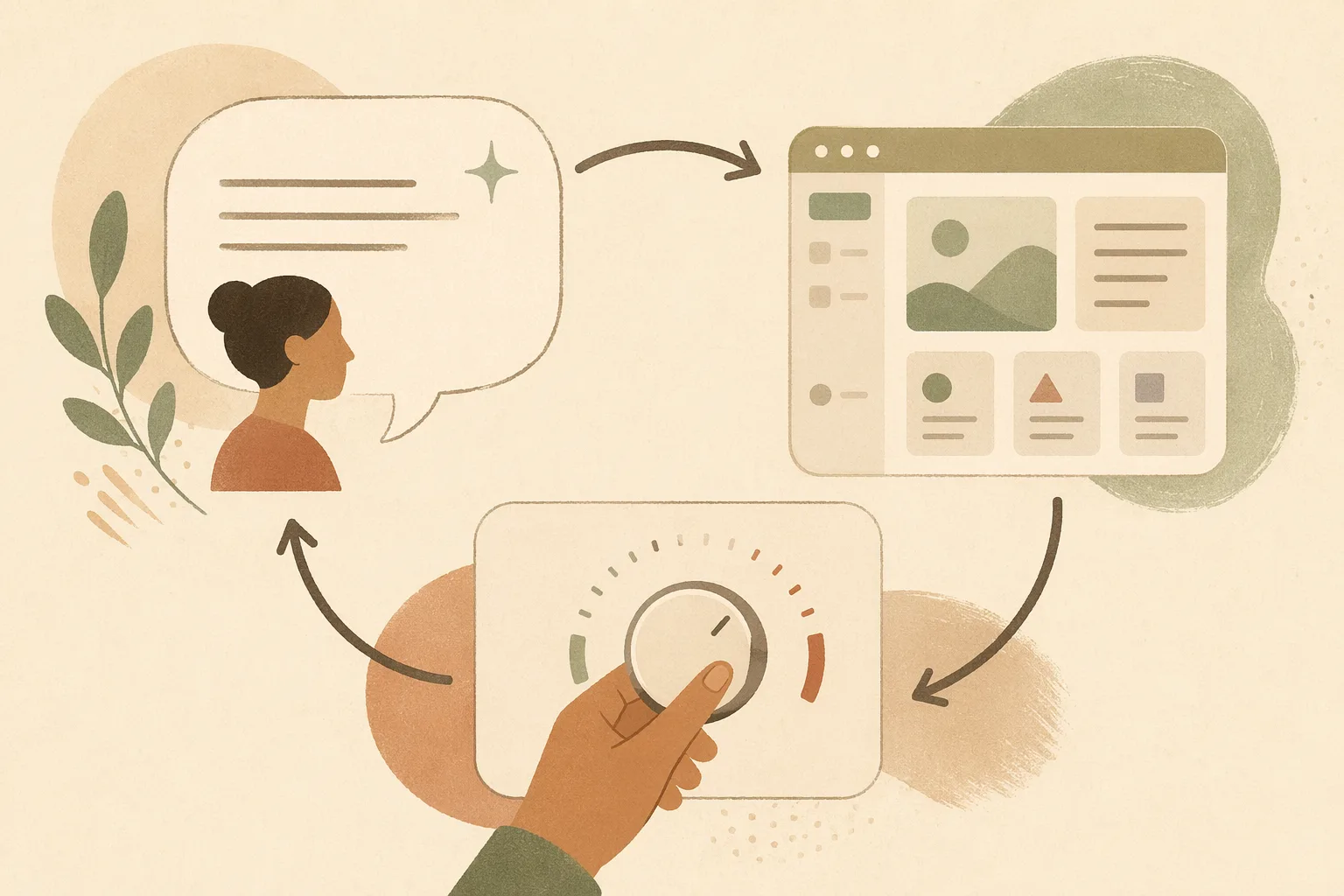
A typical loop runs in four moves:
- Describe the vibe — “a calm, trustworthy fintech dashboard, lots of whitespace, one accent color.”
- Generate — the AI returns a real screen (or several variants).
- Steer — “make it denser,” “warmer palette,” “add an empty state.”
- Iterate until it matches the intent.
The payoff is speed and access: one or two people directing an AI can produce dozens of polished concepts a week, and non-designers can reach a credible interface without learning a heavy tool.
In an agent-native workspace like OpenDesign, this loop lives in one surface — you describe the vibe to the same agent that can later write the code, so steering the design and building the product aren’t two disconnected tools. (Disclosure: we build OpenDesign.)
When vibe design is the right call — and when it isn’t
Vibe design is a speed-and-access tool, not a universal replacement for design judgment. It shines when you want to move from idea to a credible interface fast, and it struggles when the problem is really about deep research or pixel-exact brand control.
Reach for vibe design when you’re:
- Exploring — you need ten directions by Friday, not one perfect frame.
- Prototyping a flow — sign-up, onboarding, a dashboard — to feel it before you commit.
- A non-designer who needs a real UI — a founder, PM, or engineer who can describe intent but doesn’t want to learn a heavy tool.
- Racing to shipped code — the design is a means to a running product, not the deliverable.
Be more careful when you’re:
- Doing foundational UX research — vibe design generates interfaces; it doesn’t interview users or validate a problem.
- Enforcing a mature design system pixel-for-pixel — you’ll still want a human owner on tokens and edge cases (a good agent respects a system, but you set the rules).
- Working on nuanced brand or motion craft — taste-heavy work where “close enough” isn’t close enough yet.
A simple rule of thumb: the earlier and rougher the stage, the more vibe design pays off. Use it to get to a real, steerable artifact quickly — then bring human judgment where it matters most. Which tool you pick decides how far that artifact travels; we compare the current options, and the mockup-vs-shipped trap that separates them, in vibe design tools: an honest guide.
The gap nobody talks about: from mockup to shipped
Here’s where most “vibe design” tools quietly stop — at a static mockup. You get a beautiful screen, then you’re back to hand-translating it into code, and the design never updates again.
Real vibe design shouldn’t end at a picture. The harder, more valuable version is agentic vibe design: an agent that generates the design, critiques and evolves it, and ships it to production code — keeping design and code in sync as you steer.
| Stage | Most tools today | Agentic vibe design |
|---|---|---|
| Generate UI | ✅ | ✅ |
| Self-critique & iterate | ❌ one static screen | ✅ agent revises |
| Ship to real code | ❌ hand-translate later | ✅ exports working code |
| Keep design ↔ code in sync | ❌ | ✅ |
| Open-source / BYOK | mostly closed | ✅ |
This is the lane OpenDesign works in — the open-source, agent-native design workspace. You describe the vibe, an agent designs the UI, evolves it, and ships it to real code; it’s BYOK and works alongside the coding agent you already use (Claude Code, Cursor, and others) instead of locking you into a closed canvas — so the walkthrough below shows the workflow, not just claims it.
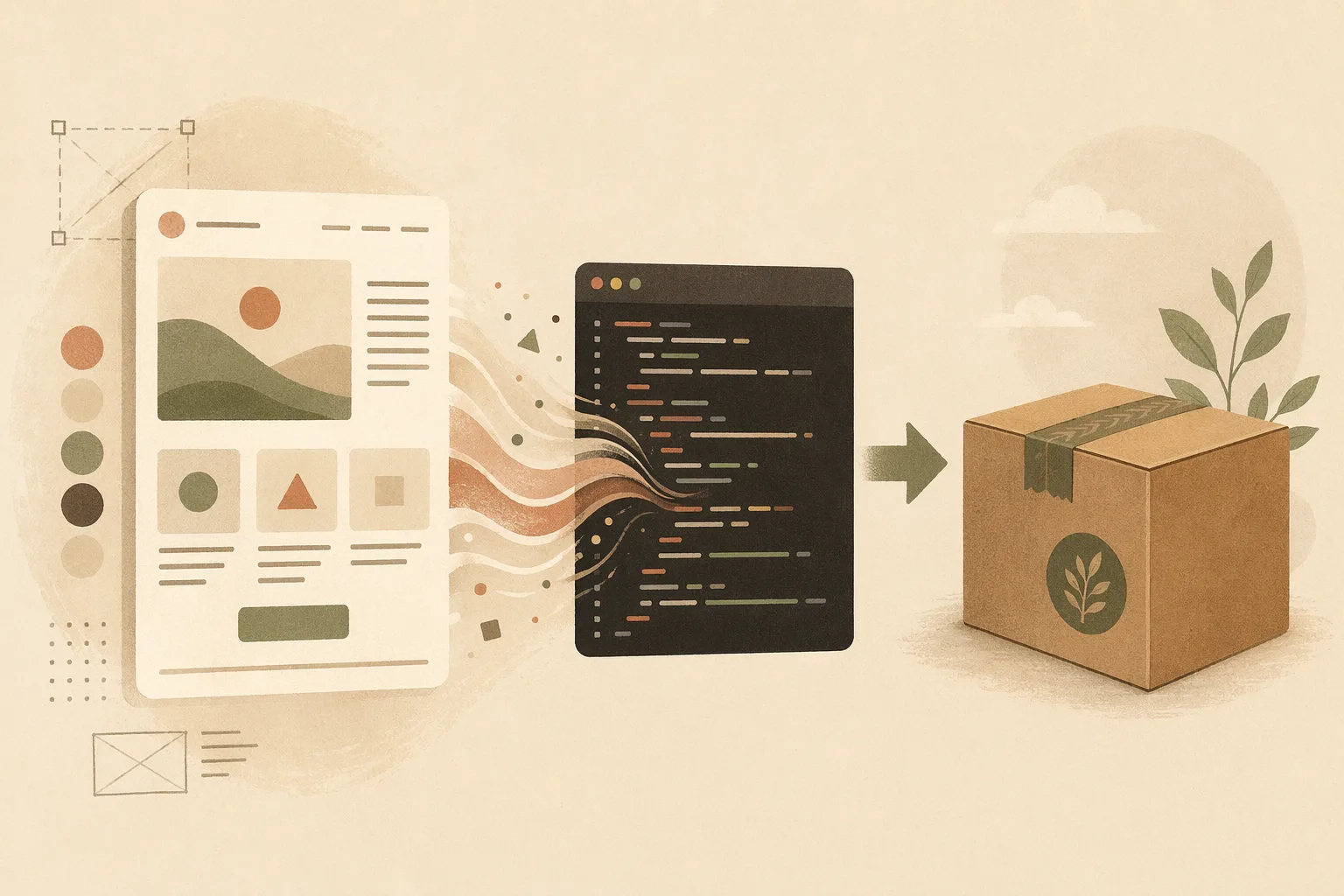
A concrete loop we run constantly: prompt a dashboard → get a working layout → “tighten the spacing and add dark mode” → the agent revises design and code together → export production HTML. The artifact is shippable, not a screenshot.
Common myths about vibe design
- “It replaces designers.” No — it shifts them to creative direction and taste, where judgment matters more, not less.
- “It only makes throwaway mockups.” Only if the tool stops at mockups. Agentic tools take it to code.
- “You need to be technical.” The opposite — intent is the interface.
- “It’s just AI image generation.” Vibe design produces structured, editable UI, not a flat picture.
How to start vibe designing today
- Pick an intent-first tool that ships to code, not just mockups, so your work doesn’t dead-end.
- Start from a reference — paste a screenshot or URL; say what to keep and change.
- Steer in plain language — iterate on density, palette, tone, and states.
- Push to code early — the sooner the design is real code, the sooner you learn what works.
- Keep it open and yours — open-source + BYOK avoids lock-in as the category moves fast. (If you’re coming from a closed canvas, here’s the open-source path away from Figma and from Claude Design.)
Vibe design FAQ
Is vibe design the same as vibe coding? No. Vibe coding uses intent to generate working code; vibe design uses intent to generate the interface — layout, tone, and taste. They’re two ends of the same intent-first shift, and in 2026 they increasingly happen in one agent. See vibe design vs vibe coding for the full split.
Does vibe design replace designers? No — it moves them up the stack. The hand-work (placing components, nudging spacing) gets automated; the judgment (taste, direction, when the AI is wrong) matters more, not less. Designers become creative directors of an AI, not typists in a canvas.
Do you need to be technical to vibe design? No. That’s the point — intent is the interface. A founder or PM who can describe what they want can reach a credible UI without learning a heavy design tool. The technical depth only matters if you want the result to become production code, and even then the agent handles most of it.
Can vibe design produce real, shippable code — or just mockups? It depends entirely on the tool. Most stop at a static mockup you then hand-translate. Agentic tools like OpenDesign carry the same artifact to production code and keep design and code in sync. If shipping matters, choose a tool that doesn’t dead-end at a picture.
What tools do you use for vibe design? Google Stitch popularized the category; other options range from closed canvases to open, agent-native workspaces. The dividing line that matters is whether the tool ships to real code. We break down the current landscape in vibe design tools.
Where did the term “vibe design” come from? It descends from vibe coding, coined by Andrej Karpathy in 2025, and went mainstream when Google launched Stitch in early 2026 — which gave the category both a name and a wave of search demand.
Is there a free, open-source way to vibe design? Yes. OpenDesign is open-source and BYOK (bring your own model keys), and it runs alongside the coding agent you already use instead of locking you into a hosted canvas — so you can vibe design, ship code, and own the output.
The takeaway
Vibe design is intent-first design: you describe, AI generates, you steer. Born from vibe coding and pushed mainstream by Google Stitch in 2026, it collapses the distance between idea and interface. But the version that matters doesn’t stop at a mockup — it’s agentic, and it ships to code. Start there and vibe design becomes real output, not just a nice picture.
Ready to try it? Open the app or browse the design systems and skills library.