

Migrating From Claude Design to OpenDesign — The Unlimited Setup
A migration playbook for leaving Claude Design's weekly limits behind — install OpenDesign, import your Claude Design ZIP, build with any model, switch models mid-project, add AI images, and deploy. Includes the honest "when to switch" call. Based on Jack Roberts' hands-on walkthrough.
This guide is a migration playbook for anyone hitting Claude Design’s brutal weekly limits: install OpenDesign, bring your existing work across, build with any model you want, switch models mid-project, add AI images, and deploy — all locally. It follows the end-to-end migration Jack Roberts runs in his hands-on walkthrough, rewritten and brought up to date with the current release. Watch the video above for the live run, or read on for the written version.
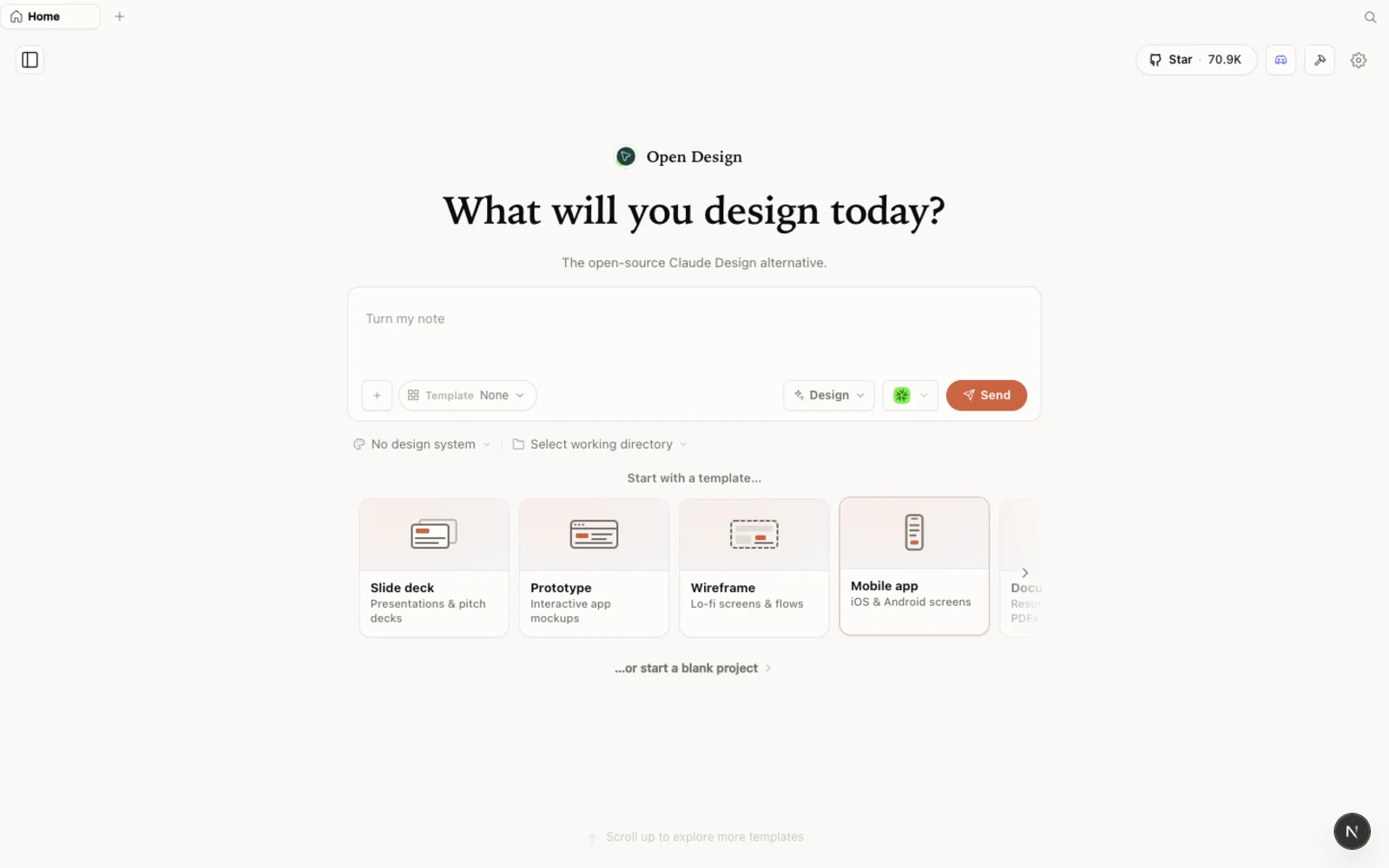 The OpenDesign workspace — prototypes, slide decks, images, and video in one calm, familiar canvas.
Why migrate at all?
Jack’s case is blunt: Claude Design is genuinely good, but the limits stop you dead. You’re locked to one model (Opus 4.7), capped at roughly a couple of meaningful designs a week, and paying $20–$200/month on top of whatever you already spend on coding. The moment you want a cheaper model, a different model, or to design at scale, you’re held back.
OpenDesign removes those walls:
- Any model you want — and you can switch mid-project.
- No weekly cap — generation rides on the agent and providers you already use.
- Apache-2.0 — commercially safe for client work, unlike clone repos with restrictive licenses.
- Local-first — nothing uploads; your projects stay on your machine.
That license point matters more than it sounds: Jack stresses that several “Claude Design clones” can’t actually be used in client projects. Apache-2.0 means you can ship paid work built with it, no royalties, no permission.
Step 1 — Install OpenDesign
Three ways in:
| Path | Best for | Requirements |
|---|---|---|
| Desktop app | Most people — zero config | None. Just download and open. |
| Run from source | Developers who want to read or modify the code | Node ~24, pnpm 10.33.x |
| Install into your agent | People who live in the terminal | An existing coding-agent CLI |
The simplest path is the desktop app from open-design.ai/download — it auto-detects your installed agent CLIs. In the video, Jack does the developer route by handing the repo to his agent and letting it clone and run:
git clone https://github.com/nexu-io/open-design.git
cd open-design
corepack enable && pnpm install
pnpm tools-dev run web
It opens its own local web app — your own locally hosted, Claude-Design-like workspace — at the dynamic URL it prints (don’t hardcode the port).
Step 2 — Bring your Claude Design work across
The migration step people most want: import your Claude Design project. If you built a design system or project in Claude Design, you can carry it straight over — open it there, download the project as a ZIP, then import that ZIP in OpenDesign. Your tokens and components come with you, so you’re not rebuilding from scratch.
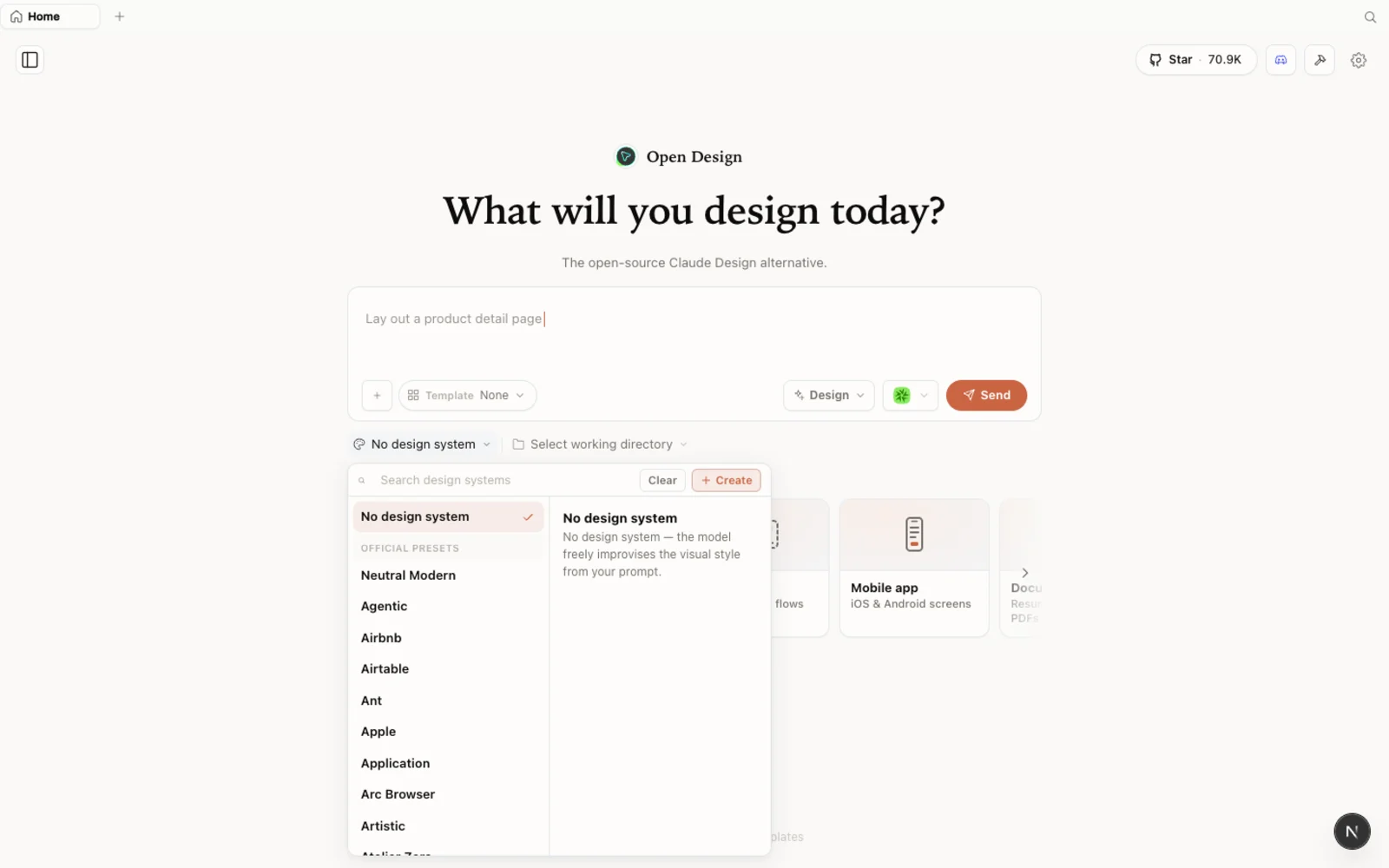 The design-systems library: each entry breaks a real brand down into palette, typography, components, and visual atmosphere you can reuse.
You also inherit a deep built-in design-systems library — Airbnb, Apple, Nike, PlayStation, and many more — so even without importing anything, you can pick a brand and the agent inherits its voice, typography, palette, and layout language.
Step 3 — Build with the model you choose
On first launch, OpenDesign shows the agents already installed on your machine. Jack picks Claude Code, names a project (“analytics”), chooses high fidelity, and writes a brief for a Stripe-style dashboard. OpenDesign asks its clarifying questions — surface, primary viewer, tone, scope, accent — then works through a to-do list and produces an interactive dashboard in one shot. A second round of feedback gets it production-ready.
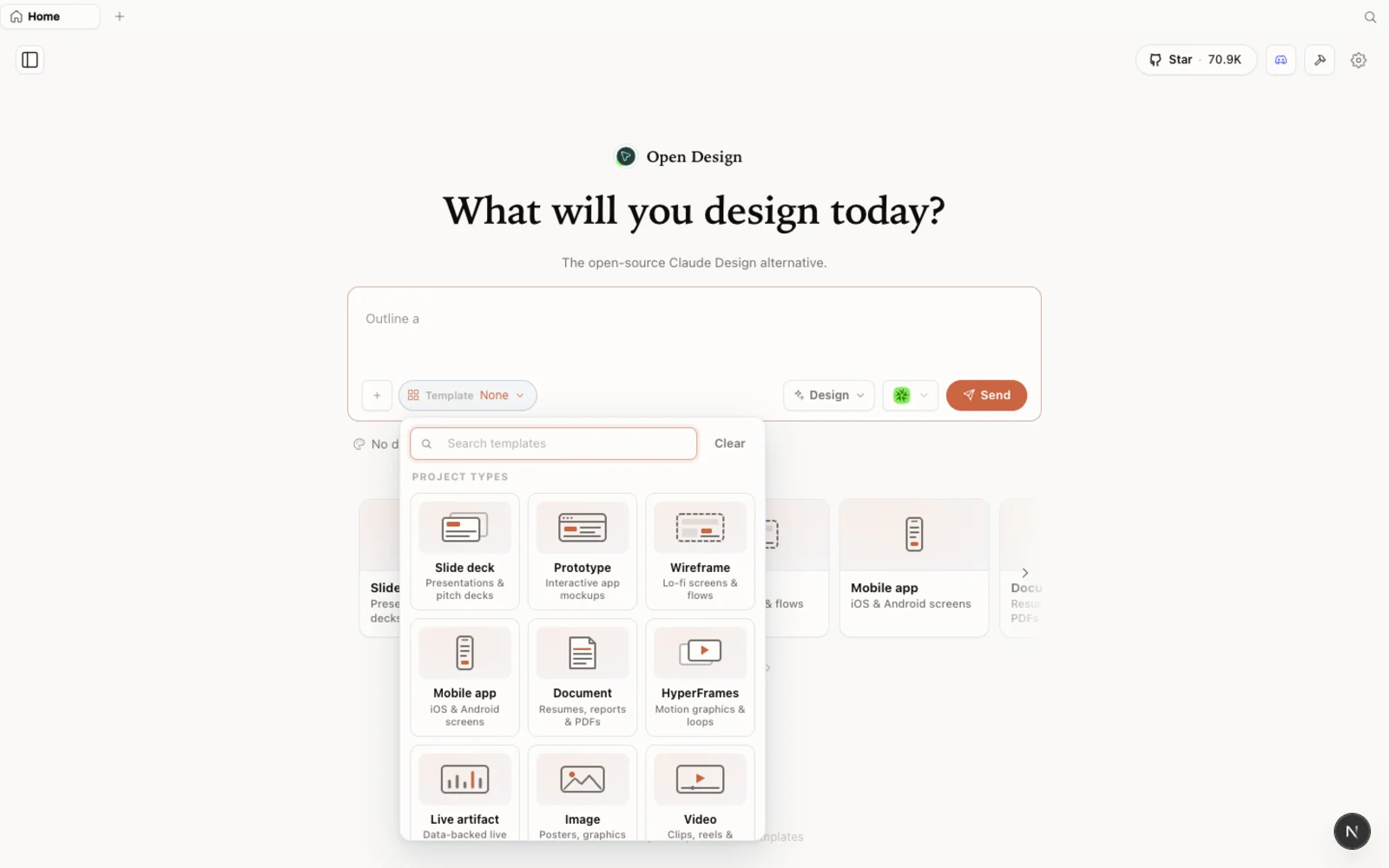 The templates library: prototype, slide, image, and video starting points you can filter by type and fork to begin.
Step 4 — Switch models mid-project
This is Jack’s favorite move and the one Claude Design can’t do. Mid-project, open the model switcher (bottom-left), change from Claude Code to Codex (or ChatGPT, Gemini, anything you’ve connected), and save. Now your next message — “smooth out the live event stream, it looks laggy” — is handled by the new model, in the same project, with the same context.
His pro tip: use Opus to establish the initial design, then switch to cheaper models to iterate and scale. It’s far easier for a model to make more of the same than to engineer a look from first principles, so let the strongest model set the architecture and let cheaper ones do the volume.
Step 5 — Add AI images and deploy
Add a media provider key (for example OpenAI for GPT Image) in settings, and you can ask for generated imagery inline — “add a Ghibli-style image of an investment piggy bank in one of the boxes” — and it drops straight into the design, gradients and all. That inline generation is something a pure design clone doesn’t give you.
When you’re done, Share gives you the full export menu: standalone HTML, PowerPoint, PDF, ZIP, save-as-template — or deploy straight to Vercel with your token. Download as a ZIP and you can also reopen it in Codex, Claude, or your editor of choice.
When to switch (and when not to)
Jack is honest about fit. Switch to OpenDesign if you’re an agency or freelancer needing commercially safe output, a multi-model operator already paying for Claude Code / Codex / Cursor, or you’re burning through Claude Design’s weekly cap and just want more designs. Stick with Claude Design for now if you’re brand new to all this and happy inside its limits.
One caveat: OpenDesign is a young, fast-moving project, so expect the occasional rough edge and give it some grace — it’s improving quickly.
Tips
- Import your Claude Design ZIP first — don’t rebuild a system you already have.
- Set the look with Opus, then switch to cheaper models to iterate and scale.
- Add a media key to get inline AI images — a real upgrade over a static design tool.
- Use a local CLI so generation rides on a subscription you already pay for, not per-call fees.
- Export early (HTML/ZIP/Vercel) to validate before you hand off.
FAQ
Will my Claude Design projects transfer? Yes. Download your project as a ZIP from Claude Design and import that ZIP into OpenDesign — tokens and components carry over.
Can I really use any model? Yes — pick from the agents installed on your machine (Claude Code, Codex, Gemini, Cursor, OpenCode, and more), switch between them mid-project, or bring your own API key.
Is it safe for client work? Yes. OpenDesign is Apache-2.0, so you can use it commercially with no royalties or permission — unlike some restrictively licensed clones.
Is it free? The app is open source under Apache-2.0 and free to run locally. You only pay for the model and media usage of whichever agent and providers you connect — which is exactly how you escape the fixed monthly cap.
This written guide is based on Jack Roberts’ hands-on walkthrough. Watch the full video above, and subscribe to Jack Roberts for more practical AI build breakdowns.