

From Prompt to Live URL — Edit, Inspect, and One-Click Deploy With OpenDesign
A ship-it walkthrough of OpenDesign — pick a design system, generate a prototype, fine-tune it with Edit and Inspect, then deploy straight to Vercel or Cloudflare Pages in one click. Based on 01Coder's hands-on demo.
This guide takes one prototype all the way from a prompt to a live URL: pick a design system, generate, fine-tune with the on-canvas Edit and Inspect tools, then deploy straight to Vercel or Cloudflare Pages — without leaving OpenDesign. It follows the demo 01Coder runs in his walkthrough, rewritten in English and brought up to date with the current release. Watch the video above for the live run, or read on for the written version.
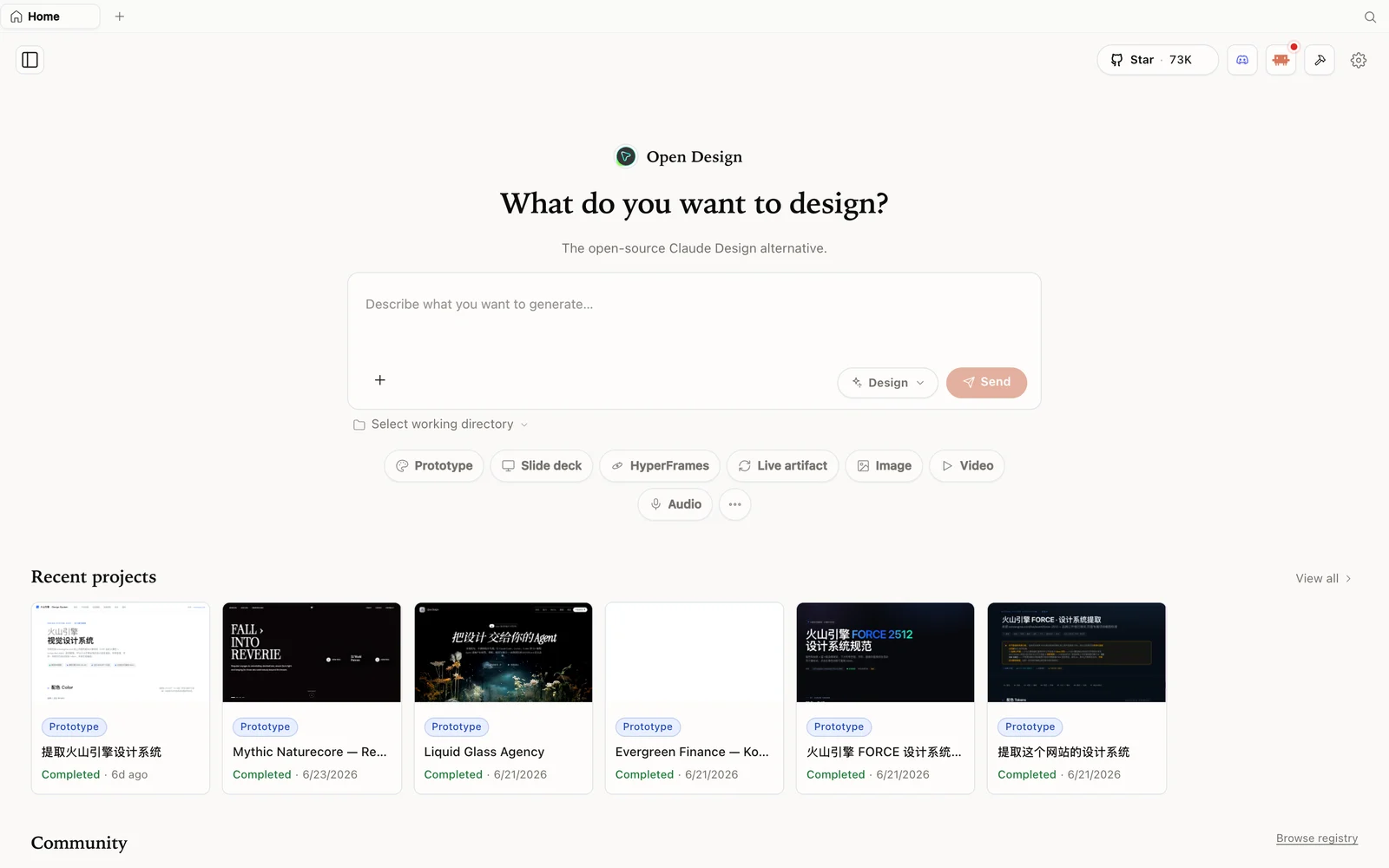 The OpenDesign workspace: describe what you want to build, pick a mode, and your agent does the rest.
What is OpenDesign?
OpenDesign is an open-source, local-first design platform that runs on top of the coding agent you already use — Claude Code, Codex, Gemini, Hermes, and more — or your own API key. It ships as a desktop app (no compiling required) and pairs a deep library of skills with a deep library of brand-grade design systems, so you start from a real aesthetic instead of a blank canvas.
- Open source, Apache-2.0 — clone it, self-host it, or just download the app.
- Runs locally — your projects live on your own machine.
- Agent-pluggable — switch the agent in the bottom-left at any time.
- Design systems for real brands — Apple, Airbnb, ElevenLabs, and many more.
Step 1 — Install and pick a design system
The easiest path is the desktop app from open-design.ai/download (macOS and Windows; Docker or pnpm if you’d rather run from source). On launch, the bottom-left shows the active agent (01Coder uses Codex) — click it to switch.
Create a Prototype, give it a name, and choose a design system from the dropdown — every entry skins the output in that brand’s look. If you already built something in Claude Design, import its ZIP here.
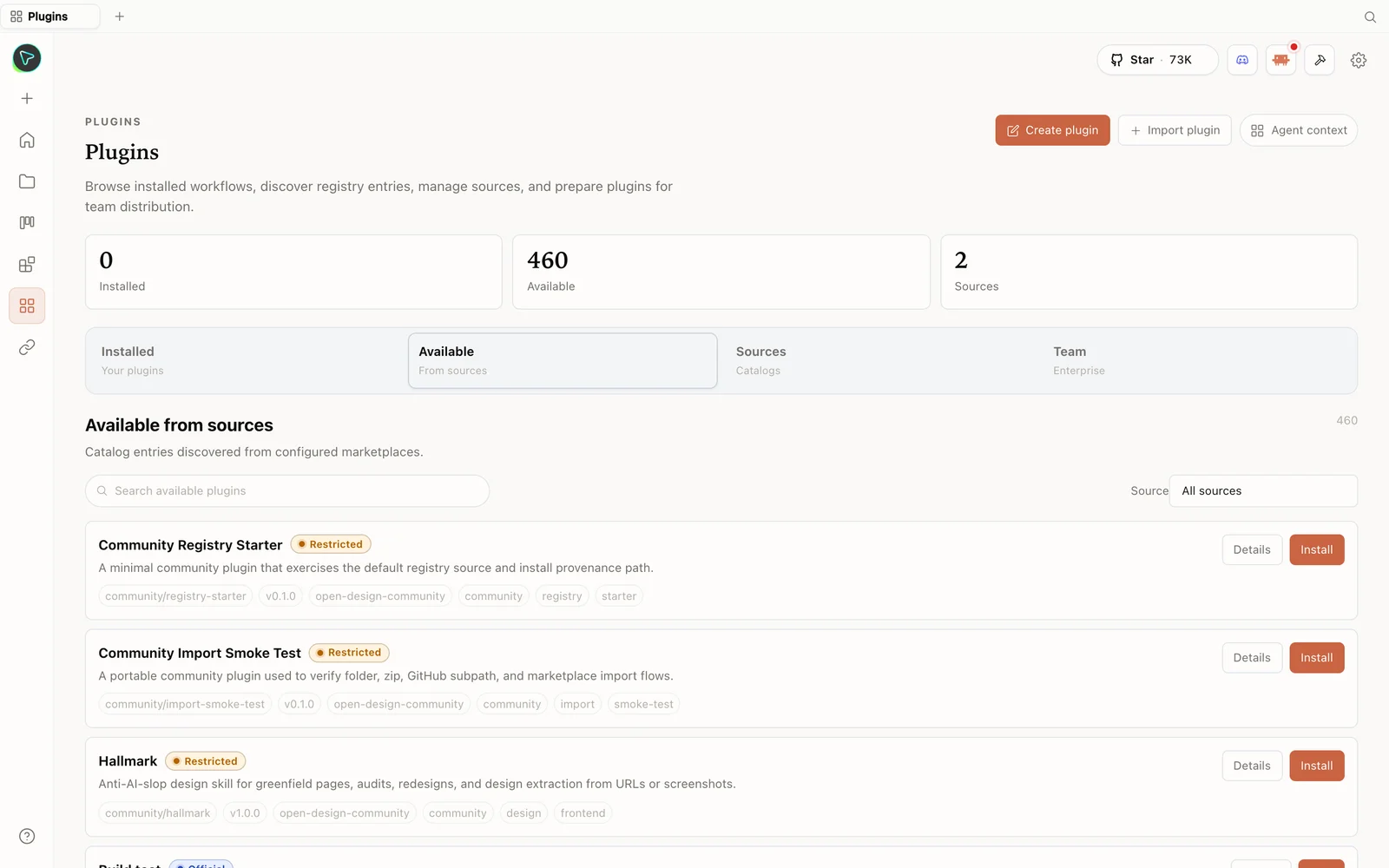 The plugin library: install skills straight from the registry — including anti-slop design skills.
Step 2 — Generate with discovery + a visual direction
Write your brief and send. OpenDesign asks a short set of discovery questions (who it’s for, design tone, brand context, language), then offers a visual-direction picker — 01Coder chooses an “FT Magazine” editorial direction. Pick one and it builds the first version on the right.
Step 3 — Fine-tune with Edit and Inspect
This is where you polish without re-prompting:
- Edit — click any element and change its content directly. 01Coder shortens a label from “GitHub” to “GH” and rewrites a headline word, then hits apply content. You can adjust links the same way, and the left panel shows the artifact organised by layers.
- Inspect — for visual style. The first time, it warns the artifact has no
data-oidtags; let the agent add them (that’s how OpenDesign reliably targets elements), then reload. Now clicking any element (say the heroh1) lets you tweak colour, background, and font size, with a reset if you overshoot.
For bigger changes, drop back into the chat for direct conversational editing — Edit/Inspect are for the fast, surgical tweaks.
Step 4 — Deploy to a live URL in one click
When it’s ready, the Share menu (top right) exports to PDF, PPTX, a ZIP, or standalone HTML — or deploys to Vercel or Cloudflare Pages in one click. Using Cloudflare as 01Coder does:
- Click deploy → Cloudflare, then get / create an API token.
- Create a custom token with Cloudflare Pages permission, continue to summary, and create it.
- Paste the token into OpenDesign, add your account ID (copy it from the Cloudflare dashboard), and deploy.
- Open the link it gives you — if the first load looks off, refresh once or twice while it propagates.
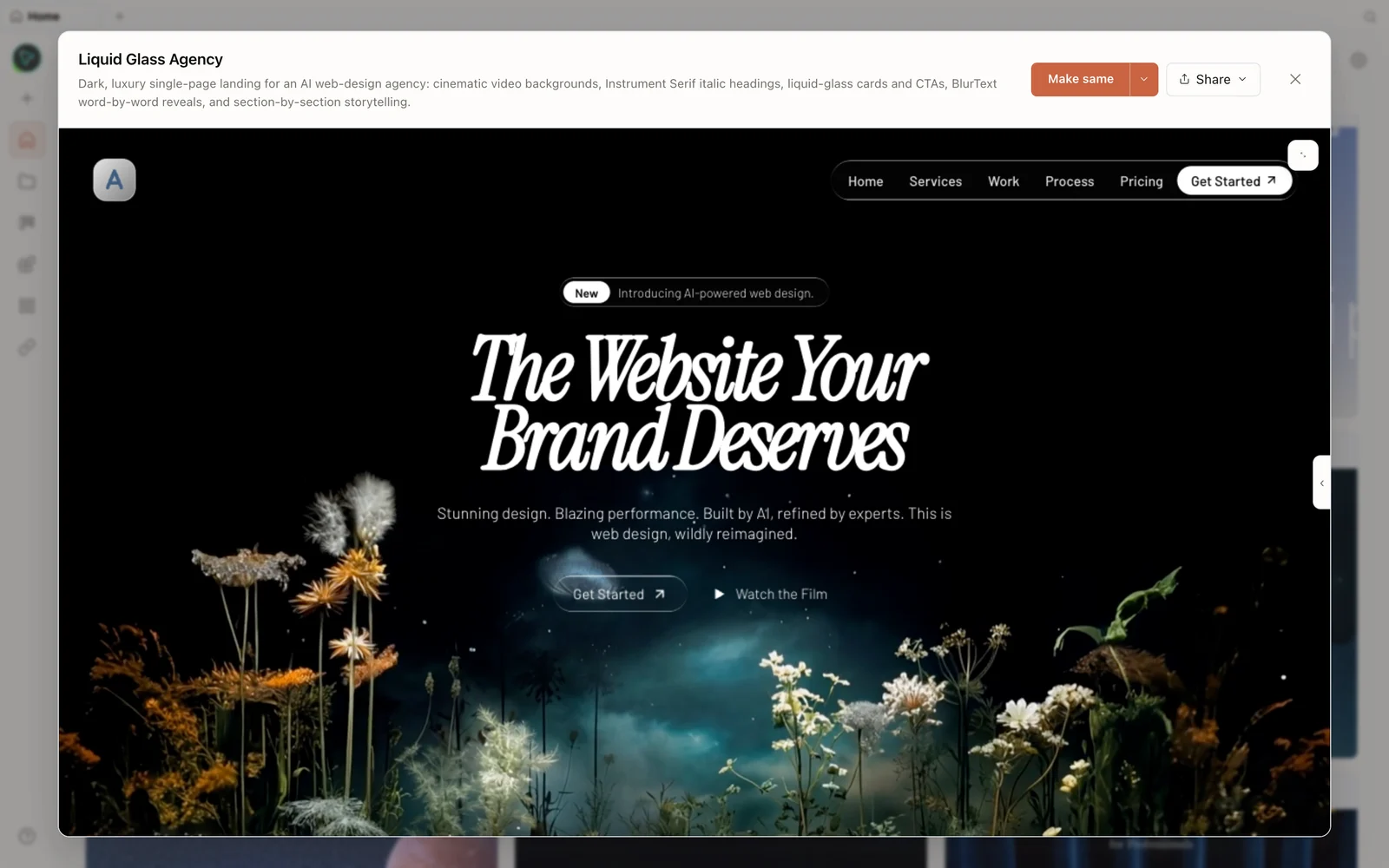 A real generated prototype rendered in the preview — a dark, cinematic agency landing page.
Not happy with the live result? Go back to the chat, iterate, and redeploy.
Tips
- Start from a design system so the first pass is already on-brand.
- Let the agent add
data-oidtags before using Inspect, then reload the preview. - Use Edit for copy, Inspect for style, chat for structure — pick the right tool for the change.
- For Cloudflare deploy you need both an API token (with Pages permission) and your account ID.
- Refresh after first deploy if the page hasn’t propagated yet.
FAQ
Can I really deploy to a public URL from inside OpenDesign? Yes — the Share menu deploys to Vercel or Cloudflare Pages in one click (you provide the provider token; Cloudflare also needs your account ID).
What’s data-oid and why does Inspect ask for it?
It’s an attribute OpenDesign adds to elements so it can target them reliably. Let the agent add it, reload, and Inspect works.
Do I have to run from source?
No — download the desktop app for macOS or Windows. Docker and pnpm from source are options if you prefer.
Is it free? The app is open source under Apache-2.0 and free to run locally. You only pay for the model and media usage of whichever agent and providers you connect.
This written guide is based on 01Coder’s hands-on demo. Watch the full video above, and subscribe to 01Coder for more AI-product deep dives.