

OpenDesign vs Claude Design — Same Prompt, Side by Side
A controlled head-to-head — the exact same prompt run in Claude Design and OpenDesign — to see whether the open, local alternative really matches the closed one. Covers the multi-variation feature, installing via your coding agent, and where OpenDesign pulls ahead. Based on Justyn The AI Guy's demo.
The fair test of an “open alternative” is simple: give both tools the same prompt and compare. This guide does exactly that — Claude Design vs OpenDesign, identical brief — then shows where the open, local one pulls ahead. It follows the demo Justyn The AI Guy runs in his video, rewritten and brought up to date with the current release. Watch the video above, or read on for the written version.
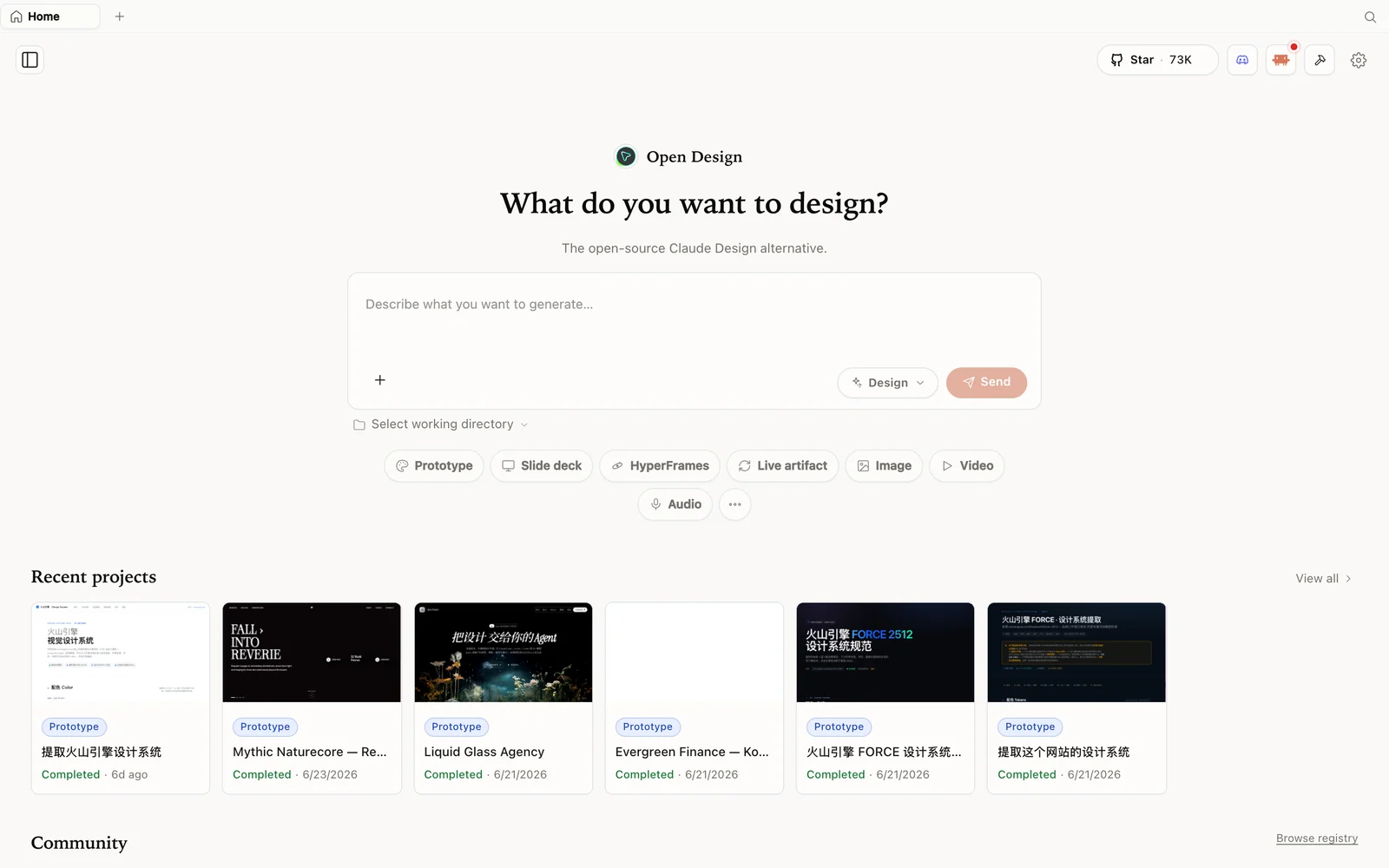 The OpenDesign workspace: describe what you want to build, pick a mode, and your agent does the rest.
Why an open alternative at all
The frustration is familiar: Claude Design is genuinely powerful, but you run a few designs and hit a weekly limit that leaves the tool unusable for days. OpenDesign gives you the same artifact-first experience — plus things Claude Design doesn’t have — running locally on the coding agent you already pay for, so you hit limits far later (or not at all on a generous plan).
The head-to-head: same prompt, both tools
Justyn copies one prompt across both: a simple subscription-tracking tool, with three different variations to preview and pick from. The results:
- Quality is on par. Both produce clean, genuinely good designs (a Notion-inspired version, a tech-vibes version, a “go nuts” version). Side by side, the pages look near-identical in polish — which makes sense, since OpenDesign can also be powered by Claude.
- OpenDesign’s variation page is nicer, and it generated more screens/states from the same brief.
- The real difference is what surrounds the output: OpenDesign lets you change the model (use Claude, or bring your own key for ChatGPT, DeepSeek, etc.), and adds image and video templates (via media providers like GPT Image), neither of which the closed tool offers.
The takeaway: the open one matches on design quality and adds flexibility on top.
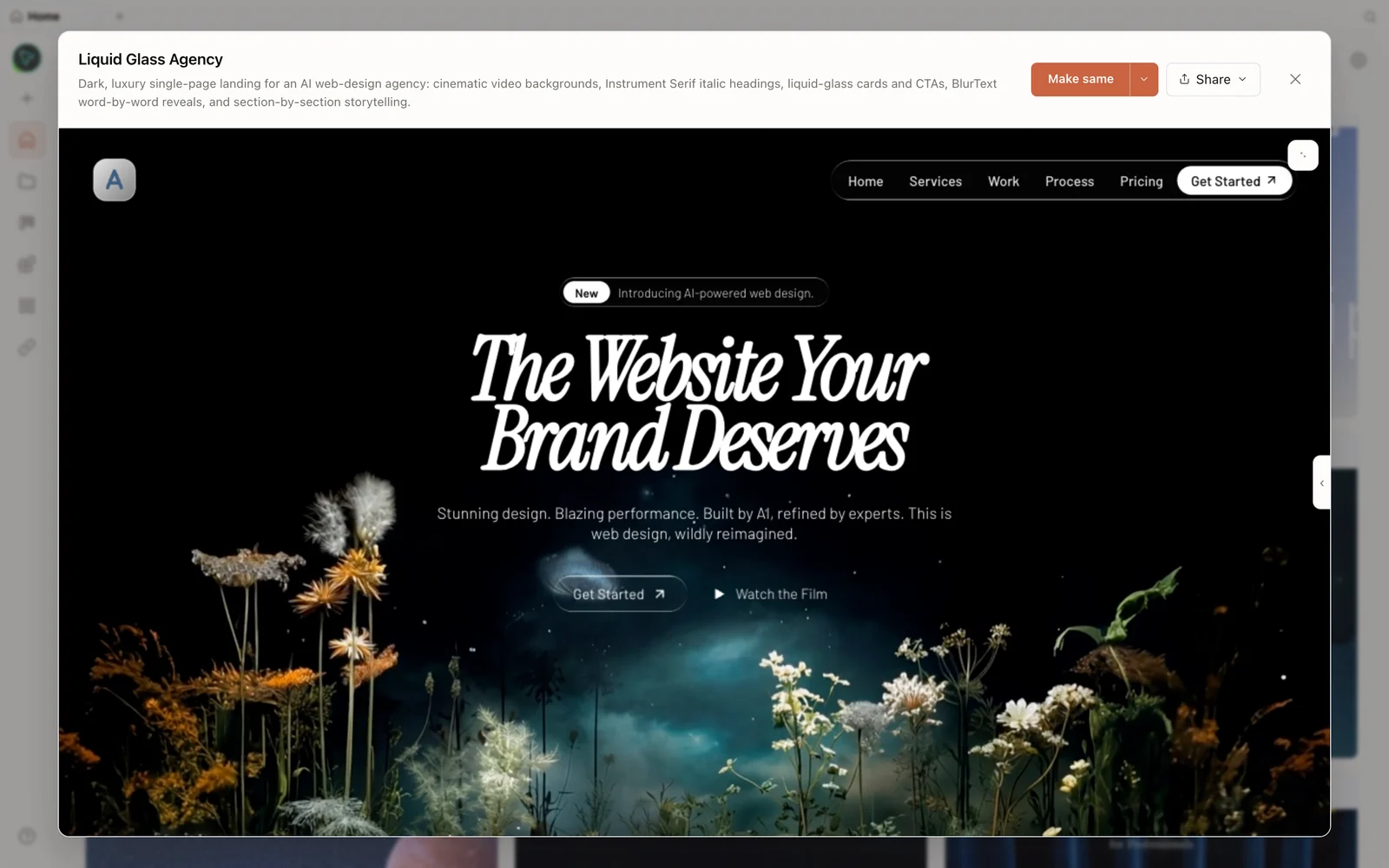 A real generated prototype rendered in the preview — a dark, cinematic agency landing page.
Install it through your coding agent
Justyn installs OpenDesign by simply asking his agent to do it: open a folder, start Claude Code (or Codex), and say “clone and install this GitHub repo,” pasting the repo URL. It clones, installs, and starts the app — which runs locally and is directly connected to your Claude Code account, so it spends your normal CLI tokens, not the closed tool’s separate weekly allowance. Prefer no terminal? There’s also a desktop app at open-design.ai/download.
The built-in design systems from popular brands are baked in, ready to pick when you build.
Build something (a dashboard)
Create a project, choose high fidelity, and prompt — Justyn builds a social-analytics dashboard. Unlike the closed tool (which just made assumptions), OpenDesign asks clarifying questions (who’s it for, surface, visual tone, key metrics, scope, data style) and offers a visual direction, then works through a streamed to-do list to build it. The result is a refined single-page dashboard with well-dialed details and slick charts.
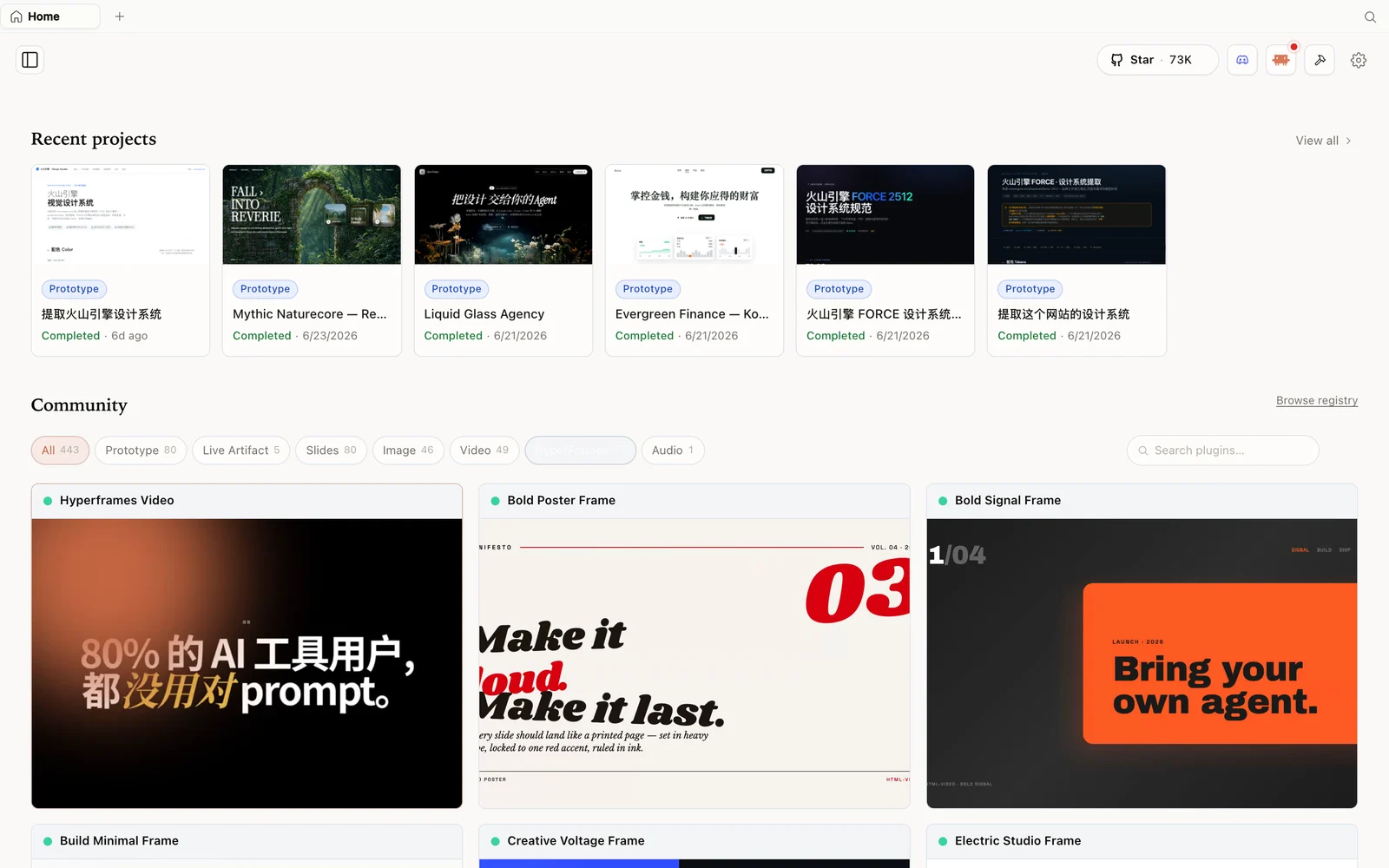 The HyperFrames gallery: code-driven motion and video pieces you can fork and remix.
Iterate, then ship
Add comments to mark exact spots to edit, keep prompting to refine, and when ready use Share to export (ZIP, standalone HTML, markdown — PDF/PowerPoint for decks) or deploy to Vercel. Justyn’s recommended flow: use Claude for the big initial design (it’s great at interpreting design files), then switch the model (e.g. add your OpenAI key for GPT-5.5) to build out functionality and generate inline images — something a bare coding agent can’t do on its own.
Tips
- Run the same-prompt test yourself to see the parity — then judge on the extras.
- Install via your agent (“clone and install this repo”) or grab the desktop app.
- It spends your CLI tokens, not a separate weekly cap — that’s the limit you escape.
- Use Claude for the initial design, switch models for functionality and image generation.
- Comment-to-edit for surgical changes; deploy to Vercel to share.
FAQ
Does the open one really match Claude Design’s quality? On the same prompt, yes — the page quality is on par (OpenDesign can also run on Claude), and it adds multi-variation output, model choice, and image/video that the closed tool lacks.
How do I install it? Ask your coding agent to clone and install the repo, or download the desktop app. It runs locally and uses your existing CLI account.
Do I still hit weekly limits? No separate design cap — generation rides on your normal CLI tokens, so you hit limits far later than the closed tool’s fixed weekly allowance.
Is it free? The app is open source under Apache-2.0 and free to run locally. You only pay for the model and media usage of whichever agent and providers you connect.
This written guide is based on Justyn The AI Guy’s demo. Watch the full video above, and subscribe to Justyn The AI Guy for more AI build content.