

Which Coding Agent Should You Run OpenDesign With?
A setup guide focused on the one choice that matters most — which coding agent drives OpenDesign. It supports a broad runtime set (Claude Code, Codex, Cursor, OpenCode, Qwen, Copilot, Devin, Hermes, Kimi, Pi, Kiro, and more); here's how to pick one, install from source, and build your first design. Based on Tony Xhepa's walkthrough.
OpenDesign’s first real decision isn’t what to build — it’s which coding agent drives it. This guide focuses on that choice: the (long) list of supported agents, how to pick one, and how to set up and build. It follows the walkthrough Tony Xhepa gives in his video, rewritten and brought up to date with the current release. Watch the video above, or read on for the written version.
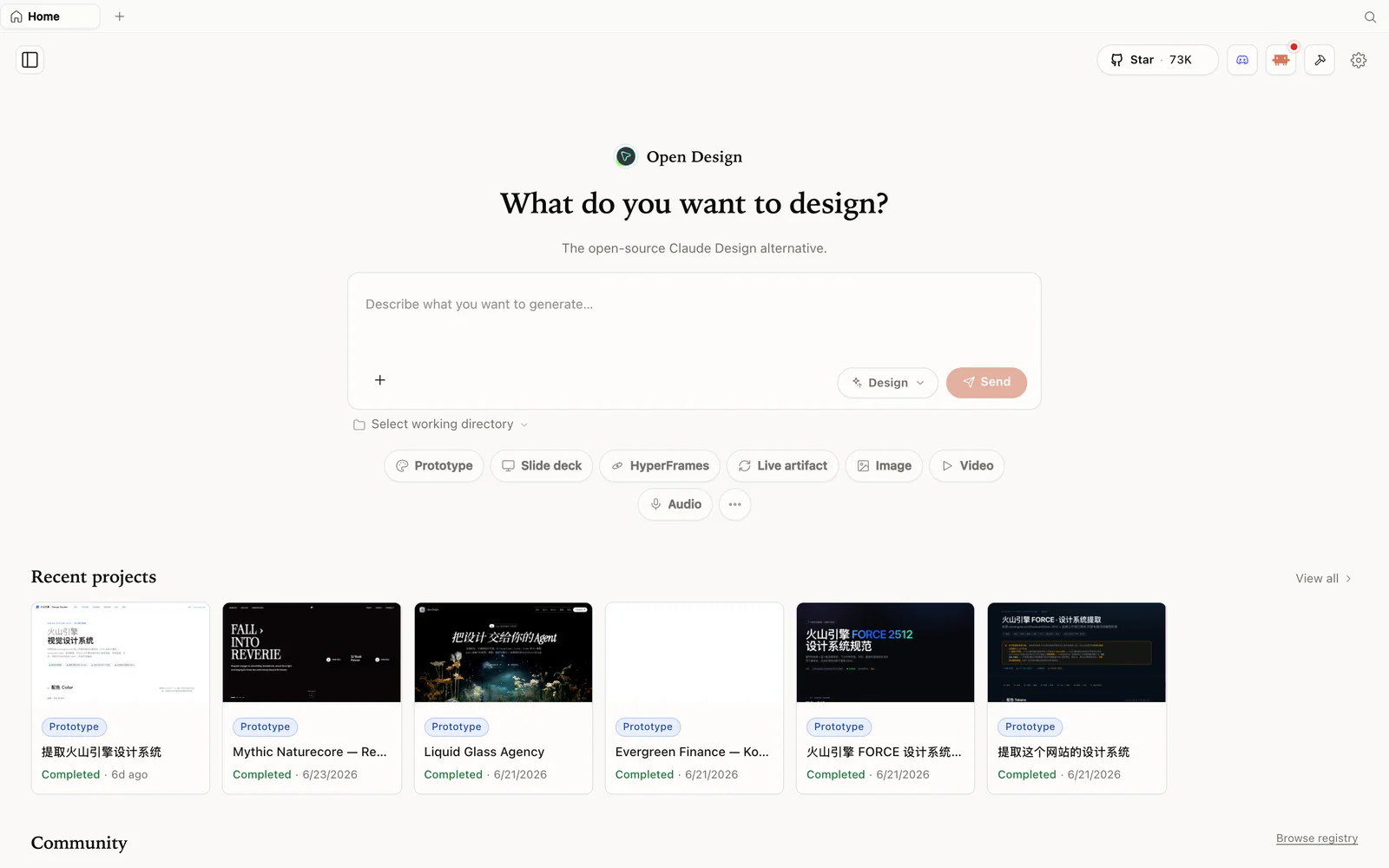 The OpenDesign workspace: describe what you want to build, pick a mode, and your agent does the rest.
Why the agent is the important choice
OpenDesign doesn’t ship its own model — it’s an open-source, local-first surface that runs on whatever supported coding agent you already have. So the agent you pick is your design engine: it determines quality, cost, and speed. The runtime list is broad: Claude Code, Codex, Devin for Terminal, Cursor, OpenCode, Qwen, GitHub Copilot CLI, Hermes, Kimi, Pi, Kiro — and more. Whatever you’re already running, OpenDesign probably supports it, and if you have none installed, you can configure a BYOK provider instead.
How to pick one
A quick way to choose:
- Already paying for a coding CLI? Use it — OpenDesign rides on that subscription, so there’s no second bill.
- Want the strongest design output? Point it at a top model (e.g. Claude Code on a capable model) for the initial build.
- Want it cheap or free? OpenCode’s available models or another supported free-tier runtime work well; you can also configure Google Gemini or another provider through BYOK.
- Care about privacy/local? Any local CLI keeps generation on credentials that never leave your machine.
You’re not locked in — swap the active agent later in one click.
Step 1 — Install from source
OpenDesign is a Next.js app; the Quick Start is a handful of commands:
git clone https://github.com/nexu-io/open-design.git
cd open-design
corepack enable
pnpm install
pnpm tools-dev run web
Then open the local URL it prints (a dynamic port — don’t hardcode one). One note Tony hits: it wants Node 24 — on Node 22 you’ll see an “unsupported engine” warning, so install Node 24 first. Prefer no terminal? There’s a desktop app at open-design.ai/download.
Step 2 — Configure execution mode (pick your agent)
On first launch you set the execution mode. In Tony’s recording, the local list included Codex, Gemini, OpenCode, and Pi; he chose OpenCode. Current releases no longer expose Gemini CLI as a direct runtime, so choose another detected CLI or configure Google Gemini through BYOK, then select the model and click Get started.
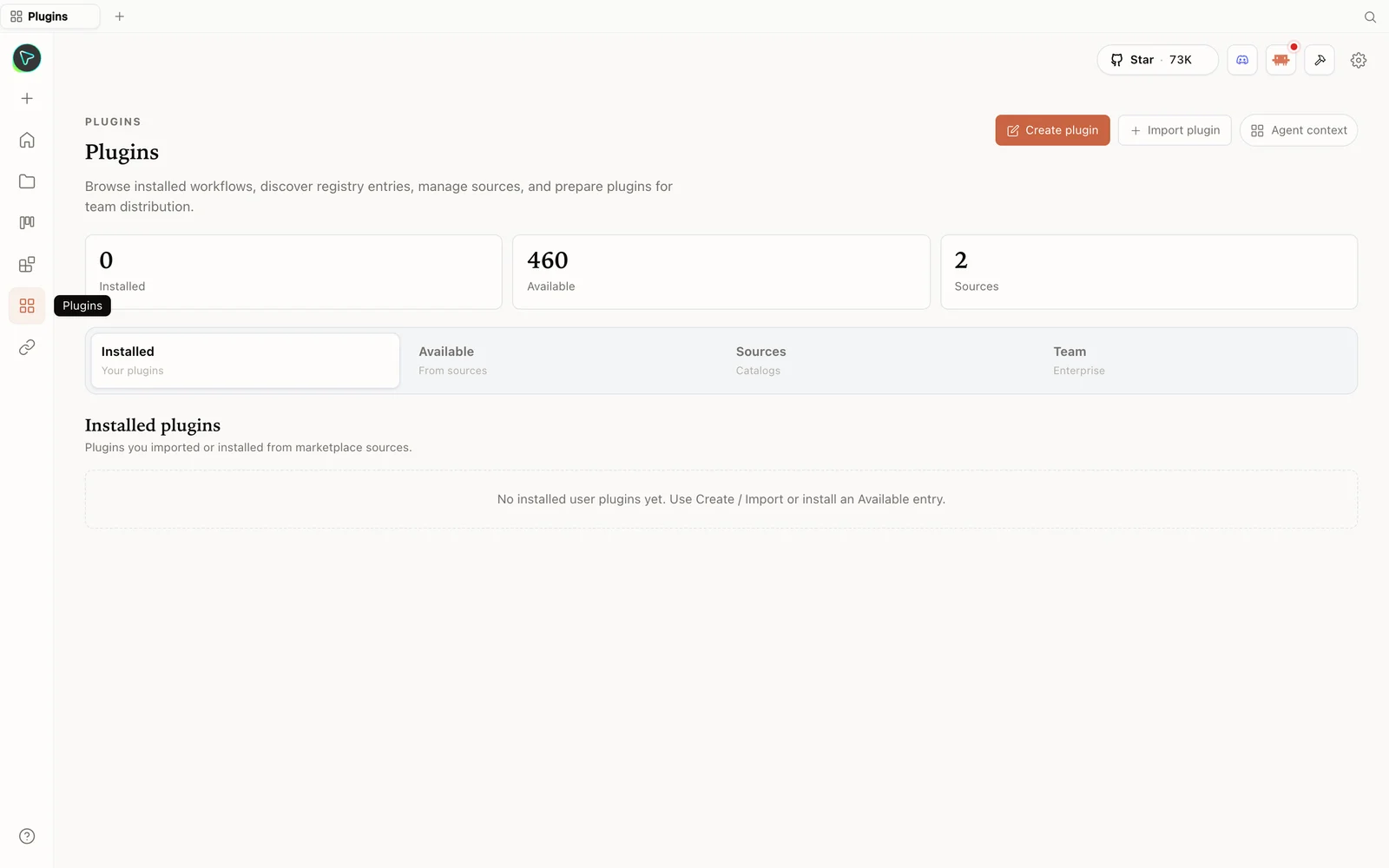 The plugins hub: browse the registry, import plugins, and prepare them for your team.
Step 3 — Build your first design
Create a Prototype, name it, pick fidelity (high), and start from a suggested brief (Tony picks a SaaS analytics dashboard). OpenDesign runs the discovery questions (brand context, chart data source, visual direction), you answer, pick a direction, and it builds. The finished artifact has a preview, source-code view, comments, and a Share menu — export as PDF, download, standalone HTML, save as template, and more.
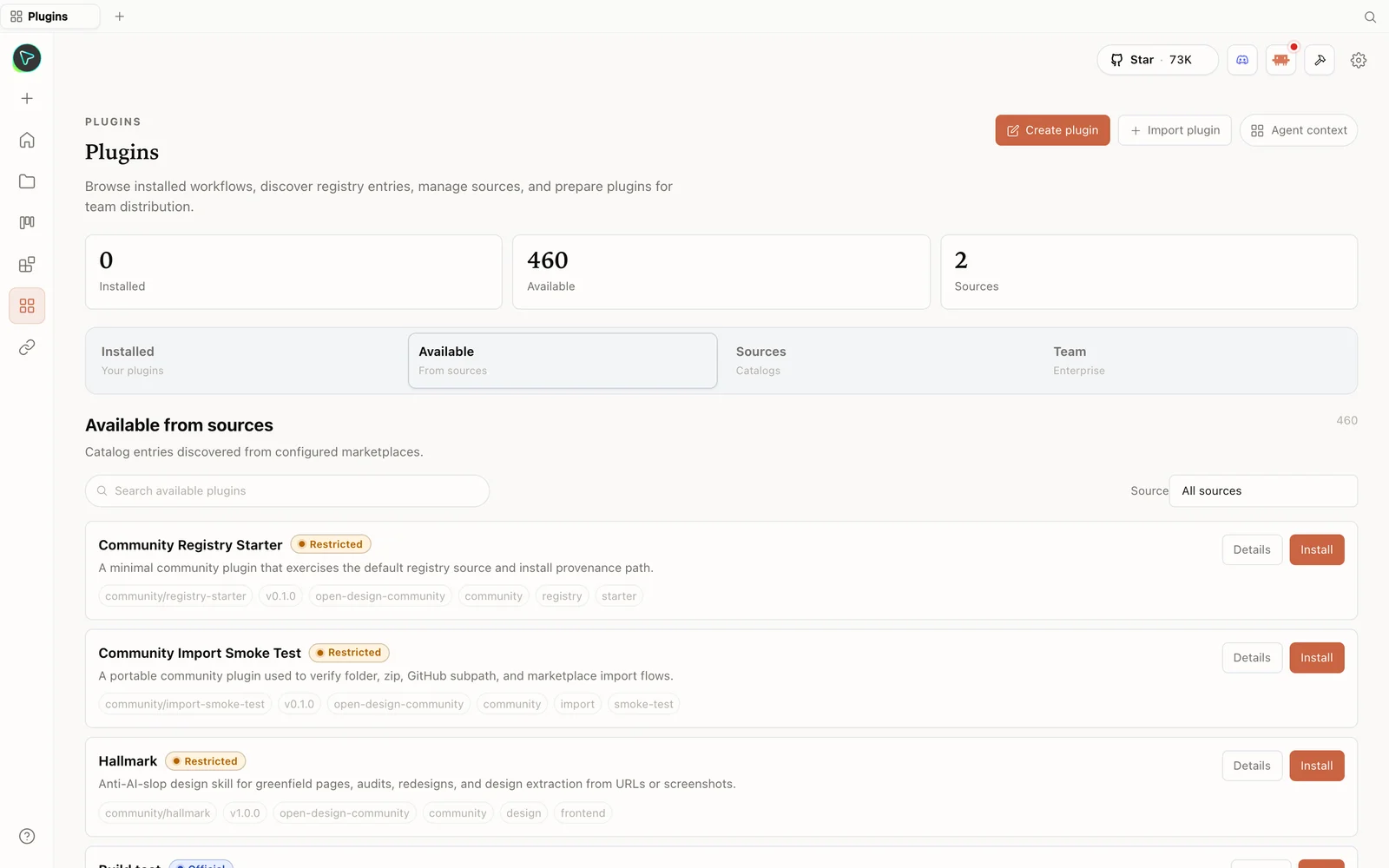 The plugin library: install skills straight from the registry — including anti-slop design skills.
Tips
- Pick the agent you already pay for — no second subscription, and it sets your quality/cost.
- Install Node 24 first to avoid the unsupported-engine warning.
- Use
local CLImode so OpenDesign auto-detects your installed agents. - Swap agents anytime — the choice isn’t permanent; change it in one click.
- No CLI? Use an API key (Anthropic or OpenAI) instead.
FAQ
Which agents does OpenDesign support? Many — Claude Code, Codex, Cursor, OpenCode, Qwen, GitHub Copilot CLI, Devin, Hermes, Kimi, Pi, Kiro, and more. It auto-detects the supported ones installed on your machine.
How do I choose one? Use the CLI you already pay for; pick a strong model for the initial build and a cheaper one for iteration; or use a free tier / your own API key.
Why the Node 24 warning? OpenDesign requires Node 24; on Node 22 you’ll see an “unsupported engine” warning. Install Node 24 to clear it.
Is it free and open source? Yes — Apache-2.0, local-first. Run it for free; you only pay for the model usage of whichever agent or key you connect.
This written guide is based on Tony Xhepa’s walkthrough. Watch the full video above, and subscribe to Tony Xhepa for more open-source dev tools.